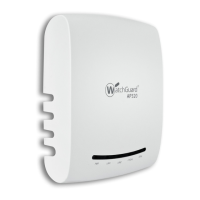
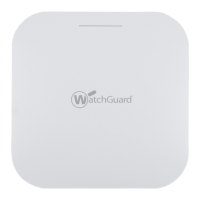
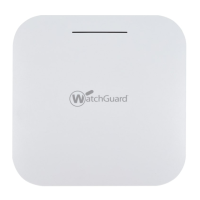
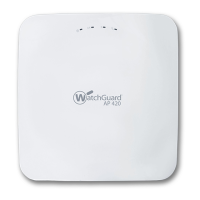
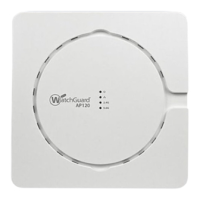
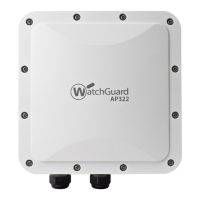
2 WatchGuard AP322
Hardware Specifications
About Your Hardware
Hardware Specifications
Environmental Requirements
To safely install your WatchGuard AP, we recommend that you:
Install the device indoors or outdoors, preferably under cover.
Make sure the device has adequate clearance for air flow and cooling.
Other environmental requirements:
AP322
Radio Type and
Frequency Band
2.4GHz, 802.11b/g/n. Max data rate: 450 Mbps
5GHz, 802.11a/n/ac. Max data rate: 1.3 Gbps
Antenna Six integrated omnidirectional antennas
EIRP
(Effective Isotropic
Radiated Power)
28.77 dBm
Ethernet interface 1 x 10/100/1000 Mbps Gigabit Ethernet (LAN1)
802.3at PoE+
1 x 10/100/1000 Mbps Gigabit Ethernet (LAN2) for wired
extension. The LAN2 port cannot be used for link
aggregation.
Power Interface LAN1 PoE+: 19W (802.3at)
Power
Consumption
Max: 19 W
Min: 11W
Average: 16W
MTBF Rating 157,108 hrs at 50°C
531,809 hrs at 25°C
Dimensions 210mm × 210mm × 67mm
Weight 3.22 lb. (1.46 kg)
Operating temperature -20°C to 55°C (-4°F to 131°F)
Operating relative humidity 5% to 95% non-condensing
Non-operating temperature -40°C to 70°C (-40°F to 158°F)
Non-operating relative humidity 5% to 95% non-condensing


 To Next Page