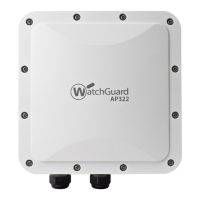
4 WatchGuard AP322
Hardware Specifications
Device Indicators
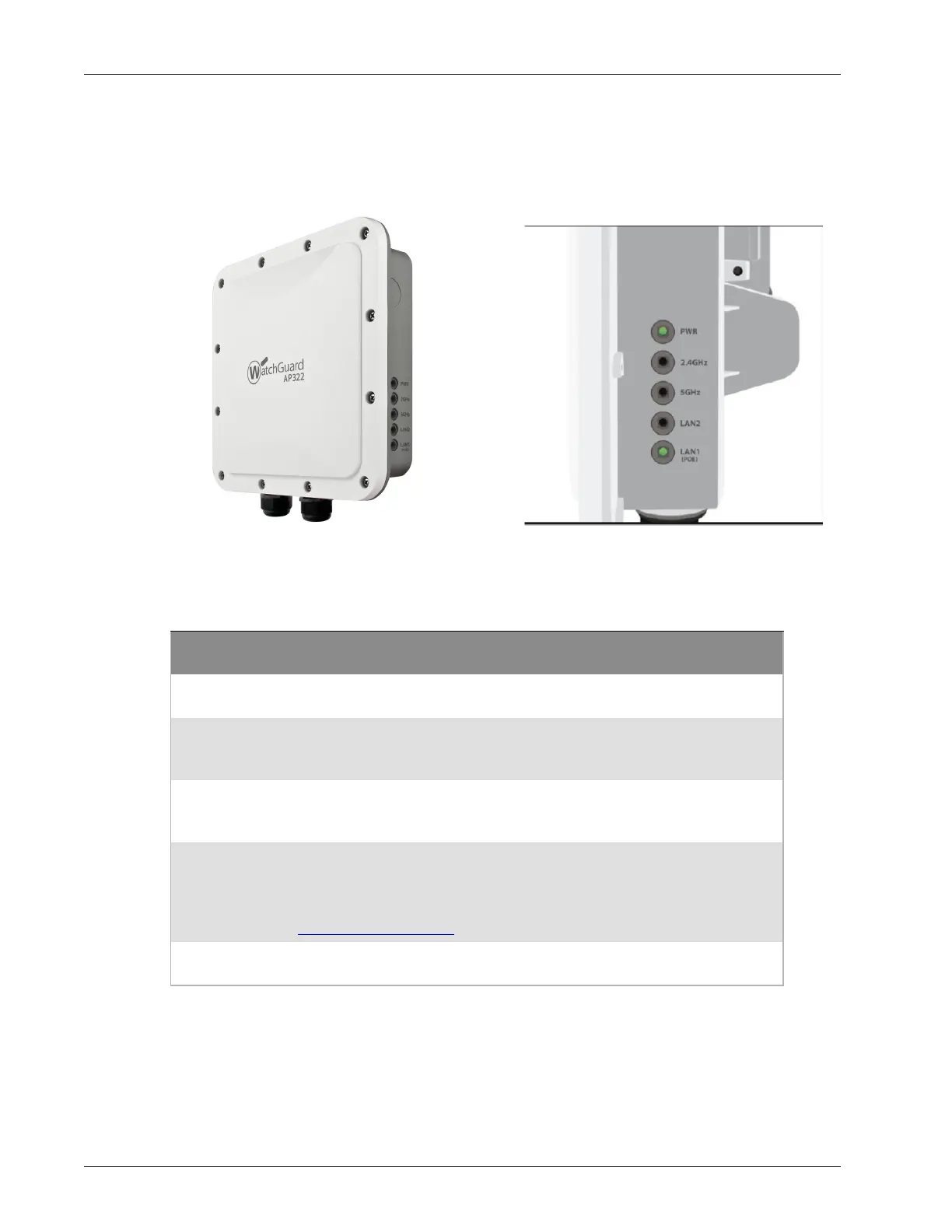
The side of the WatchGuard AP322 has these status indicators:
AP Firmware 8.8.1 and Higher
LED
Status
Power LAN 1 and
LAN2
2.4 GHz and 5 GHz
Radios
Off Powered off. No Ethernet
link.
Radio inactive.
Green Powered on. Operating at normal
power and capabilities.
(PoE+ or DC power)
Connected at
10/100/1000
Mbps.
Radio active.
Flashing
Green
Not connected to Wi-Fi Cloud or
paired with a Gateway Wireless
Controller.
--
Orange Powered on. Operating at reduced
power and capabilities.
(For example: PoE 802.3af on PoE+
802.3at capable APs).
See AP Power Requirements
.
- -
Flashing
Orange
No IP address received from DHCP. - -


 To Next Page