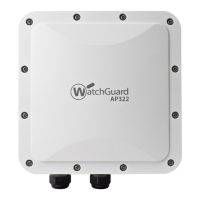
6 WatchGuard AP322
Hardware Specifications
Mounting Instructions
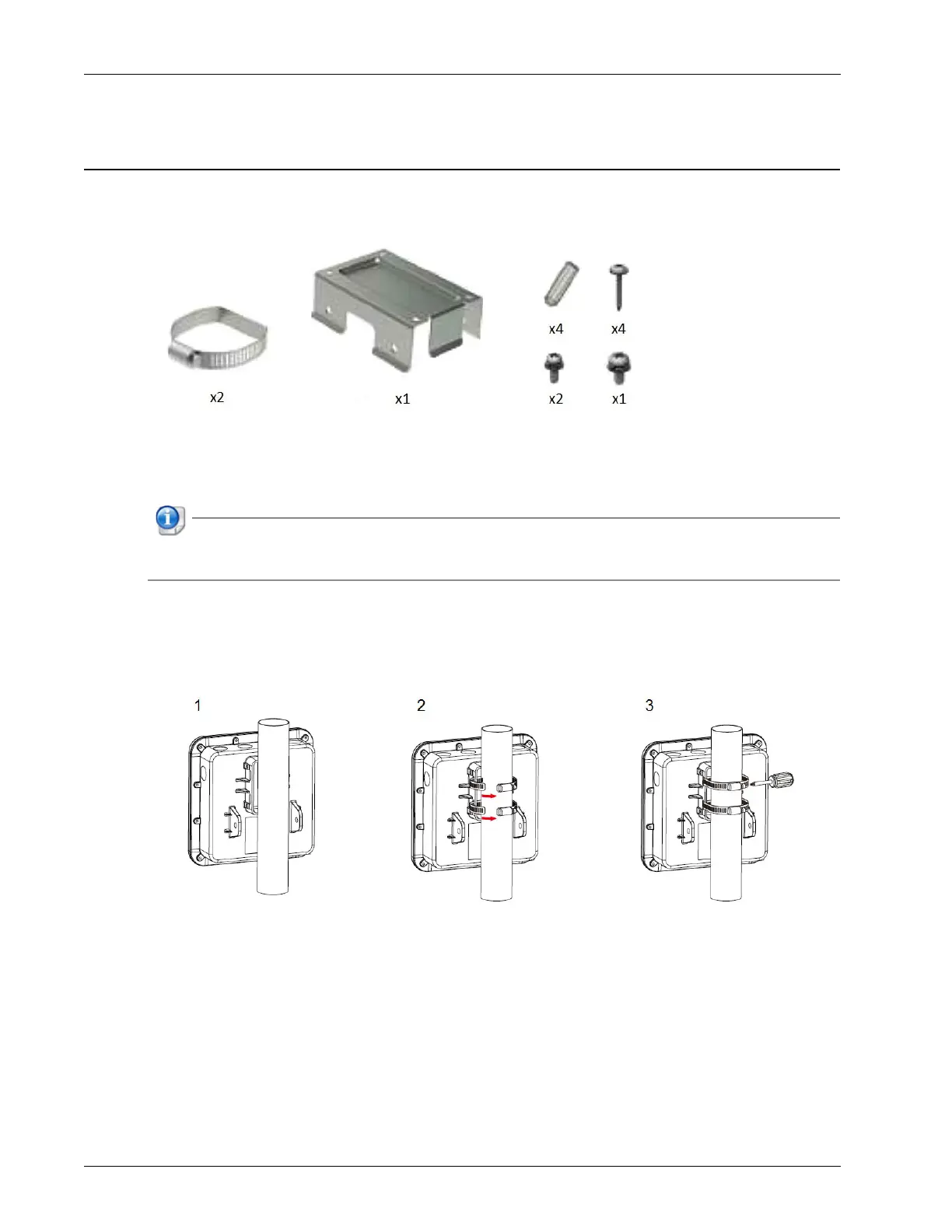
Your package includes the AP322 device, pole-mount, and wall-mount accessories.
Pole Mount Installation
Use the supplied pole-mounting accessories to install the AP322 on a pole.
The MAC address and serial number of your AP are printed on a label on the back of the device.
Make sure you record this information before you mount the AP.
1. Place the AP on the pole.
2. Insert the straps in the slots on the AP and wrap around the pole.
3. Fasten the screws and make sure the AP is firmly attached to the pole.


 To Next Page