6
User programming (cont’d)
Control programming is now complete. Press the extra cycle button, and the control will
exit from the programming mode and resume normal operation.
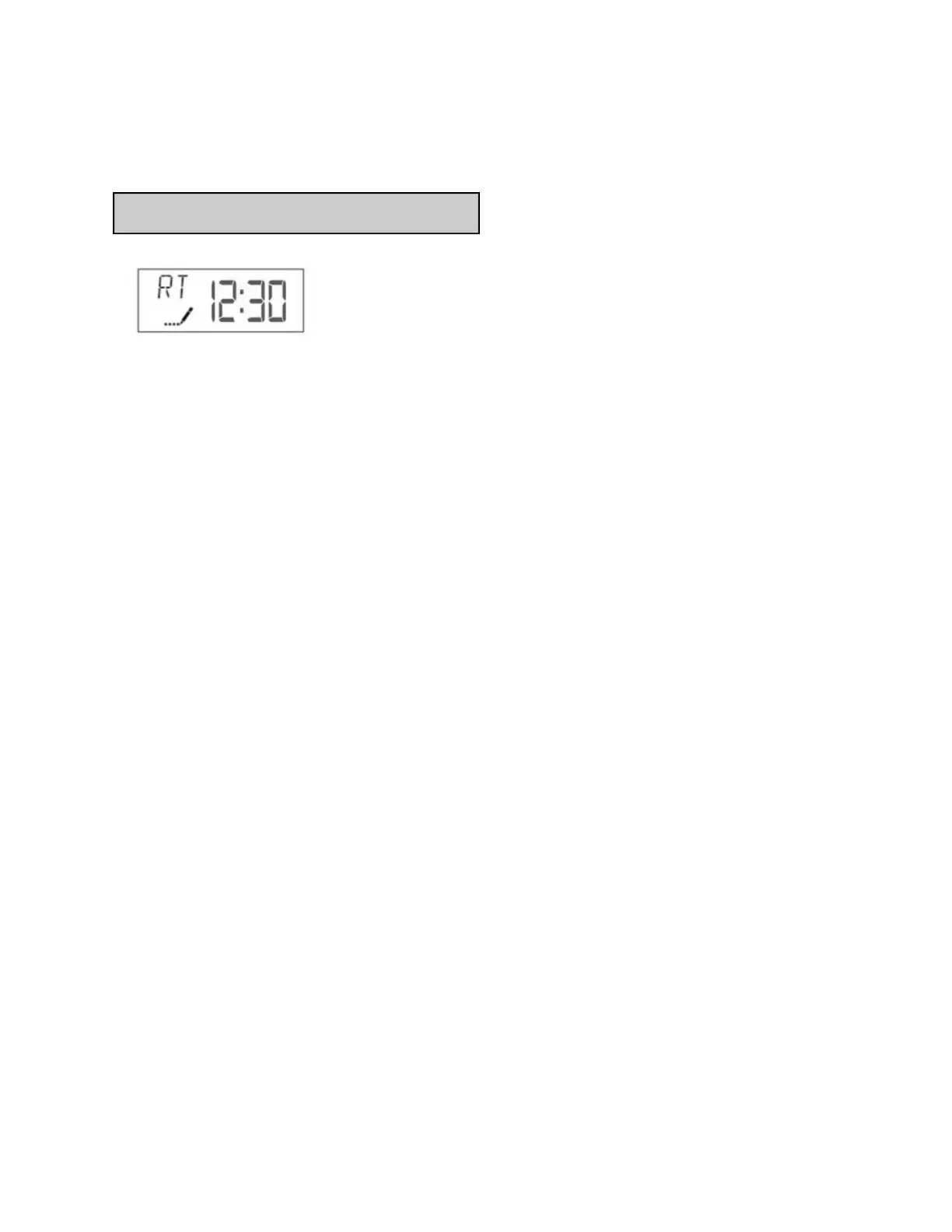
3. Adjust Regeneration Time: Press the Extra Cycle button to advance to next option. This
setting determines the time of day that the unit will enter the regeneration/backwash cycle.
The most common / default setting is 12:30 AM. IMPORTANT: this regeneration time
should be offset from any additional water treatment’s regeneration time by at least 1 hour to
ensure adequate regeneration pressure. Contact Water Control if you have multiple treatment
systems installed.
Start-Up Procedure
Important!
Initial Water Test
After 14 days of operation, fill sample bottle number one (included) with treated water from the
building. Mail the sample bottle to WCC using the supplied pre-postage paid (USPS) mailer
box. WCC will test this sample to ensure proper system operation. Results will be reported in
10 - 14 days.
Test water quarterly after this initial test (first year test bottles included).


 To Next Page