EasyManua.ls Logo

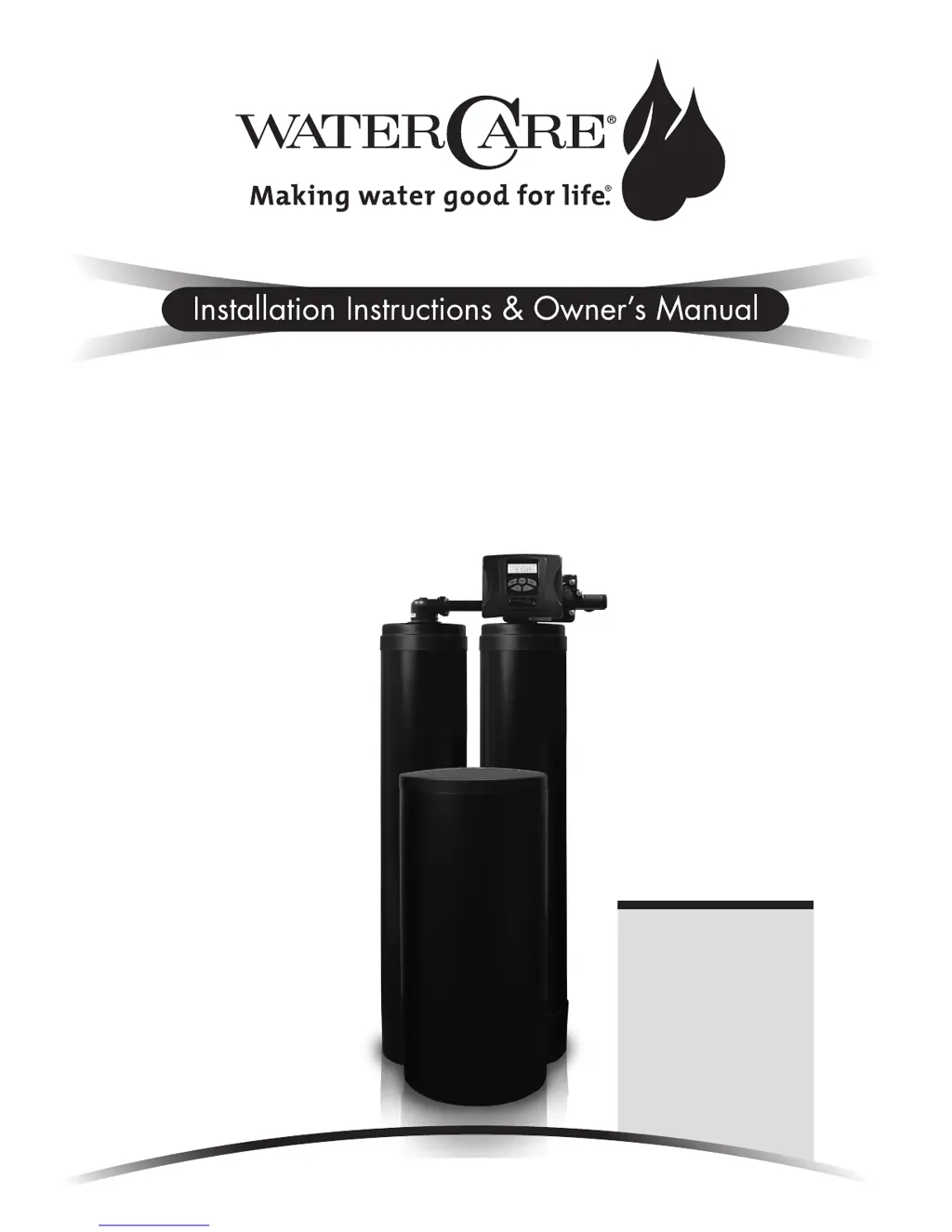
WaterCare TC1-TW - User Manual

WaterCare TC1-TW
36 pages
Print Icon
To Next Page IconTo Next Page
Loading...
For Models:
TC1-TW
TC2-TW
CSE-TW
CSP-TW
CSERC-TW
CSPRC-TW
TotalCare
®
, CareSoft Elite
®
and
CareSoft Pro
®
Series
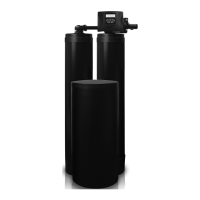
Twin Water Softeners and Conditioners

Other manuals for WaterCare TC1-TW

Questions and Answers

  • E
    Eric GoodmanSep 22, 2025
    Why is there too much water in the regenerant tank of my WaterCare TC1-TW Water Dispenser?
    • T
      tonyabaileySep 22, 2025
      If there is excessive water in the regenerant tank of your WaterCare Water Dispenser, consider the following: * Improper program settings. Check the refill setting. * A plugged injector. Remove the injector and replace it. * The drive cap assembly not tightened properly. Re-tighten the drive cap assembly. * A damaged seal/stack assembly. Replace the seal/stack. * A restricted or kinked drain line. Check the drain line for restrictions or debris and unkink the drain line. * A plugged backwash flow controller. Remove the backwash flow controller and clean or replace it. * A missing refill flow controller. Replace the refill flow controller.
  • C
    Cynthia VazquezAug 25, 2025
    How to fix no display on WaterCare Water Dispenser PC board?
    • H
      Heather MullinsAug 26, 2025
      If the display on the PC board of your WaterCare Water Dispenser is not showing anything, it could be due to several reasons: a depleted battery, a control valve power adapter not plugged in, an improper power supply, a defective power adapter, a defective PC board, or no power at the electric outlet. To resolve this, refer to the Operating Display and Maintenance section for battery issues. Ensure the power adapter is correctly plugged into the outlet and connected to the PC board. Verify the proper voltage is being delivered to the PC board. If these steps do not work, the power adapter or the PC board may need to be replaced. Also, make sure the electric outlet is working.
  • L
    Laura WelchAug 27, 2025
    Why does my WaterCare TC1-TW use so much regenerant?
    • K
      Kayla DudleyAug 27, 2025
      If your WaterCare Water Dispenser control valve uses too much regenerant, it could be due to an improper refill setting, incorrect program settings, or frequent regeneration of the control valve. Check the refill setting and adjust the program settings to match the water quality and application needs. Also, inspect for leaking fixtures that may be exhausting capacity or if the system is undersized.
  • C
    Chad RamirezAug 27, 2025
    Why is the time wrong on my WaterCare TC1-TW Water Dispenser PC board?
    • D
      David RayAug 27, 2025
      If the WaterCare Water Dispenser's PC board does not display the correct time of day, it could be due to the power adapter being plugged into an outlet controlled by a light switch, a tripped breaker switch or GFI, a power outage, or a defective PC board. To resolve this, use an uninterrupted outlet, reset the breaker switch and/or GFI switch, reset the time of day (and if the PC board has a battery backup, the battery may be depleted), or replace the PC board.
  • J
    James FernandezSep 23, 2025
    Why doesn't my WaterCare TC1-TW display the correct time?
    • C
      Chad JonesSep 23, 2025
      If the PC board of your WaterCare Water Dispenser does not display the correct time of day, here are a few potential reasons: * The power adapter may be plugged into an electric outlet controlled by a light switch. Use an uninterrupted outlet. * A breaker switch and/or GFI may have tripped. Reset the breaker switch and/or GFI switch. * There may have been a power outage. Reset the time of day. If the PC board has a battery backup, the battery may be depleted. See the front cover and drive assembly drawing for instructions. * The PC board may be defective. Replace the PC board.
  • A
    Amanda SchultzNov 25, 2025
    What to do if WaterCare Water Dispenser doesn't regenerate automatically?
    • S
      Steve MitchellNov 25, 2025
      If the WaterCare Water Dispenser control valve does not regenerate automatically but does when the correct button(s) is depressed and held, it could be due to several reasons. The bypass valve might be in the bypass position; turn the bypass handles to place it in the service position. The meter might not be connected to the meter connection on the PC board; connect the meter to the three-pin connection labeled METER on the PC board. The meter turbine could be restricted or stalled; remove the meter and check for rotation or foreign material. There might be incorrect programming; check for programming errors. The meter wire might not be securely installed into the three-pin connector; verify the meter cable wires are securely installed into the three-pin connector labeled METER. The meter ...
  • D
    Darin KentSep 10, 2025
    What to do if the WaterCare TC1-TW Water Dispenser PC board does not display correct time?
    • M
      milleranneSep 10, 2025
      If your WaterCare Water Dispenser's PC board is showing the wrong time, here's what you can check: * Make sure the power adapter is plugged into an outlet that isn't controlled by a light switch; use an uninterrupted outlet. * Check if a breaker switch or GFI has tripped and reset it. * If there was a power outage, reset the time of day. Note that if your PC board has a battery backup, the battery might be depleted. * In some cases, the PC board itself might be defective and need replacing.
  • K
    Kyle WebbSep 12, 2025
    How to fix a WaterCare TC1-TW with no display on PC board?
    • J
      Jacqueline BullockSep 12, 2025
      If there is no display on the PC board of your WaterCare Water Dispenser, here are some possible causes and solutions: * **No power at the electric outlet:** Repair the outlet or use a working outlet. * **Control valve power adapter not plugged in:** Plug the power adapter into the outlet, or connect the power cord end to the PC board connection. * **Improper power supply:** Verify that the proper voltage is being delivered to the PC board. * **Defective power adapter:** Replace the power adapter. * **Defective PC board:** Replace the PC board. * **Dead battery:** Replace the battery.
  • M
    Mark GrossSep 4, 2025
    What does E3 error mean on WaterCare TC1-TW?
    • K
      Kendra JohnsonSep 4, 2025
      If your WaterCare Water Dispenser displays error codes E3, Err – 1003, or Err – 103, it indicates that the control valve motor ran too long and was unable to find the next cycle position. This could be due to the drive bracket not being snapped in properly, preventing the reduction gears and drive gear from interfacing correctly. To resolve this, snap the drive bracket in properly, then press the NEXT and REGEN buttons for 3 seconds to resynchronize the software with the piston position, or disconnect the power supply from the PC board for 5 seconds and then reconnect it.
  • J
    Joseph KentSep 1, 2025
    Why won't my WaterCare Water Dispenser draw in regenerant?
    • G
      Gina GeorgeSep 2, 2025
      If your WaterCare Water Dispenser control valve fails to draw in regenerant, it could be due to a plugged injector, a faulty regenerant piston, a regenerant line connection leak, a drain line restriction causing excess back pressure, a drain line that is too long or too high, or low water pressure. To fix this, remove and replace the injector, replace the regenerant piston, inspect the regenerant line for air leaks, inspect the drain line and remove any restrictions, shorten the drain line length and/or height, and check the incoming water pressure to ensure it remains at a minimum of 25 psi.

WaterCare TC1-TW Specifications

General IconGeneral
BrandWaterCare
ModelTC1-TW
CategoryWater Dispenser
LanguageEnglish

Related product manuals