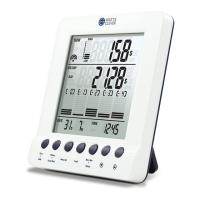
Setup
Step 9 • Complete Setting Mode of Energy Monitor
To modify, please press the [ Set button1] again to restart the setting
from TARIFF 1.
To confirm please press the [ Down button3] and the LCD screen will
return to unpaired COST Mode (as Fig. 12).
To enter into the Setting Mode from the COST Mode, Press and hold the
[ set button1 ] for 3 seconds, LCD screen will enter the setting mode.
Fig. 12 COST Mode (unpaired)
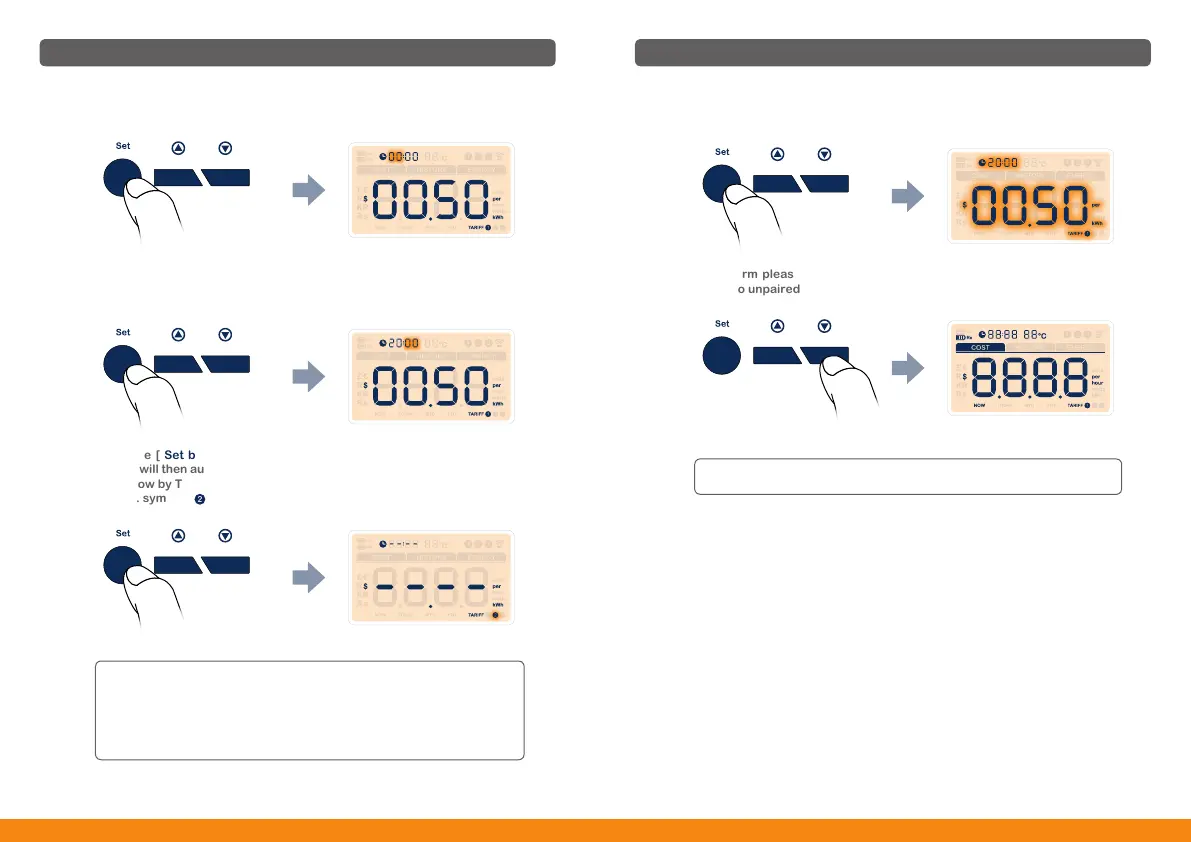
Press the [ Set button1] to confirm the starting time of TARIFF 1. The
display will then automatically lead to setting interface of TARIFF 2 (as Fig.
11), follow by TARIFF 3. Please operate the setting same way as Setting of
Tariff 1. symbol [ ] is flashing behind [ TARIFF ].
Setup
Press the [ Set button1] shortly, the hour value of the clock will flash.
Use the [ Up button2] or [ Down button3] to adjust to the correct hour
(range: 00-23).
Then press the [ Set button1] shortly to confirm and the minute value will
flash. Use the [ Up button2] or [ Down button3] to adjust to the correct
minute (range: 00-59).
Fig. 11
● For single tariff, you can set any starting time for TARIFF 1 or just
leave the dashes unchanged go to (Step 9 • Complete Setting Mode
of Energy Monitor).
● For multi-tariff, you have to set the starting time according to the real
case. Do the same way as setting of TARIFF 1 to complete the multi
-tariff setting.
14 15

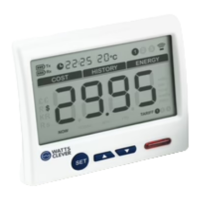

 To Next Page