TrackSpacer User Manual, Revision A
11
Controls
Freeze button – freezes the EQ at the current level based on the EQ Ratio, Low Pass, and High
Pass settings
EQ ratio control – sets the amount (ratio) that TrackSpacer subtracts
Low pass frequency control – sets the low pass frequency
High pass frequency control – sets the high pass frequency
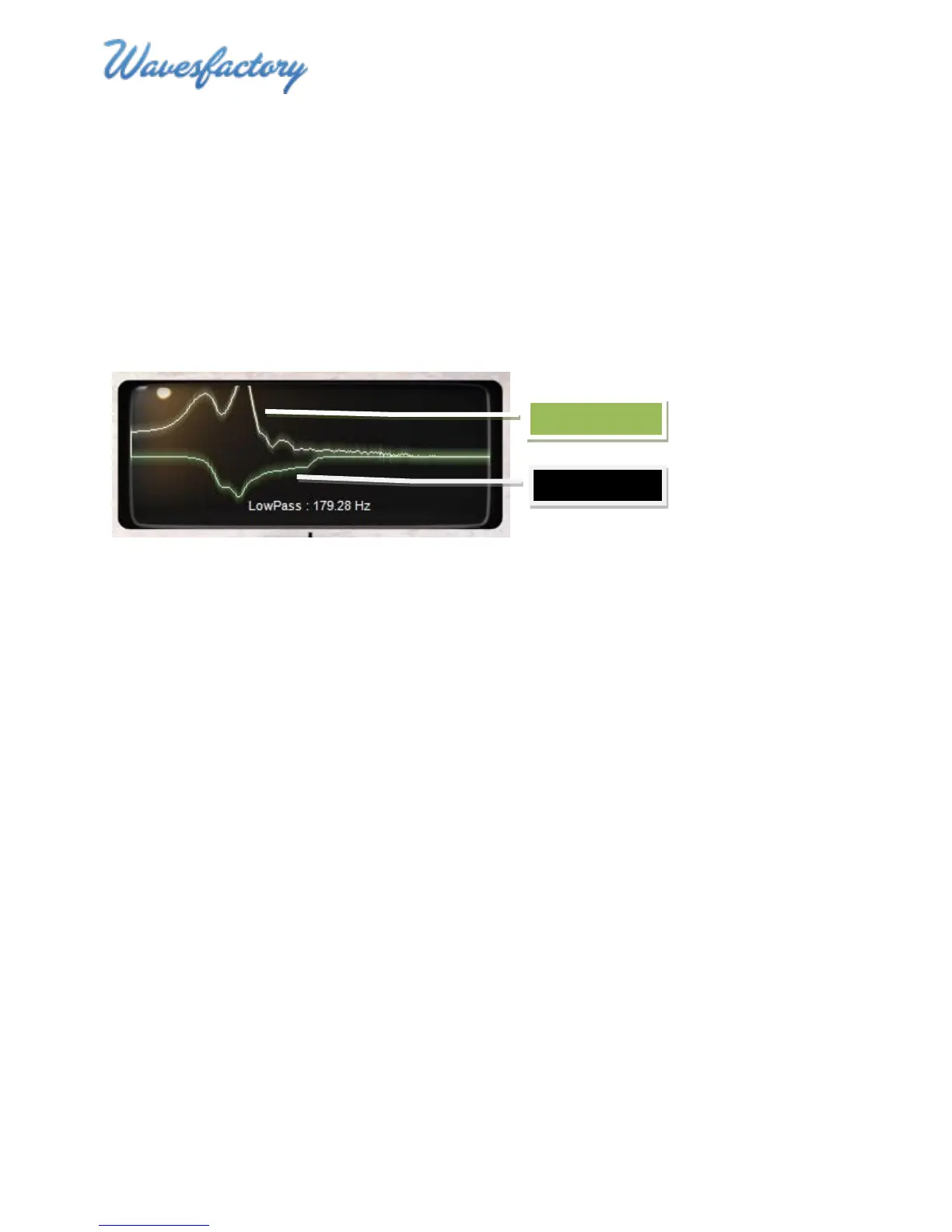
EQ Display
The EQ Display shows the traces of the control signal spectral content (upper trace – white) and the
spectral content of the frequencies subtracted (EQ applied) to the affected signal (lower trace – green).
TrackSpacer analyzes and subtracts frequencies in real time so the traces animate based on the audio
signals.
The area below the audio signals indicates the name and value of any control that is being changed (or
has the mouse cursor hovering over it).



 To Next Page