TrackSpacer User Manual, Revision A
12
Basic Usage of TrackSpacer
Basic usage involves adjusting TrackSpacer’s controls and most importantly, listening carefully to the
mix. The steps below are designed to get you started.
1. Ensure that the sidechain is setup correctly.
2. Start audio playback in the DAW. When you first insert TrackSpacer the audio controls will be at
their default settings:
EQ Ratio – 25%
Low Pass Frequency – 20 Hz
High Pass Frequency – 20,000 Hz
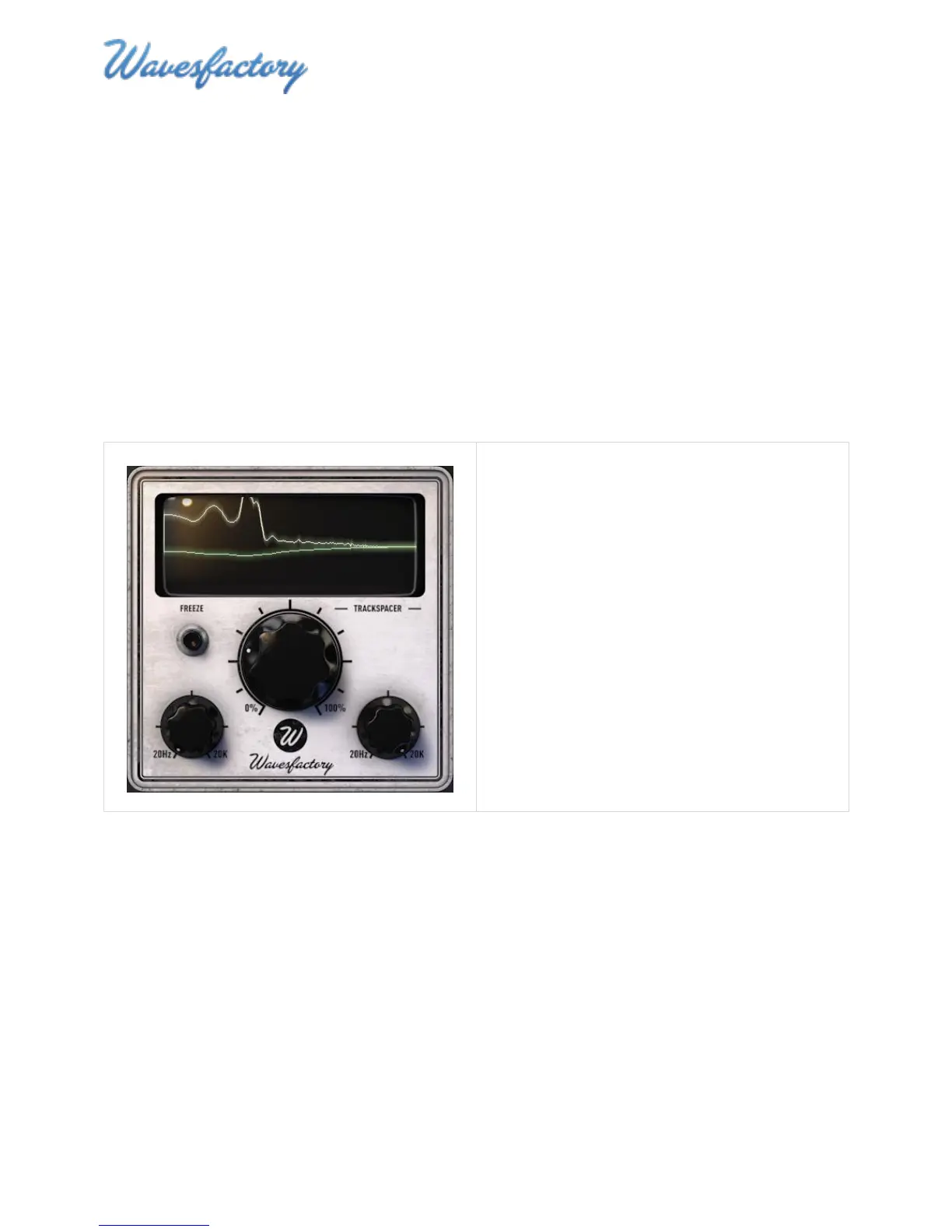
3. Listen to the audio of the affected signal and
watch the EQ Display.
In the screenshot on the left you can see that
the default settings need fine-tuning because
they are not creating much space.



 To Next Page