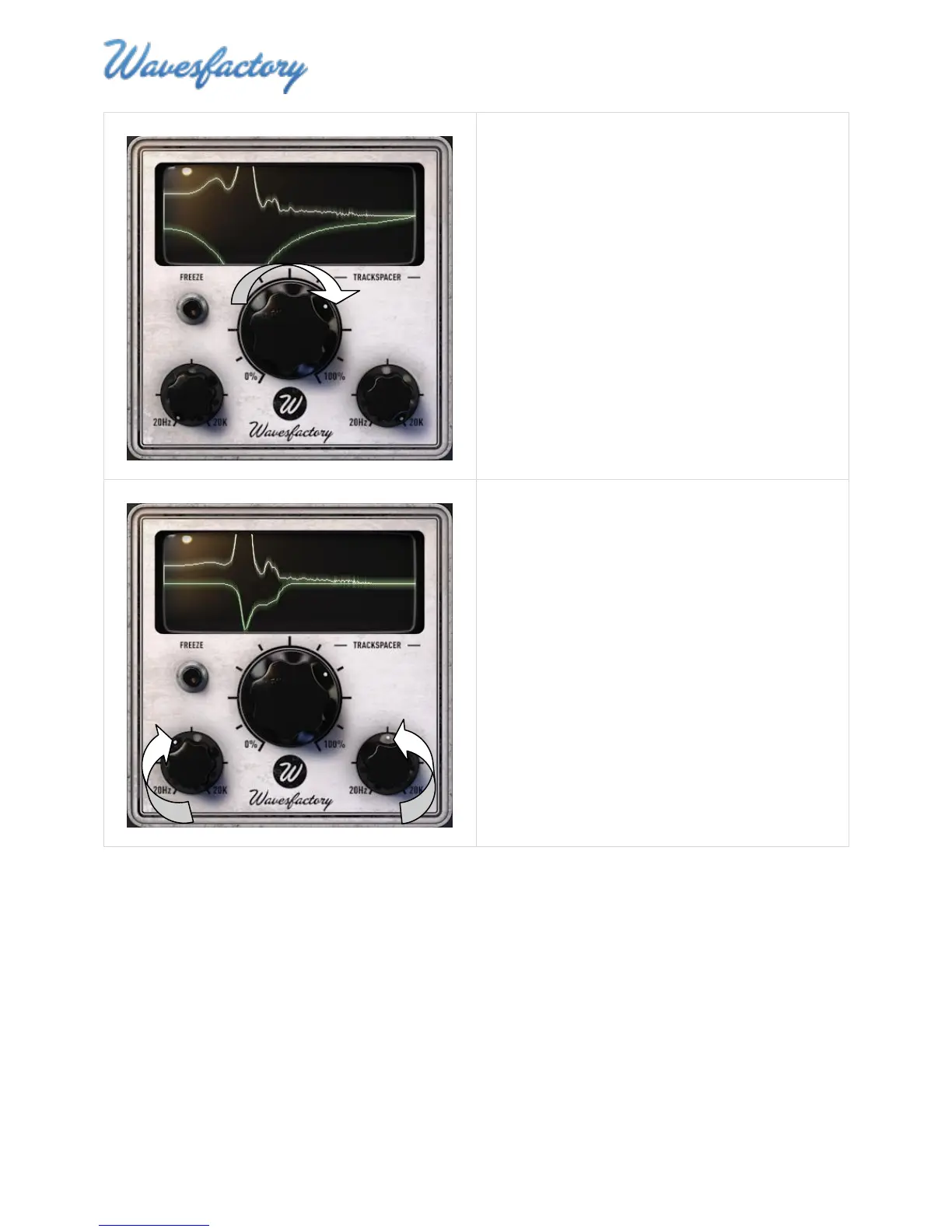
4. Increase the EQ Ratio to get a better
perspective of the range of frequencies being
subtracted from the affected signal.
At this point you may only be able to hear the
affected signal very faintly.
5. Adjust the Low Pass Frequency and High Pass
Frequency controls until you can hear (and
see) that TrackSpacer is subtracting enough of
the affected signal to make room for the audio
of the control signal.
In the screenshot on the left the Low Pass and
High Pass settings have been adjusted to
narrow the range of frequencies that are
subtracted.
Note: Although there are many ways to use
TrackSpacer, one effective method is to create
a notch that subtracts only those frequencies
that seem to be blurring or muddying the mix.



 To Next Page