TrackSpacer User Manual, Revision A
6
Entering Your Serial Number
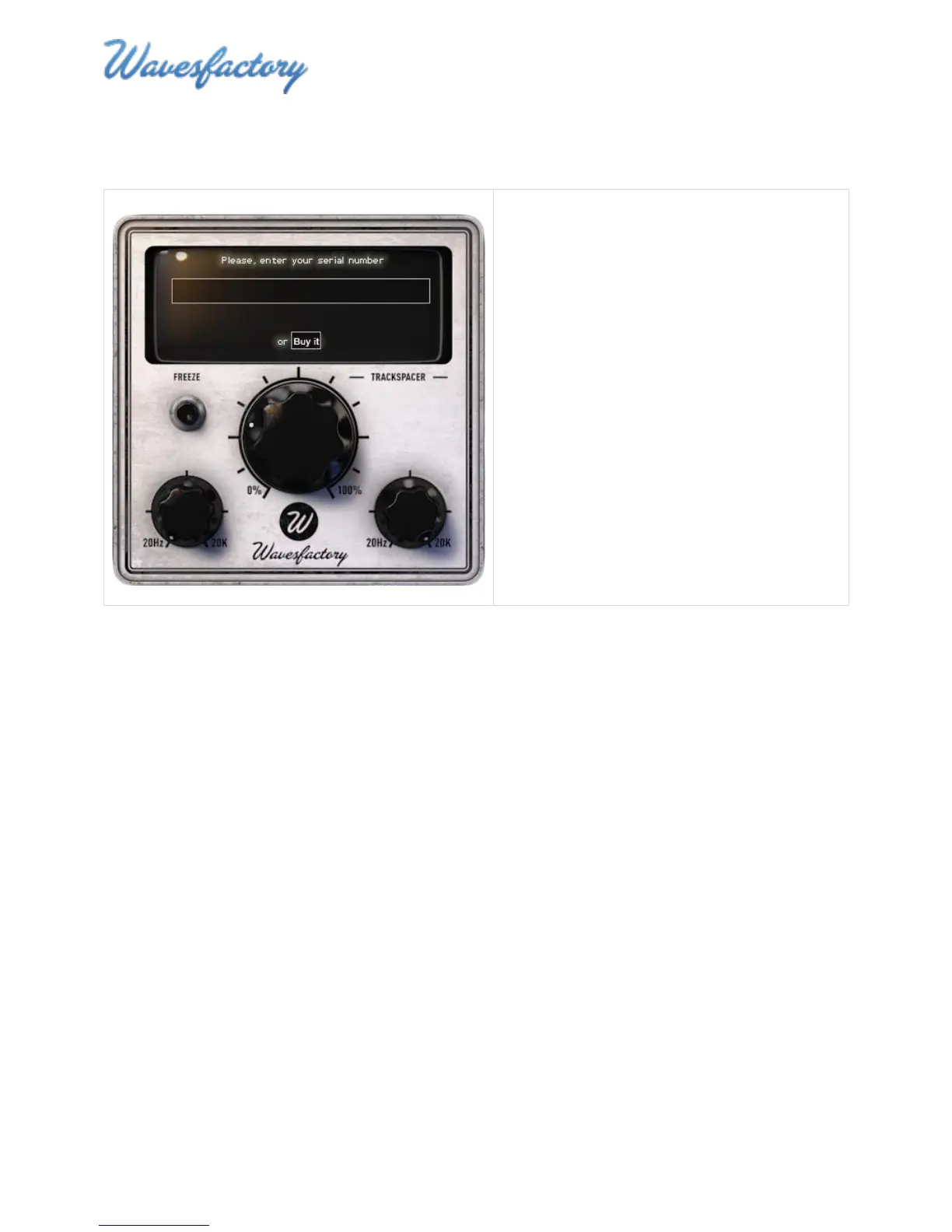
You will be prompted to enter a serial number the first time you insert TrackSpacer into a channel.
1. Copy and paste the serial number into the
text field, then press the Enter/Return key.
2. Close TrackSpacer.
3. Relaunch TrackSpacer.
Demo Version Limitations
Please note that the demo version of TrackSpacer has the following limitations:
MIDI automation of controls is disabled
Control settings are not saved
An audio watermark sounds at two-minute intervals



 To Next Page