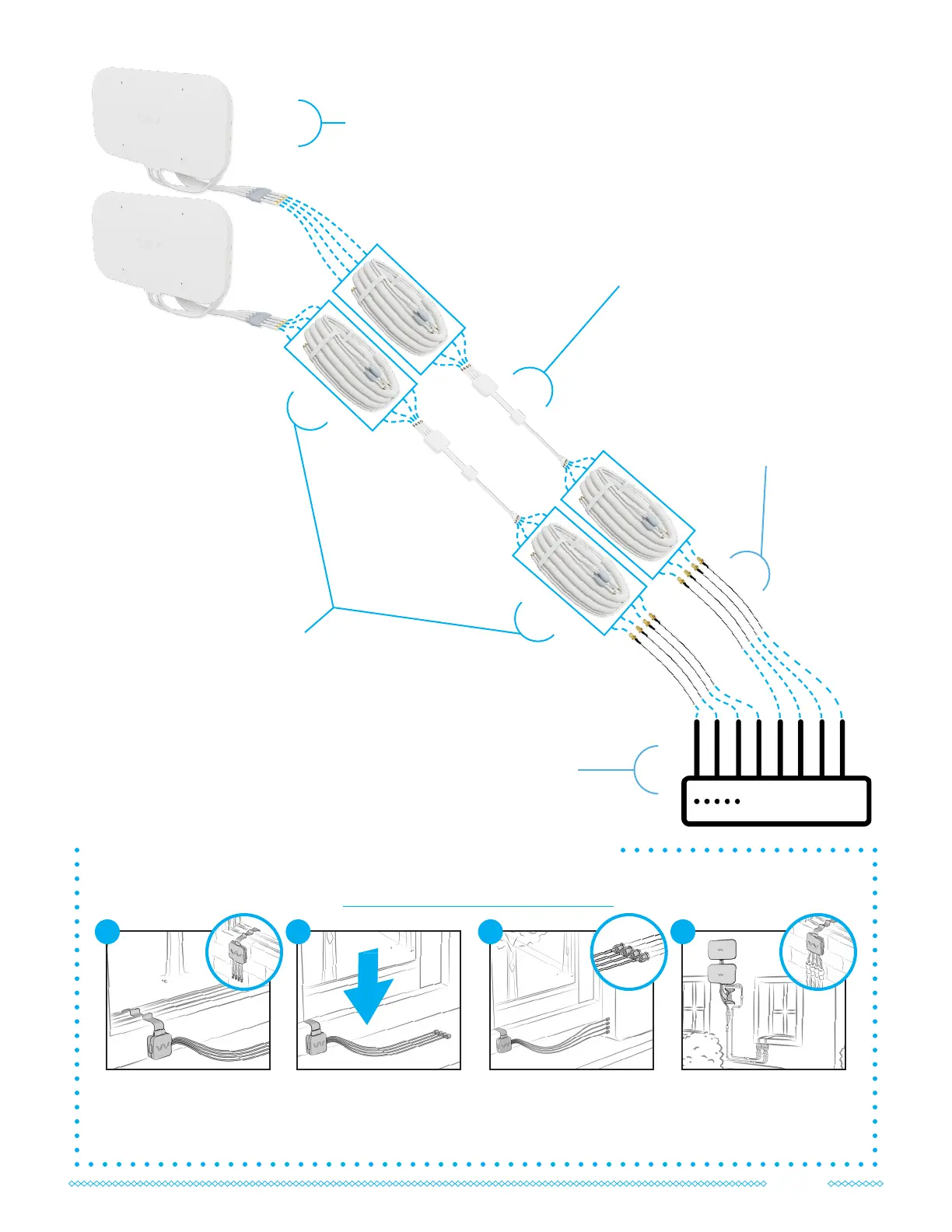
Your Quad Window Entry Cables can be connected at any point in your system as needed. Follow the
manual included or nd it online at waveform.com/window-entry-manual
How to Install the Quad Window Entry Cables
Loosely position each
window entry cable in your
window frame, with the
larger cases outside.
1
Connect the indoor
connectors to your router
or UltraFlex cables.
3
Connect the outdoor
connectors to each
QuadMini or UltraFlex
cable.
4
Check that your window
fully closes. If not, please
reach out to us for
assistance.
2
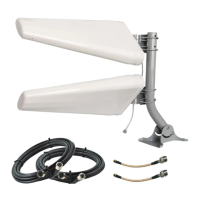
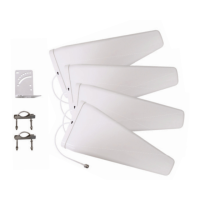
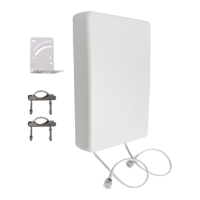
QuadMini
Antennas
OPTIONAL:
Adapters
Only included in the
complete kit.
Adapters are required
for routers without SMA
ports.
OPTIONAL:
Quad Window Entry Cables
Only included in the complete kit.
Can be connected at any point in the
cable path.
OPTIONAL:
UltraFlex-Quad
Cables
Only included in the complete
kit. Lengths vary by kit.
Keep track of the cable paths
by matching each label
number (e.g. Cable 1 to
Antenna 1).
Your Cellular
Router
11



 To Next Page