34 CHAPTER 5 USING CLICK SUPERVISOR
Connecting the computer to another device that has a RS-232 port but is not computer-
programmable, such as the Click 200, will not allow Click Supervisor to communicate with
the other computer-programmable devices on the T-bus.
Accessing the Communication Screen
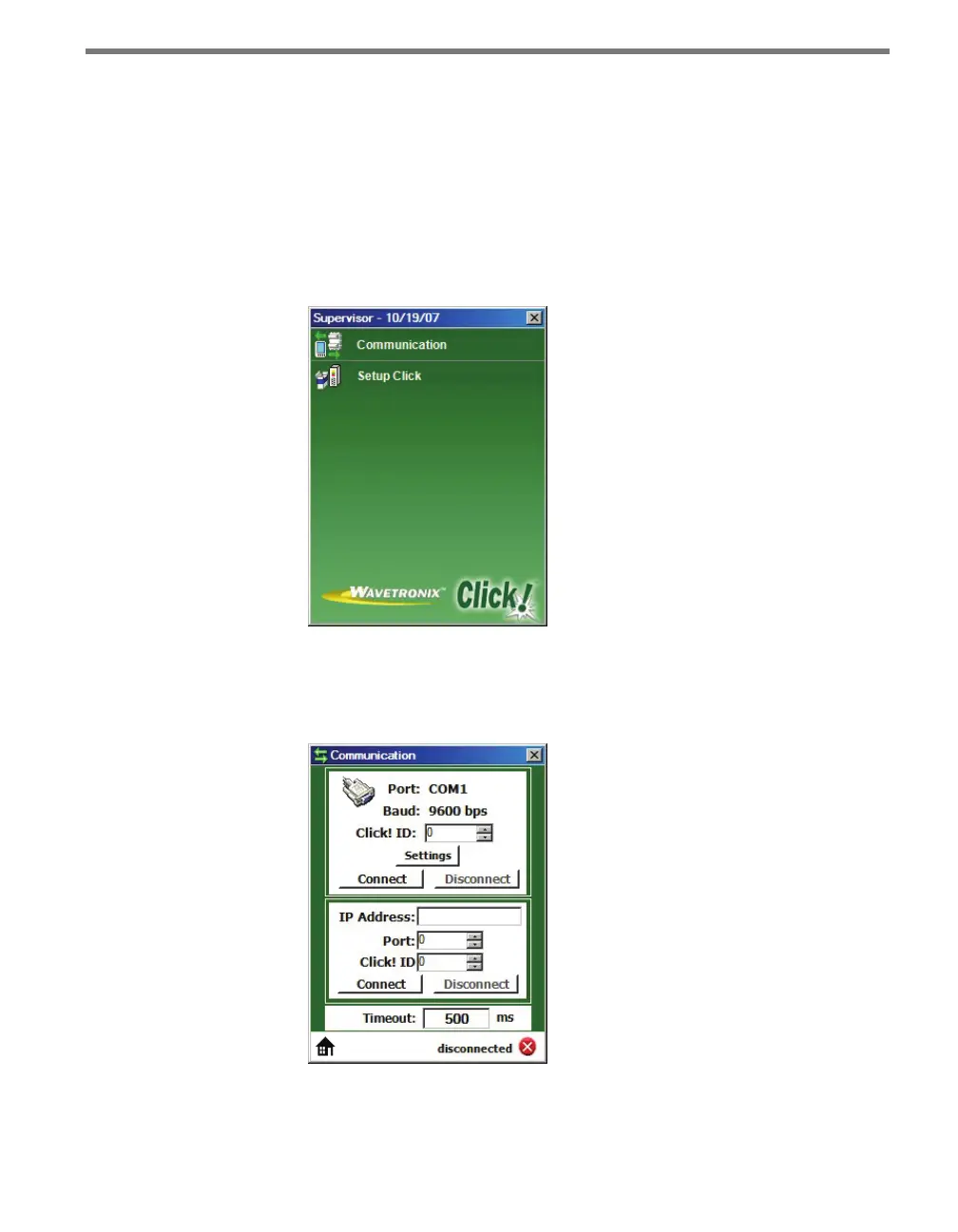
To connect to your devices with Click Supervisor, open the program by double-clicking on
it. It will bring you to the Click Supervisor main screen (see Figure 5.1).
Figure 5.1 – Click Supervisor Main Screen
Click on Communication to access the Communication screen (see Figure 5.2). ere are
two ways to connect to your Click devices: through a serial connection or an IP connection.
Figure 5.2 – Communication Screen



 To Next Page