2.2 Opening/Closing Printer Door
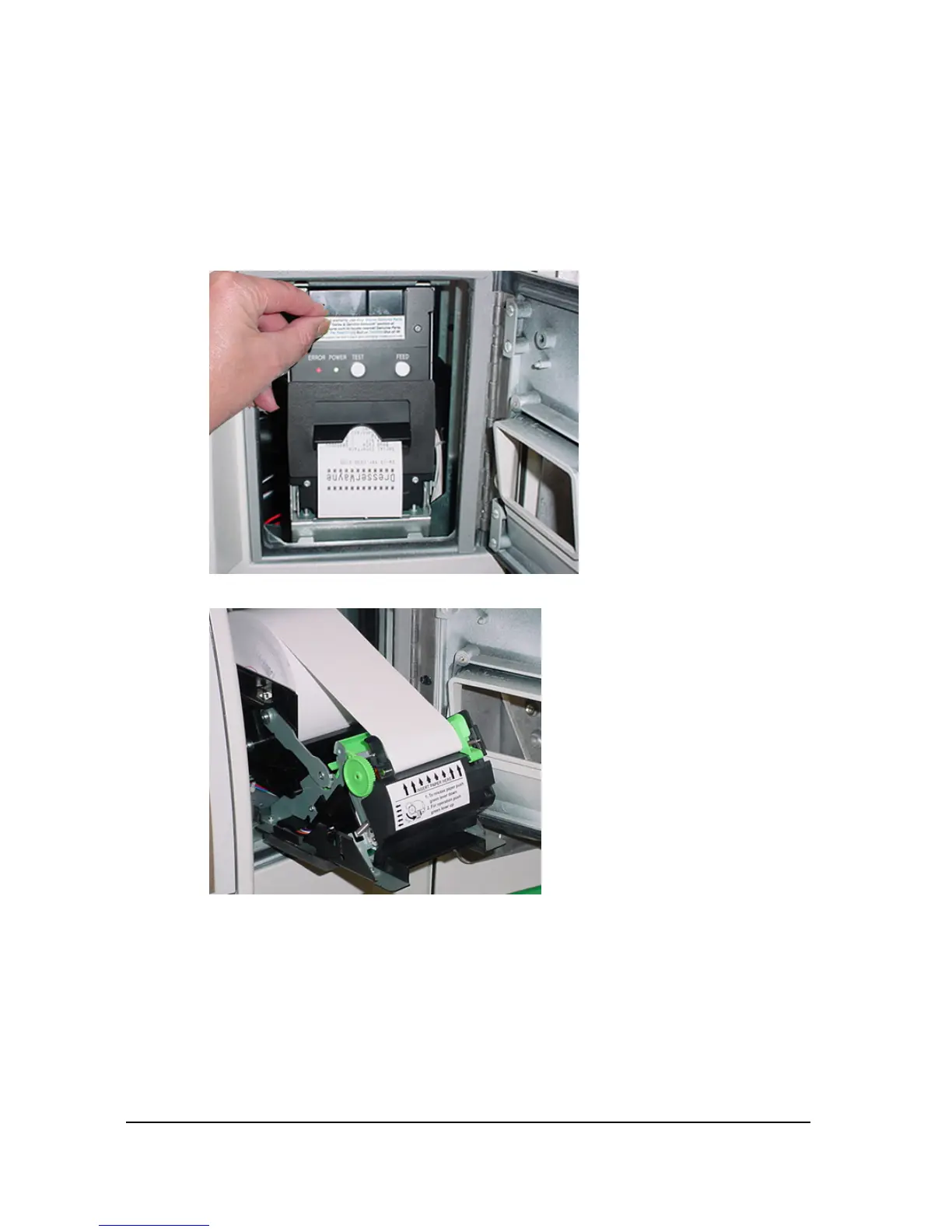
1. At the top of the printer, pull the front door handle down to open the printer
door as shown below.
2. Push the printer door up and close until a click is heard which locks the
door. The printer will then begin the test print.
Printer door closed position
Printer door open position
4____________________________________________________________________________________
P/N 000-920921- Rev 0D 04/2015


 To Next Page