EasyManua.ls Logo

Weber ZH825B - User Manual

Weber ZH825B
18 pages
Print Icon
To Next Page IconTo Next Page
Loading...
Users Manual
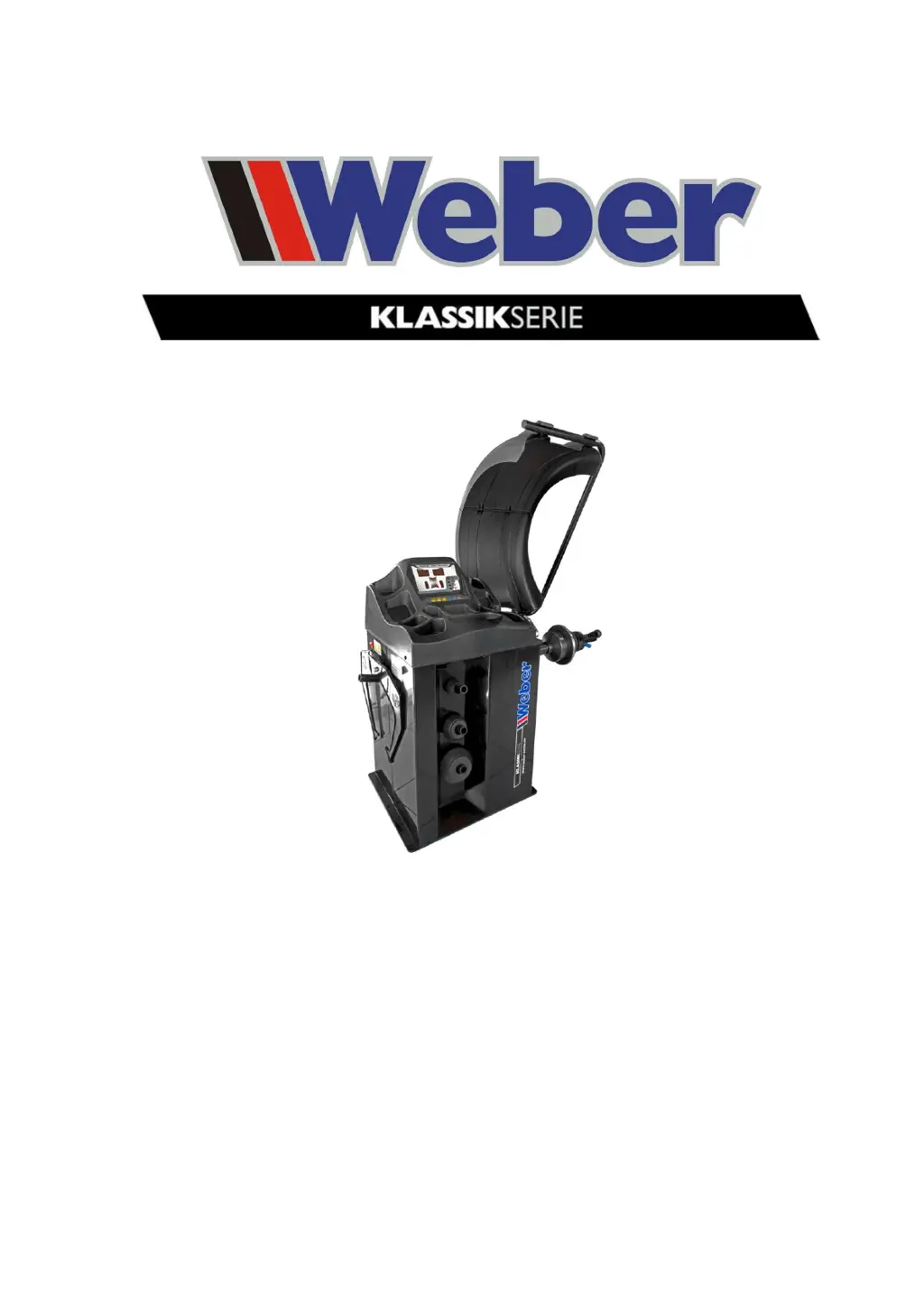
Weber Klassik Series
Wheel balancer
Version 1.4
Status: June 2016
www.Weber-Werke.de
Weber GmbH
Sülzbach 1
D-37293 Herleshausen
Telephone: +49 (0) 5654 / 343
Fax: +49 (0) 5654 / 794
info@Weber-Werke.de

Questions and Answers

  • M
    Michael WilliamsAug 9, 2025
    What to do if there is no signal on the display after switching on Weber Wheel Balancers?
    • W
      Walter GonzalezAug 9, 2025
      If your Weber Wheel Balancers display is not showing any signal after you turn it on, there could be several reasons: * It might be a power supply failure, so check the external power supply. * The machine power supply unit could be defective, requiring a replacement. * There might be an incorrect connection between the circuit board and power supply; in this case, check the connection cables and plug connectors. * The motherboard may have failed, which would also require replacement.
  • R
    rebeccariveraAug 18, 2025
    Why does my Weber Wheel Balancers show incorrect balancing values?
    • S
      Susan AllenAug 18, 2025
      If your Weber Wheel Balancers are showing incorrect balancing values, consider the following potential causes: * The machine might be set up unstably. Ensure it is properly set up according to the instructions. * The wheel may not be tight enough. Try loosening the wheel and then tightening it again. * The power supply in the machine could be defective. Check all electrical connections. * There might be too many voltage fluctuations in the power supply. Ensure a compliant energy supply system. * The calibration may have changed. Recalibrate the machine according to the operating instructions.
  • S
    shawnboydAug 25, 2025
    What to do if the display is fine, but the brake does not work on my Weber Wheel Balancers?
    • A
      Alexander LopezAug 25, 2025
      If the brake on your Weber Wheel Balancers isn't working but the display is fine, it could be due to: * A loose connection between the motherboard and power supply. Restore the cable/plug connection. * A defective power supply. Replace the power supply. * A defective motherboard. Replace the motherboard.
  • R
    Ralph EllisAug 31, 2025
    What to do if the buttons do not accept input on Weber Wheel Balancers?
    • D
      Donna BerrySep 1, 2025
      If the buttons "START", "Dis", "Br" and "Slide" on your Weber Wheel Balancers do not accept input, it could be due to a couple of reasons: * Loose plug connectors. Remove the cover from the machine and check the internal plug connection. * A defective main board. Replace the motherboard.

Summary

Safety

Safety Instructions

Read all safety and technical instructions before installing, connecting, and operating the machine.

Installation and Assembly

Usage & Maintenance

Setup

Guidance on setting up the machine, ensuring safety regulations and clearances are observed.

Electrical Connection

Details on connecting the wheel balancer to a 230 V/50 Hz socket by a qualified electrician.

Maintenance

Outlines daily and monthly maintenance tasks for the wheel balancer.

Operating Instructions

Control Panel

Details the functions of each button on the control panel for operating the machine.

Correct Handling of Quick-Release Nut and Balance Shaft

Important notes on the correct use of the quick-release nut and balance shaft to prevent damage.

Self-Calibration

Malfunctions: Diagnosis & Troubleshooting

Weber ZH825B Specifications

General IconGeneral
BrandWeber
ModelZH825B
CategoryWheel Balancers
LanguageEnglish

Related product manuals