Mounting the LINK 740
Your LINK 740 comes with an integrated mobile network antenna and an integrated GNSS antenna. De-
pending on the position you choose for the installation, you can install your LINK 740 without an external
GNSS antenna.
The LINK 740 can be attached with the two adhesive strips or the two tapping screws.
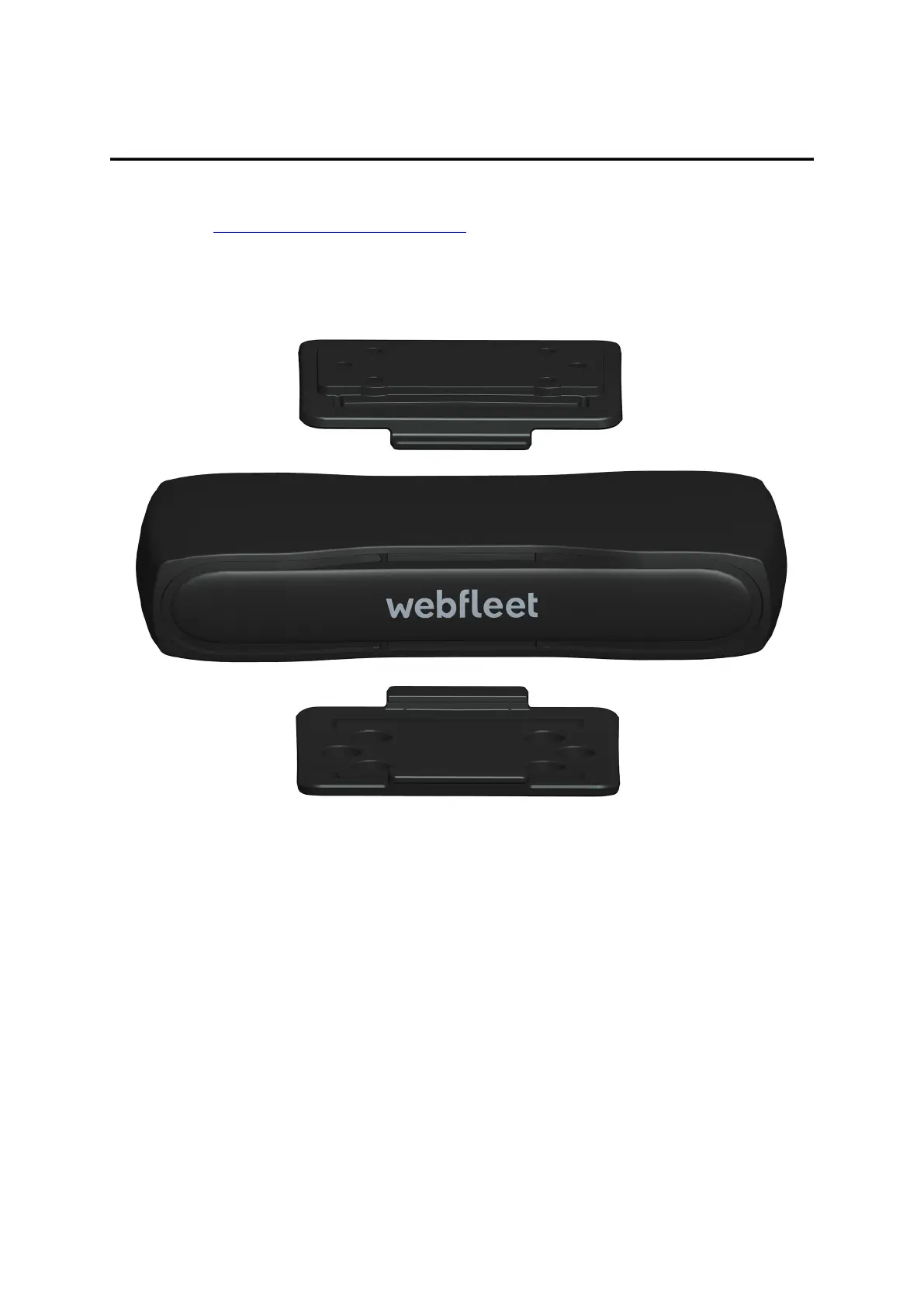
You can attach the holder to the top or to the bottom side of the LINK 740.
Attaching the holder using the adhesive strip
You can use the adhesive strip to fix the LINK 740 to your vehicle. Follow the safety instructions in this
document.
1. Choose a flat surface for accurate positioning of the unit.
Remember, when the LINK 740 is in the holder, it must not be obstructed by metal objects.
2. Clean the surface with the supplied cleaning tissue, so that the surface is oil free, dry and clean.
3. Remove the protective film from one side of the strip.
4. Stick the strip to the bottom side of the holder as shown below.
16



 To Next Page