14
CELL PHONE SIGNAL BOOSTER CONNECT 4G-X
ENGLISH
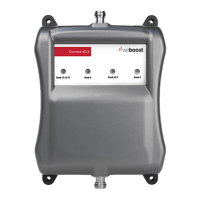
Fix Any Orange Light Problems (orange indicates a cell
tower is close by)
If you are happy with coverage, orange lights don’t have to be resolved
• Solid Orange = Band has shut o
• Blinking Green/Orange = Band has reduced gain.
1 If the light is solid orange, the Outside Antenna must be adjusted (see below). Wait
10 seconds between adjustments for the lights to reset.
• For Roof/Pole Mount Option = Rotate the Outside Antenna away from the
strongest cellular signal in small increments (45°) until the light turns green. Un-
plug and re-plug power supply.
• For All Other Mount Options = Change mount location. For example, if the
Outside Antenna is a window mount, move the Outside Antenna to a wall
outside the building to see if the lights turn green. Un-plug and re-plug power
supply.
2 If the light is blinking green/orange, re-locate the Outside Antenna. Un-plug and
re-plug power supply.
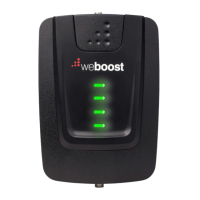
All Green Lights? = Band is set up optimally. Verify you
have good coverage.
If you have green lights, but poor coverage:
• Rotate the Outside Antenna in small increments (roof/pole mount only). Un-plug
and re-plug power supply.
• Move the Outside Antenna to a di erent location. Un-plug and re-plug power
supply.
• Change the method of mounting the Outside Antenna. Un-plug and re-plug power
supply.
______
(TEST SYSTEM: LIGHTS cont.)





 To Next Page