EasyManua.ls Logo

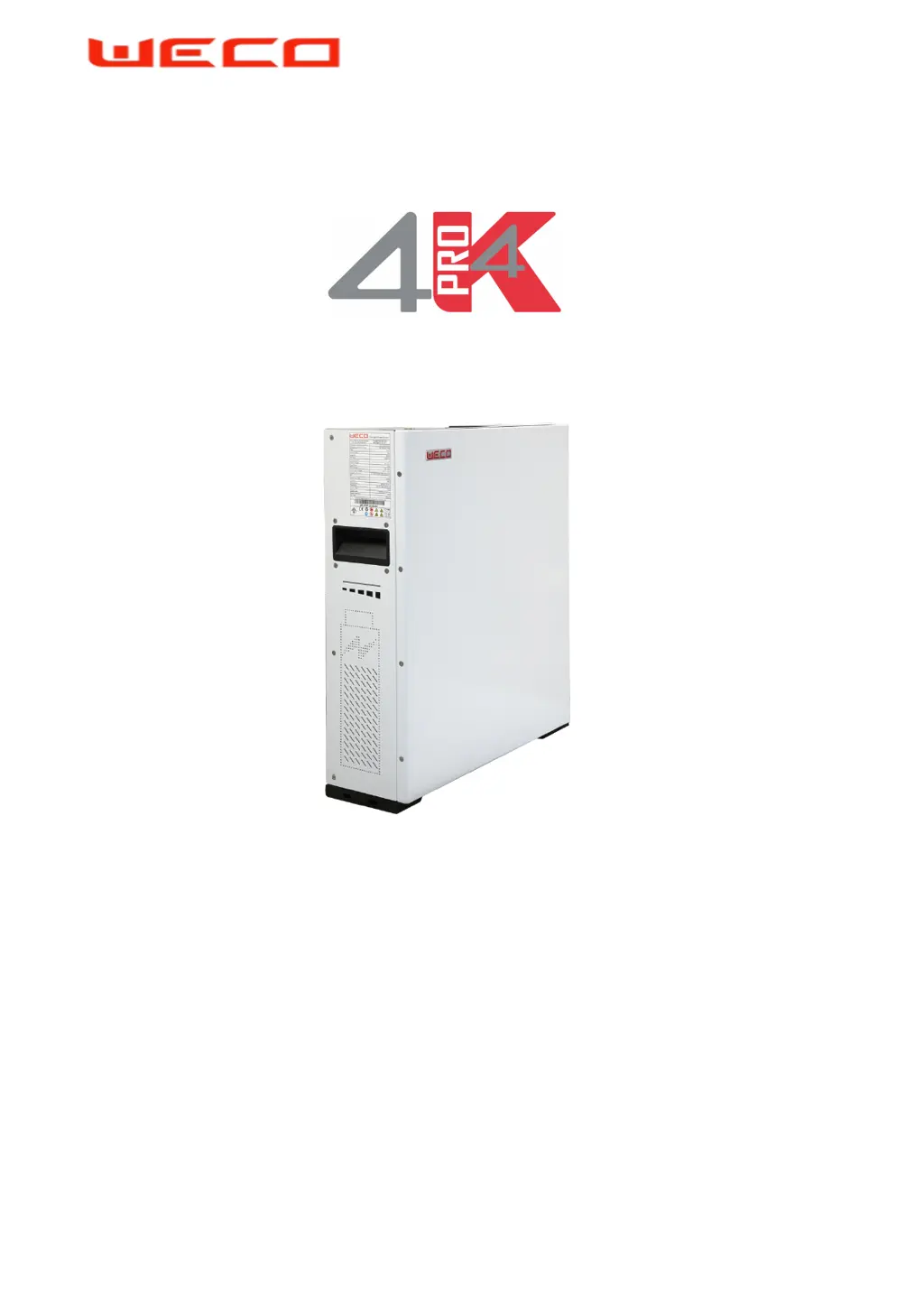
Weco HeSU 4k4 PRO - User Manual

Default Icon
39 pages
Print Icon
To Next Page IconTo Next Page
Loading...
WeCo FZ LLC Page 1 of 46 wecobatteries.com
REV20201101
I n s t a l l a t i o n M a n u a l
HeSU 4k4 PRO Battery Module

Other manuals for Weco HeSU 4k4 PRO

Questions and Answers

  • J
    Jared GilbertAug 15, 2025
    How to fix over current alarm on Weco HeSU 4k4 PRO Battery Pack?
    • L
      Lisa HoganAug 15, 2025
      If you are experiencing an over current alarm with your Weco Battery Pack, it means the battery relay is disconnected during charging or discharging, and the battery fault light is flashing. To resolve this, reduce the charge or discharge current.
  • C
    christinenashAug 18, 2025
    What to do if get over voltage alarm on Weco HeSU 4k4 PRO Battery Pack?
    • J
      Jessica HuntAug 18, 2025
      If you're getting an over voltage alarm on your Weco Battery Pack, it means the battery relay is disconnected when charging, and the battery fault light is flashing. To fix this, stop charging and review and properly reset the inverter settings. Weco suggests using Closed Loop CAN-BMS inverters.
  • A
    Andrew MartinezAug 22, 2025
    What to do if I get a low voltage alarm on my Weco HeSU 4k4 PRO Battery Pack?
    • K
      Kevin GibsonAug 22, 2025
      If you are experiencing a low voltage alarm with your Weco Battery Pack, it means the battery relay is disconnected when discharging, and the battery fault light is flashing. Stop discharging from the battery and charge the battery in accordance with the correct charging procedure.
  • T
    Tyler WalshAug 25, 2025
    How to fix master-slave machine communication exceptions on Weco HeSU 4k4 PRO Battery Pack?
    • M
      marshallshaneAug 25, 2025
      If you're experiencing master-slave machine communication exceptions with your Weco Battery Pack, and the slave battery fault light flashes while the master machine cannot control the slave battery, check that the communication cables between the master battery and the slave batteries are securely connected.
  • M
    Micheal JohnsonAug 28, 2025
    What to do if first parallel connection failure of batteries on Weco HeSU 4k4 PRO Battery Pack?
    • S
      Sara MillsAug 28, 2025
      If you experience a first parallel connection failure of batteries with your Weco Battery Pack, indicated by the slave battery fault light flashing and no voltage output, measure the positive and negative voltage of each battery. If the voltage difference between the batteries is greater than 2V, reduce the voltage difference to less than 2V to try parallel connection.
  • T
    Tonya CooperAug 31, 2025
    What to do if I get an OVER VOLTAGE ALARM on my Weco Camera Accessories?
    • H
      huynhtravisAug 31, 2025
      If your Weco Camera Accessories battery relay disconnects during charging, and the battery fault light flashes due to over voltage, immediately stop charging. It is recommended to review and properly reset the inverter settings, and WeCo suggests using Closed Loop CAN-BMS inverters.
  • D
    Darrell ChurchSep 4, 2025
    How to fix OVER CURRENT ALARM on Weco Camera Accessories?
    • N
      Nicole WalkerSep 4, 2025
      An OVER CURRENT ALARM on your Weco Camera Accessories indicates the battery relay disconnected during charging or discharging, and the battery fault light is flashing. To resolve this, reduce the charge or discharge current.
  • E
    Erin PattersonSep 7, 2025
    What to do if I see a LOW VOLTAGE ALARM on my Weco Camera Accessories?
    • A
      Amanda RileySep 7, 2025
      If you get a LOW VOLTAGE ALARM on your Weco Camera Accessories, it means the battery relay disconnected during discharging, and the battery fault light is flashing. Stop discharging the battery and charge it according to the correct charging procedure.
  • E
    Erin SanchezSep 10, 2025
    What to do if my Weco Camera Accessories shows a LOW TEMPERATURE ALARM?
    • J
      Julia HartSep 12, 2025
      A LOW TEMPERATURE ALARM on your Weco Camera Accessories means the battery can't charge or discharge normally. Wait for the battery temperature to rise to a suitable level before attempting to charge or discharge it.

Summary

Information in this Manual

2.1 About this Manual

Details the scope and intended audience of this installation manual.

2.2 Use Range

Specifies the applicability of installation guidance to the HeSU 4k4 PRO model.

2.3 Additional Information

Notes that product specifications may change without prior customer notification.

2.4 Symbols Used

Explains the meaning of warning, notice, and information symbols used in the manual.

Safety

3.1 Warnings and Notification

Outlines installation environment requirements and potential product damage warnings.

3.2 Safety Guidelines

Provides crucial safety precautions for handling and installing the battery module.

Product Overview

4.1 Product Introduction

Describes the HeSU Series batteries for energy storage and product guarantee conditions.

4.2 Identifying the Product Components

Illustrates and labels the various components and ports of the battery module.

LED Bar Definitions

SOC Status

Details the different states of the SOC indicator lights on the battery.

Errors

Explains LED patterns for various error conditions and fault statuses.

System Installation

5.1 Installation Notice

Provides essential precautions and requirements before installing the battery.

5.2 Package Information and Parts List

Details the contents of the battery package and lists included accessories.

Recommended Installation Tools

Personal Protective Equipment

Installation Procedure (Wall Mount)

Stack Installation

5.3.2.1 Installation of accessories and preparatory phases

Details preparatory steps and accessory installation for stack configurations.

Stack Mount Installation Procedure

Power Connection using Stackable Kit Bus Bar

Communication & Control Panel

5.4.1 Terminal Function and Definition

Explains the layout and function of each terminal on the battery module.

DIP Switch Settings

5.5.1 Stand Alone Battery

Configuration for DIP switches when the battery operates in stand-alone mode.

5.5.2 (Master + Slave#1)

DIP switch settings for a master battery connected to one slave battery.

5.5.3 (Master + Slave#1 + Slave#2)

DIP switch settings for a master battery connected to two slave batteries.

5.5.4 (Master + Slave#1 + Slave#2 + Slave#3)

DIP switch settings for a master battery connected to three slave batteries.

5.5.4 (Master + Slave#1 + Slave#2 + Slave#3 + Slave#4)

DIP switch settings for a master battery connected to four slave batteries.

Parallel Battery Wiring Convention

5.6.1 Master Plus S1

5.6.2 Master Plus S1-S2

5.6.3 Master S1-S2-S3

5.6.4 Master Plus S1-S2-S3-S4

Battery Activation and Shutdown

6.1 Panel buttons and LEDs Explanation

Explains the function and status indications of the power button and LEDs.

6.2 Stand Alone Battery Front Panel Control

Details how to start, shut down, and force charge a stand-alone battery module.

Parallel Battery Configuration

6.3.1 Activation of Parallel Batteries (From Master to Slave#4)

Step-by-step procedure for activating multiple batteries in a parallel system.

6.3.2 Shutdown of Parallel Batteries

Procedure for safely shutting down a system with multiple parallel batteries.

Troubleshooting (WeCo Monitor via RS 232)

Software Guide

8.1 Launch the EXE file WeCo Monitor

Instructions for launching the WeCo Monitor software and its self-installation.

8.2 Accessing Software Features

Guides users on selecting 'USER FREE ACCESS' or 'RESTRICTED ACCESS' based on authorization.

Connect the RS232 Converter

Parallel Overview and Unit Data Check

Set the CAN Protocol

Manually Adjust Battery Parameters

Equalization Modes

Factory Reset Procedure

Product Compatibility List

Inverter Settings (No CANbus Connection)

Single Cluster Configuration (100 A)

Single Cluster Configuration (300 A)

Multi Cluster Hub Controller (We-HUB)

Multi Cluster Current Limitations

Maximum Power Charge and Discharge (kW)

Multi Cluster Connection

Weco HeSU 4k4 PRO Specifications

General IconGeneral
BrandWeco
ModelHeSU 4k4 PRO
CategoryBattery Pack
LanguageEnglish

Related product manuals