4. Notification bar
Under the main interface, tap the status bar icon, such as USB connection into the
notifications panel, which can display the current status of the USB, TF card status
and the running application and status.
5. Mobile Desktop icon
Under the home screen, long press the application icon on the home screen, then you
can move the selected icon after the icon be enlarged.
6. Delete the desktop icon
Under the home screen, long press the application icon on the home screen, move the
selected icon to the trash can icon upper of the screen after the icon be enlarged, then
stop pressing when the icon area displays orange and the desktop icon can be deleted .
Install the APK application
1. Copy the needed APK format application into the device or TF card.
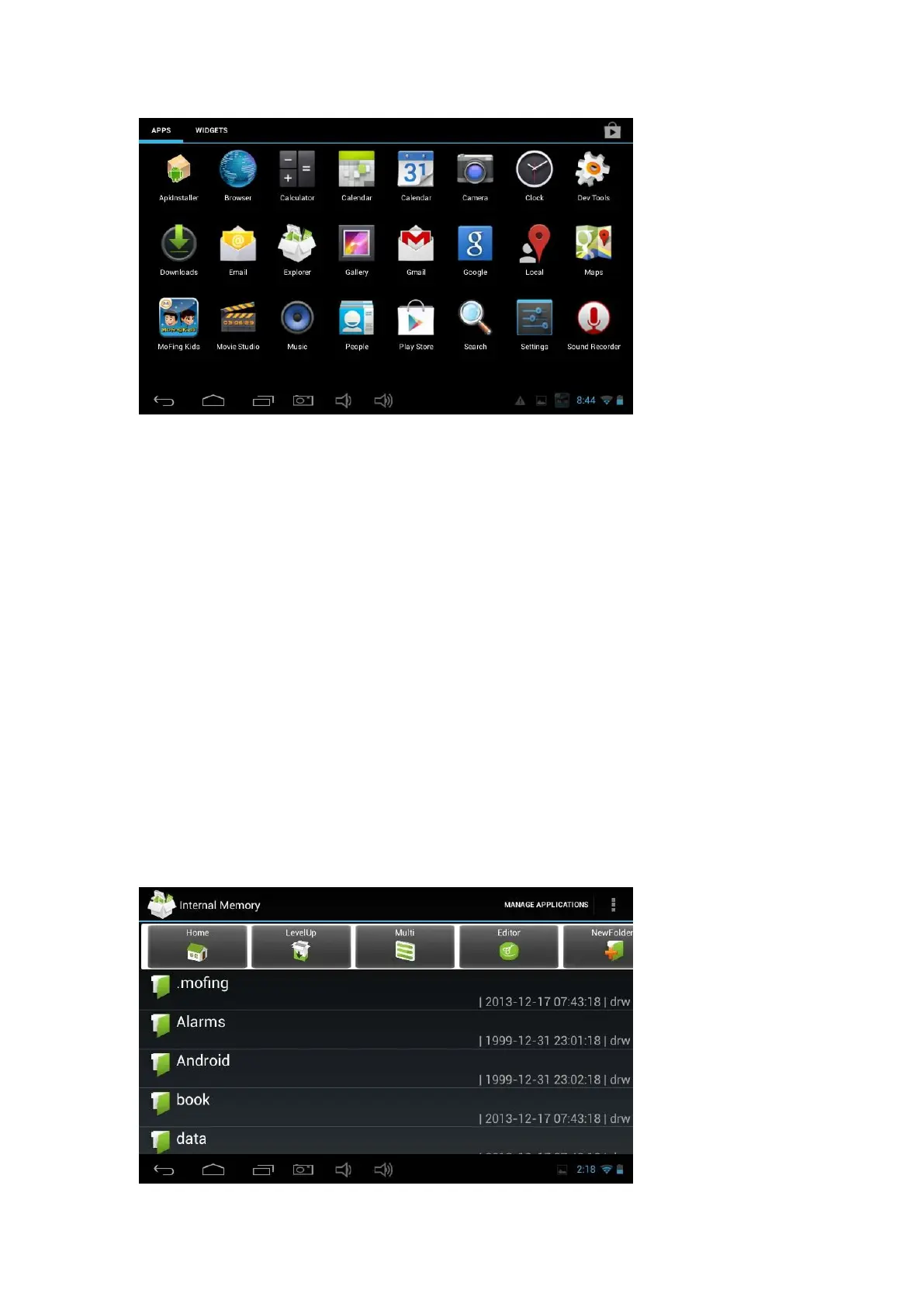
2. Tap "File Manager" to find the APK format application you want to install .



 To Next Page