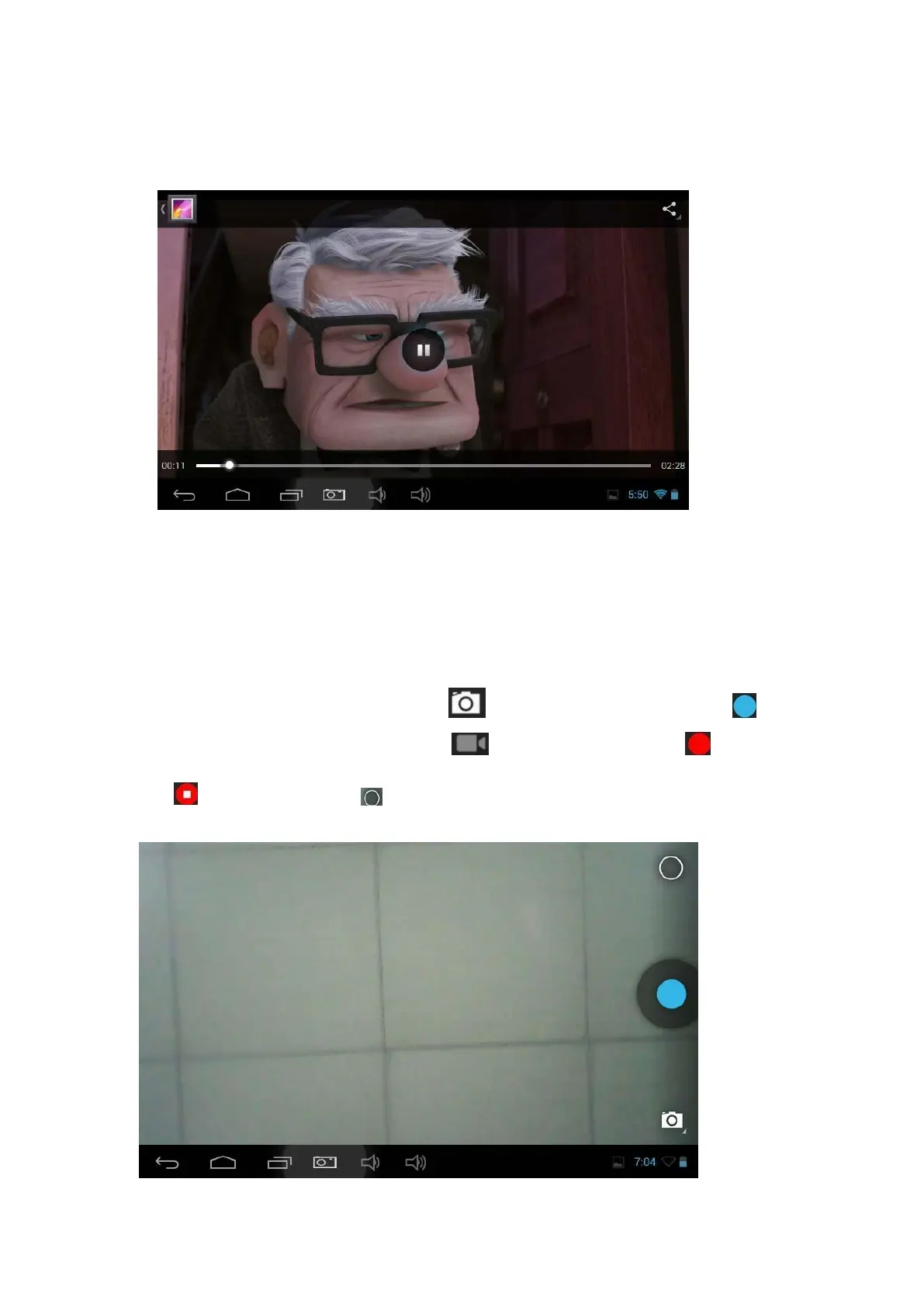
2. Tap "Movies" access to the video file interface, then tap the video you want to
watch.
Camera
1. Built-in camera to take photos and video
Tap "camera" to take photos and video, " " is status of taking photos, tap " " to
take photos and preserve automatically, " " is recording video, tap " " to start,
tap " " again to pause, tap " " to set related functions.



 To Next Page