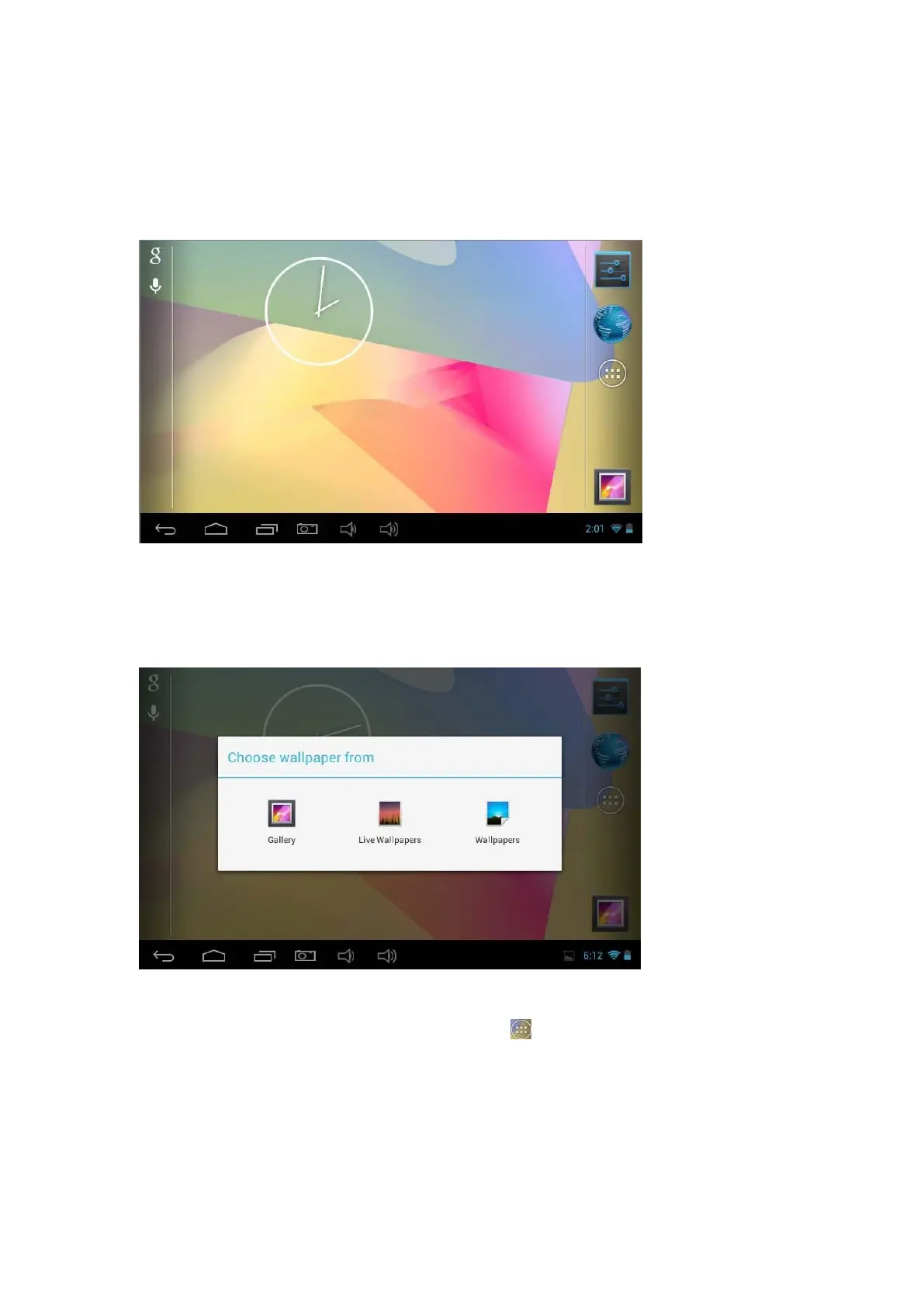
Home screen
1. By default, the home screen can open multiple pages, Implied icons are "Browser"
and "Camera", etc. Sliding left / right can switch desktop display.
2. Set wallpaper
Long press the blank space of the home screen, then popup "Chooset
wallpaper from", Choose an image according to the categories.
3. Display all applications
All installed applications will be displayed if tap " "control upper right of the screen
under the main interface.



 To Next Page