Music
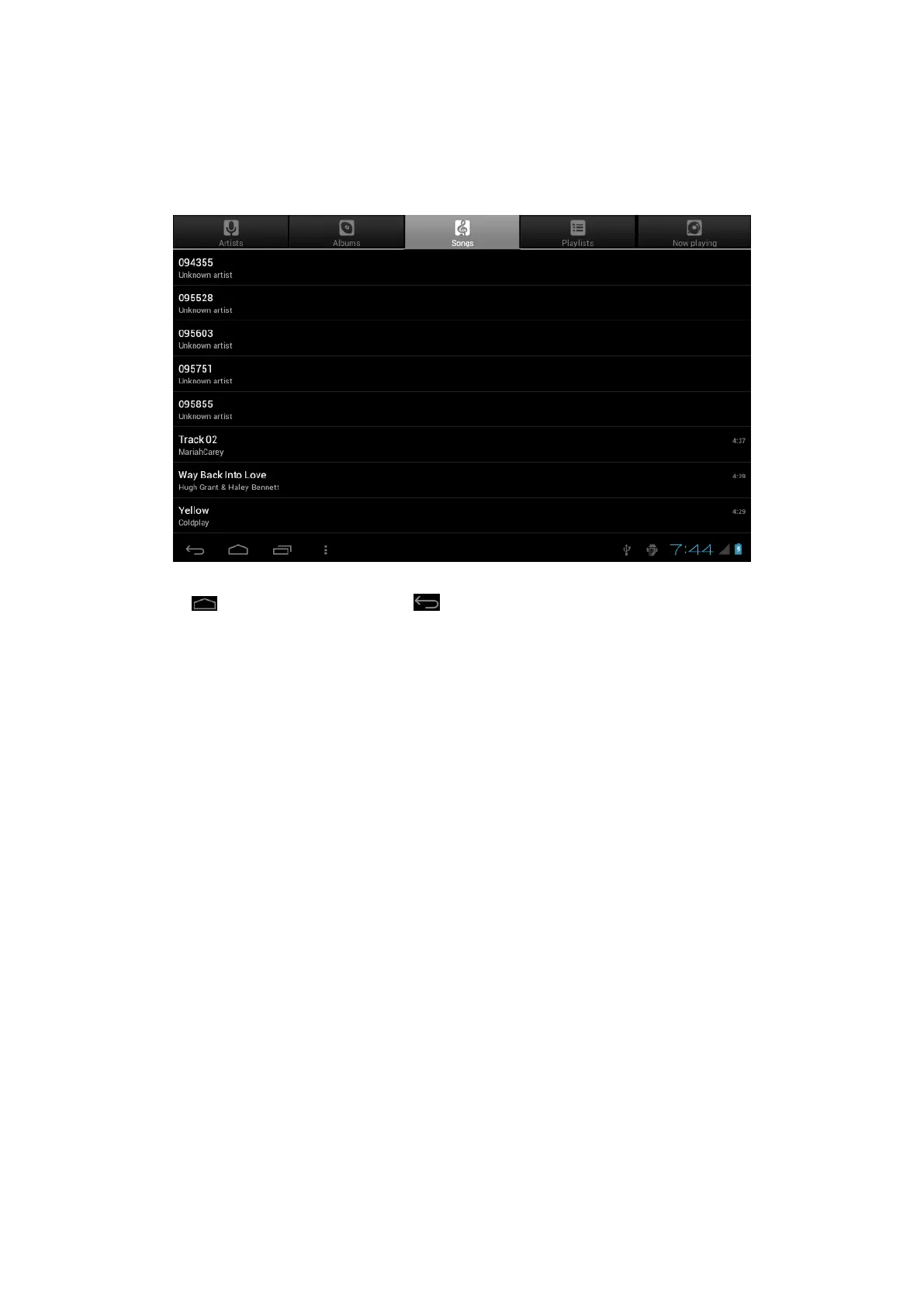
1. Select "Music" in application bar access to music file list screen.
○
Files:tap the music you selected and play music
○
Tap back to home screen,tap
back to previous screen.
○
Tap up and down to process page.
○
Artist:display music files classified by Artist
○
Albums: display music files classified by album
○
Songs: display all music files
○
Playlists: display music files
○
Now playing: access to the background music player interface.
Regular Settings
1. Select "settings" after access into application bar to set list interface.
2. Wireless&Networks
Wi-Fi function on or off
Wi-Fi settings set up and manage a network connection.
3. Sound
Volumes: adjust the volume level for call ringtones, music and videos, alarm ringtones,
device system, and notifications.
Default Notification: Select the application which you want default notice.
Touch sounds: Set the device to sound when you unlock the touch screen.
Screen lock sounds: Set the device to sound when you lock the touch screen.
4. Display
Brightness: Set the brightness of the display.
Wallpaper: Select wallpaper for the home screen
Auto-rotate screen: viewing in portrait or landscape, adjusting automatically to fit the



 To Next Page