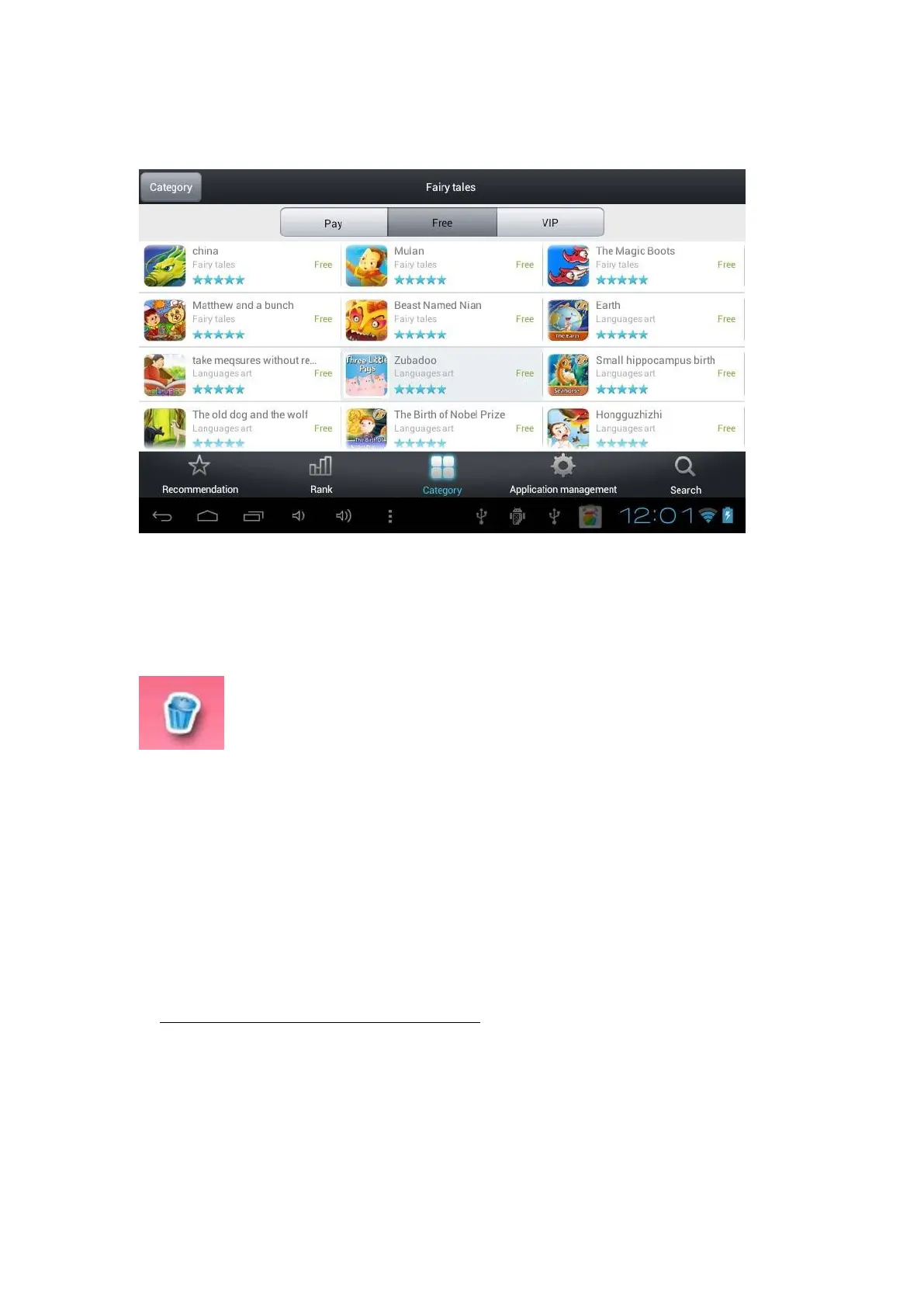
Same as above, Books category-marekt, the your favourite book app in below will be
downloaded automatically.
If you want to delete an application, press on the trash which is present in each
category:
A little red cross will appear at the top of each application, select those you want to
delete.
The markets of each category are updated automatically. When an update is ready, you
just have to confirm this by pressing on the button “update” of the message which will
display automatically.
3- Web apps, add to favorites/ delete favorites
a. When you press on “WEB APPS” to check an application,you will see below
picture, if you want to see the apps, please press “Become a member”
you will have to be logged if you didn’t create account before. To do that, press
on an application you want to check and this screen will appear:



 To Next Page