After you entered you password, you can access to the parental control home page.
Just select the option you want to check or modify.
1-
Password
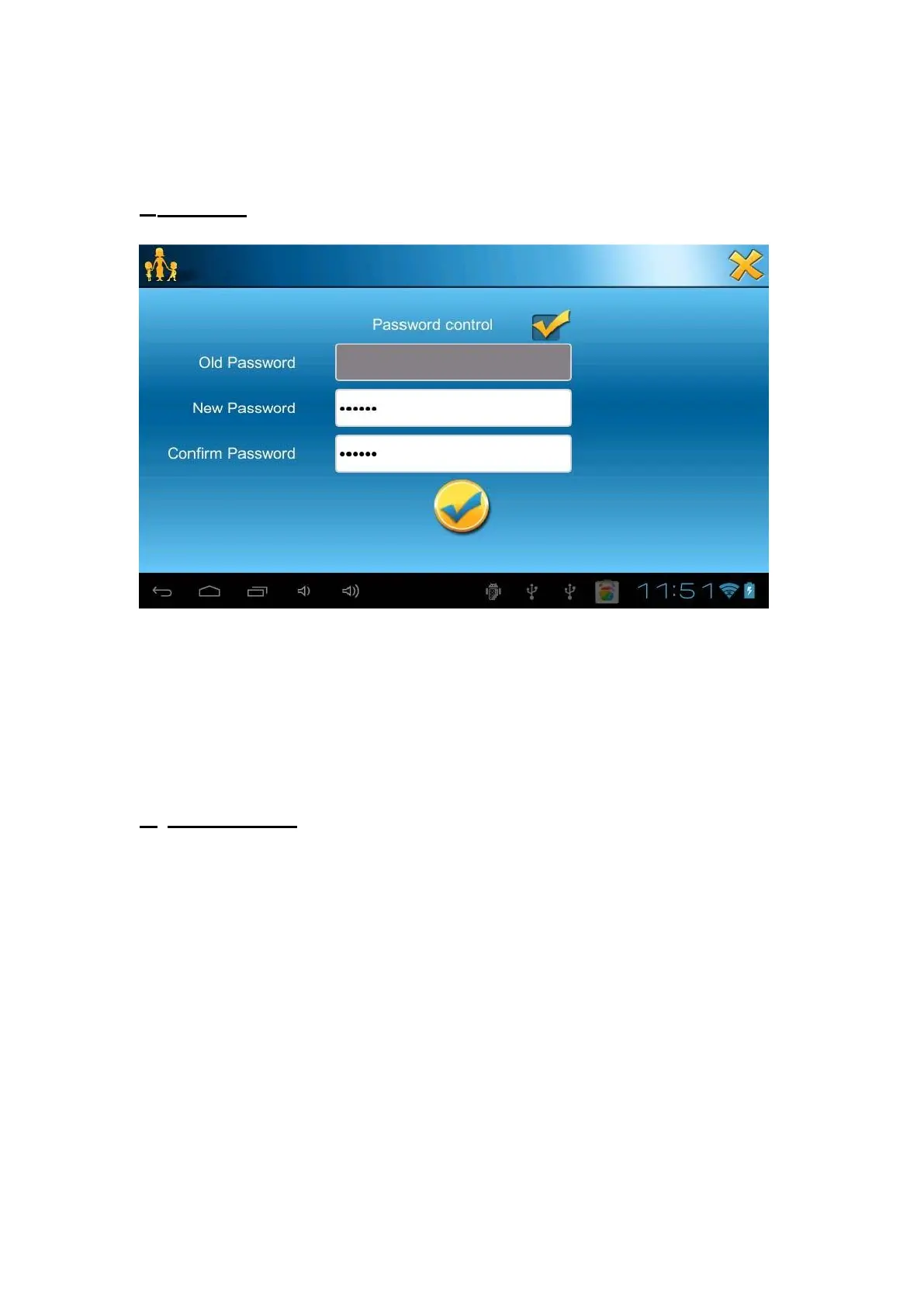
In this section, you can choose to get a password to reach the parental control
category. In set password, select “Password control ”first, then write your new
password and confirm it.
If you want to change your password, just write your old password before your
new one.
2-
APP manager



 To Next Page