Parent can add suitable website link for kids in “ Parent setting – online content”,
and then kids can browse these filtered website in “Navigate”.
4-
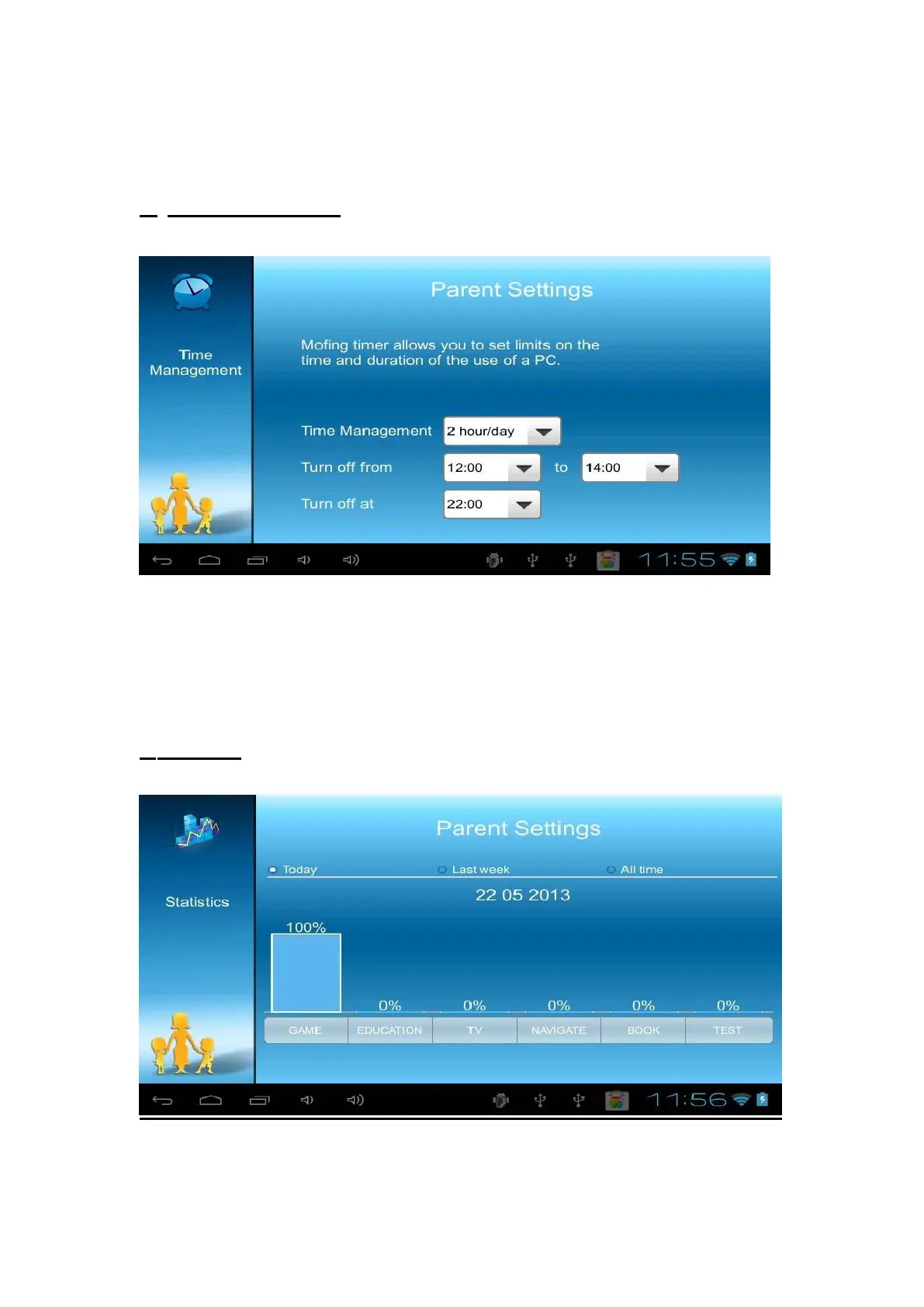
Time management
With this option you can just chose how long you want Mofing Kids to be use per
day. First select the maximum of hours you want the interface to be active. You
can then chose an interval of hours during which the kid is able to use Mofing.
Finally, press on the last arrow to select the later the program can be used.
5-
Statistics



 To Next Page