5-
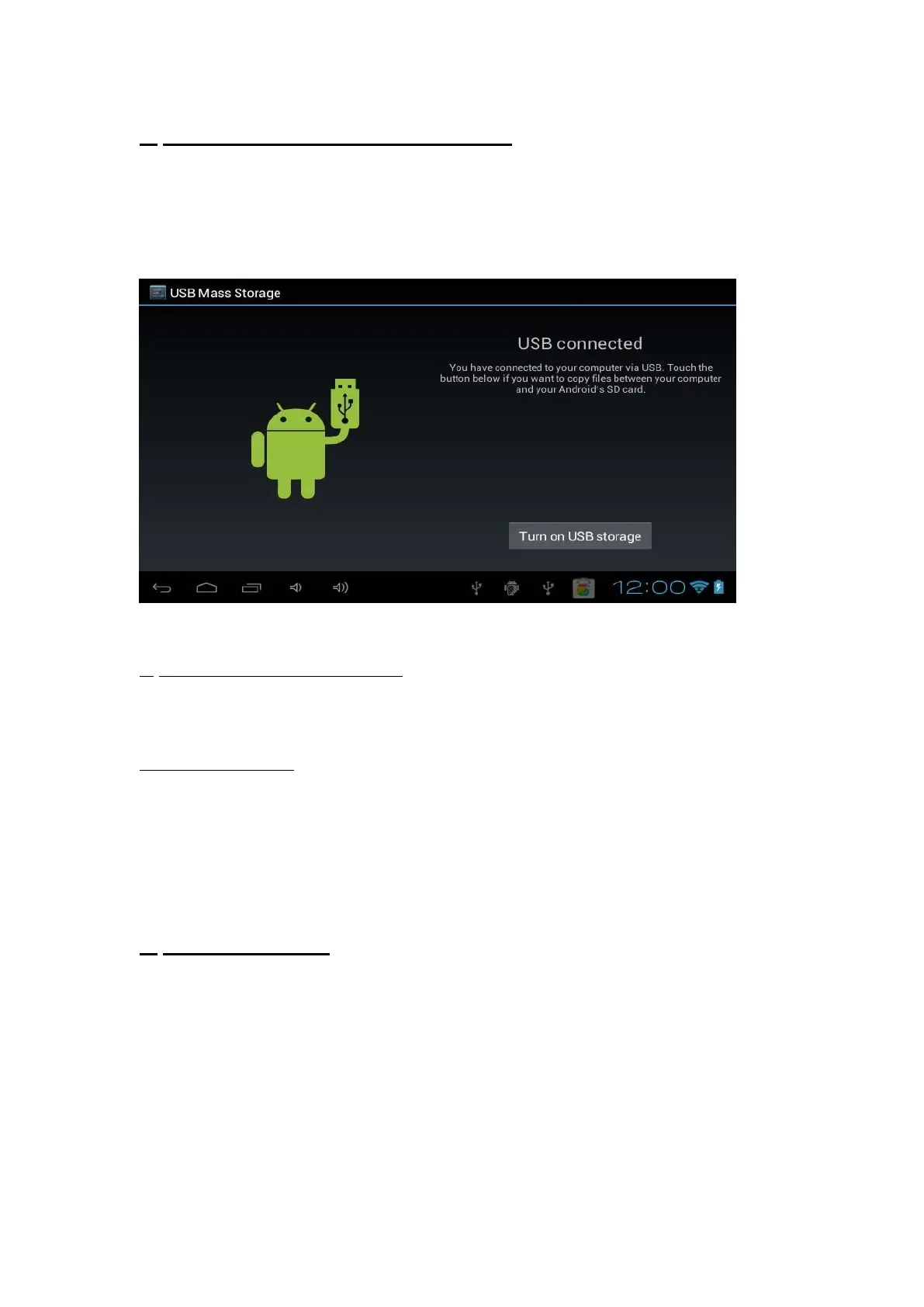
How to transfer documents via USB ?
In order to do that, first connect your tablet to your computer with the cable provided
in the packaging.
Then access the Settings, press on the “USB Connection” icon and press on “connect
USB storage”.
Now your tablet should appear on your computer’s list of connected devices. Every
different kind of documents can be placed in specific folders.
a) upload music, videos and photos
- Copy music in the folder “music_kids”,
- Copy videos in the folder “video_kids”
- Copy photos in the folder “photo_kids”.
b) Delete documents.
If you want to delete some documents, proceed the same way and cut the documents
you don’t want to see any more in the various folders.
For the formats that can be accepted for every kind of documents, it depends on your
Android device so please check it in the manual of your hardware.
6-
More information
Enjoy Mofing Kids experience !



 To Previous Page