12
FR
EN
DE
NL
IT
ES
PT
We have designed Weenect Kids as an aid to parental surveillance, not a
substitute. Low GSM or GPS signals can have an impact on the reliability
of the service.
1
1
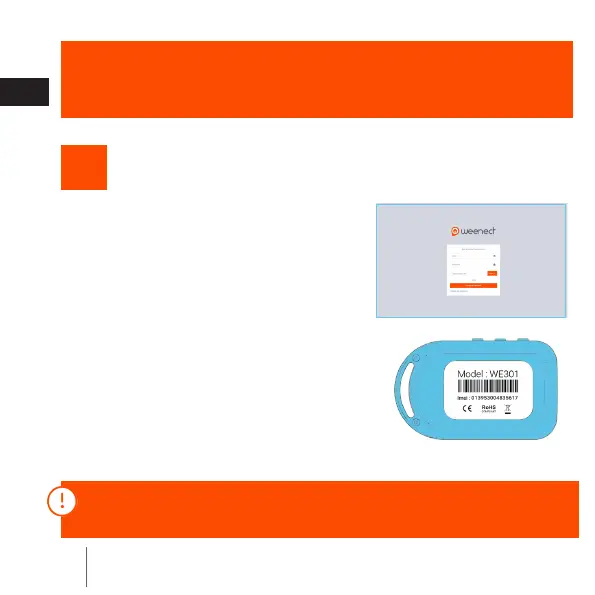
Connect to my.weenect.com from
your PC or telephone to create your
account.
Activate your locator
2
Follow the steps The IMEI number is
on the back of your locator.
If you already have an account, connect with your login and password
and go to the “My locators” section.



 To Next Page