17
FR
EN
DE
NL
IT
ES
PT
FR
EN
DE
NL
IT
ES
PT
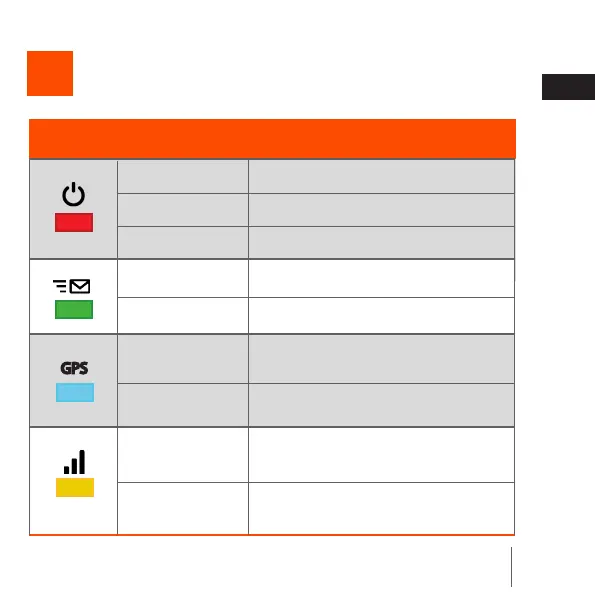
Understand your locator
Icons and leds
6
Icon/led
Led state Meaning
Blinks very quickly
The locator is switched o
Switched o
Blinks
Switched o
Blinks
Switched o
Blinks
The locator is switched o, charging
The locator is switched on
No alert sent
The alert has been sent
Invalid GPS signal, put your locator
outside
Valid GPS signal, the locator is receiv-
ing its position correctly
Not connected to the server, no GSM
signal
Connected to the server, the locator is
sending its position correctly
Blinks twice in
succession
Fixed



 To Next Page