I
WMA370 USER MANUAL
8
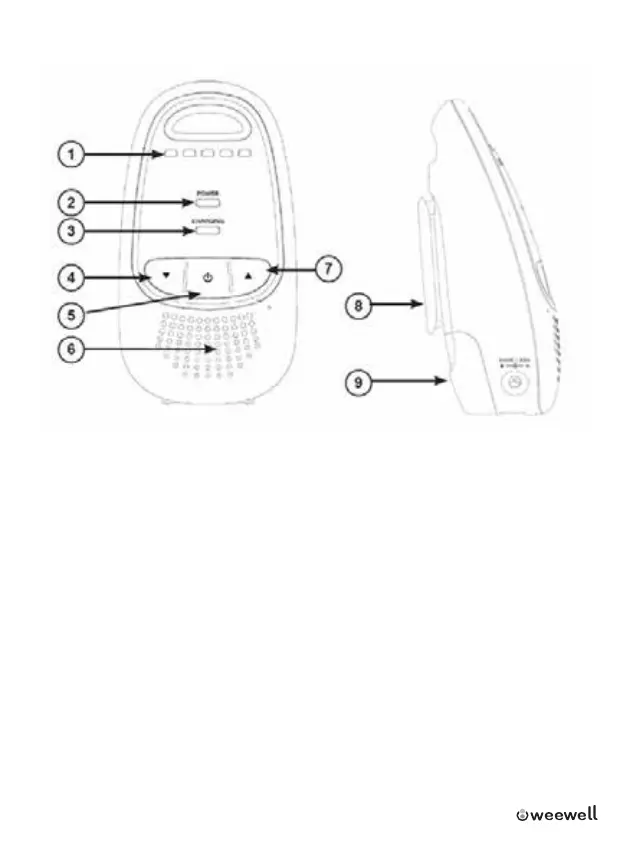
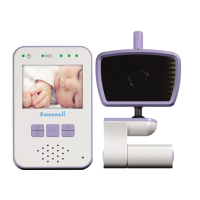
3.2 Parent unit overview
1 _ Sensitivity LEDs
2 _ Power Indicator Light
3 _ Low Battery / Charging Indicator Light
4 _ (Volume down)
Press to decrease the speaker volume.
5 _ (On/o)
Press and hold to turn on or o.
6 _ Speakerphone
7 _ (Volume up)
Press to increase the speaker volume.
8 _ Belt Clip
9 _ Battery Compartment Cover



 To Next Page