EasyManua.ls Logo

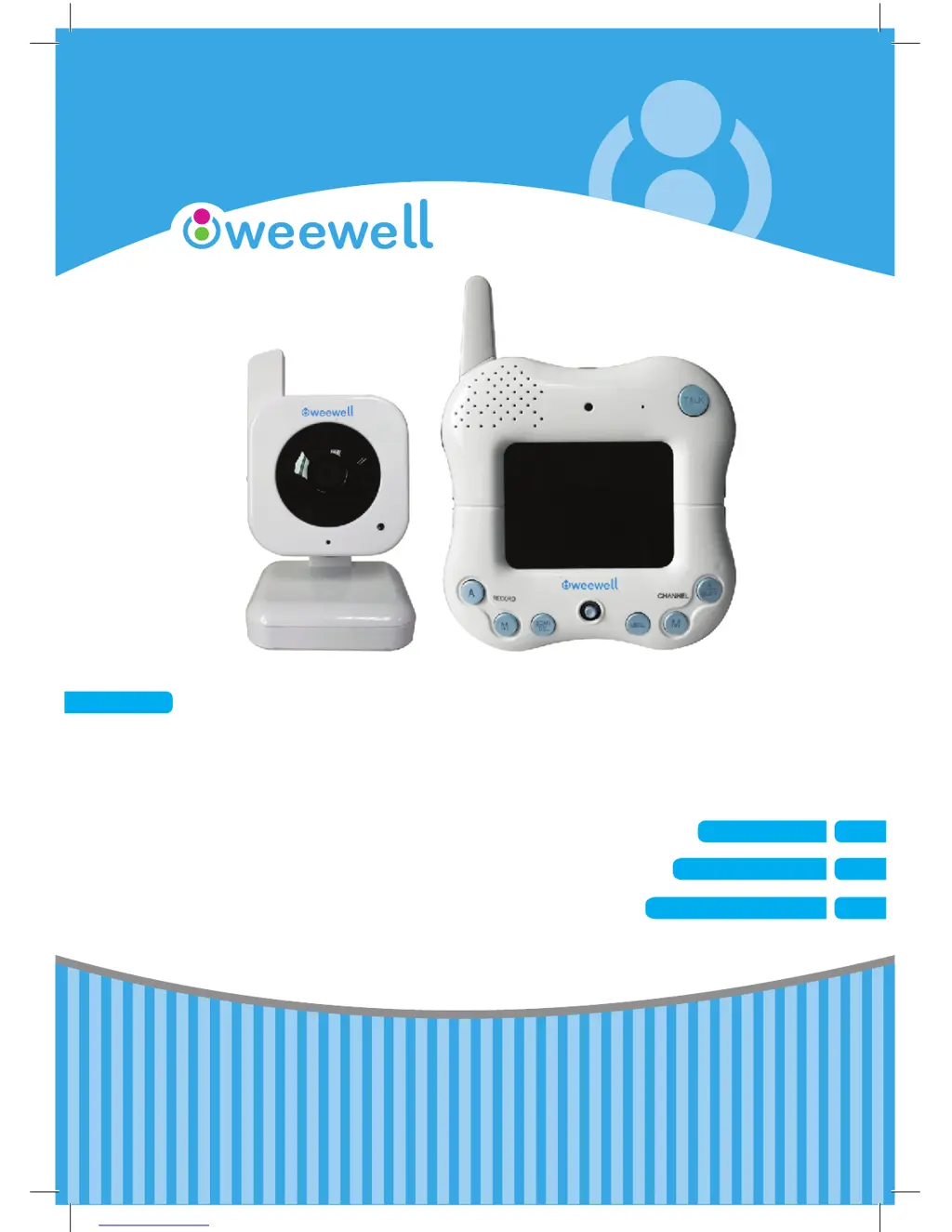
weewell WMV850 - User Manual

weewell WMV850
67 pages
Print Icon
To Next Page IconTo Next Page
Loading...
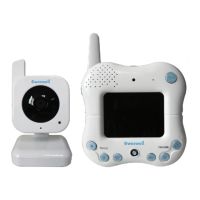
DIGITAL BABY MONITOR
MONITEUR VIDEO NUMERIQUE
DİJİTAL BEBEK İZLEME CİHAZI
WMV850
USER MANUAL
EN
MODE D’EMPLOI
FR
KULLANIM KILAVUZU
TR

Table of Contents

Questions and Answers

  • P
    Paula SmithAug 2, 2025
    What to do if there is no picture from my Weewell Baby Monitor camera?
    • E
      Erika MartinAug 2, 2025
      If you're not getting a picture from your Weewell Baby Monitor camera, try these steps: First, check all connections to the camera and ensure the adapter is properly plugged in. Then, verify that both the camera and receiver are switched ON. Also, confirm that the camera is within the receiver's range. If you're using batteries, try replacing them.
  • D
    Douglas ReyesAug 8, 2025
    Why is the picture dropping on my Weewell Baby Monitor?
    • L
      Laura ReevesAug 8, 2025
      If the picture on your Weewell Baby Monitor is frequently dropping, try moving the camera closer to the receiver. Additionally, repositioning either the camera or the receiver might help improve the reception.
  • J
    Justin KingAug 14, 2025
    What to do if I have problems with the audio on my weewell WMV850?
    • D
      Duane SmithAug 14, 2025
      If you're experiencing audio issues with your Weewell Baby Monitor, first ensure that the volume on your TV is turned ON. Also, make sure there is sound within range of the camera's microphone. If you hear a loud screeching noise (feedback), try moving the camera or receiver farther apart.
  • A
    Alyssa SawyerAug 26, 2025
    Why does the picture appear grainy when using AV out function to view weewell WMV850 Baby Monitor on a large screen TV/Monitor?
    • D
      David BryantAug 26, 2025
      When using the AV out function to view your Weewell Baby Monitor on a large screen TV/Monitor, for the best performance, use it with the TV/Monitor's PIP (Picture in Picture) function. Check your TV/Monitor's product manual to see if this feature is available. Alternatively, view the video on a smaller screen TV/Monitor.
  • J
    John SalazarSep 10, 2025
    How to fix choppy picture on Weewell Baby Monitor?
    • H
      Heather SullivanSep 12, 2025
      If the picture on your Weewell Baby Monitor is choppy, try moving the camera closer to the receiver. Also, remove any obstructions that might be between the receiver and the camera.

Summary

Getting Started

Wireless Receiver Controls

Explains the front and side buttons/features of the wireless receiver.

Wireless Receiver Installation

Camera Installation

Installation Warnings & Night Vision

Provides advice on placement and explains the night vision capability.

Camera Power and Battery

SD Card Recording Features

Recording Modes

Covers automatic and manual recording options, including trigger settings.

Menu System Navigation

Recording Settings Configuration

Trigger Record and Overwrite

Settings for motion-triggered recording duration and file overwriting policy.

Camera Pairing Process

System Settings

Troubleshooting

No Picture from Camera Issues

Solutions for common problems where the camera feed is not displayed on the receiver.

Picture Dropping Solutions

How to resolve intermittent video feed problems and improve signal stability.

weewell WMV850 Specifications

General IconGeneral
CameraYes
Night VisionYes
RangeUp to 300 meters
Battery LifeUp to 10 hours
Two-way CommunicationYes
Temperature SensorYes
TypeVideo Baby Monitor
WirelessYes
Sound ActivationYes
Power SourceRechargeable battery

Related product manuals