4 I WMV850 USER MANUAL
Getting Started
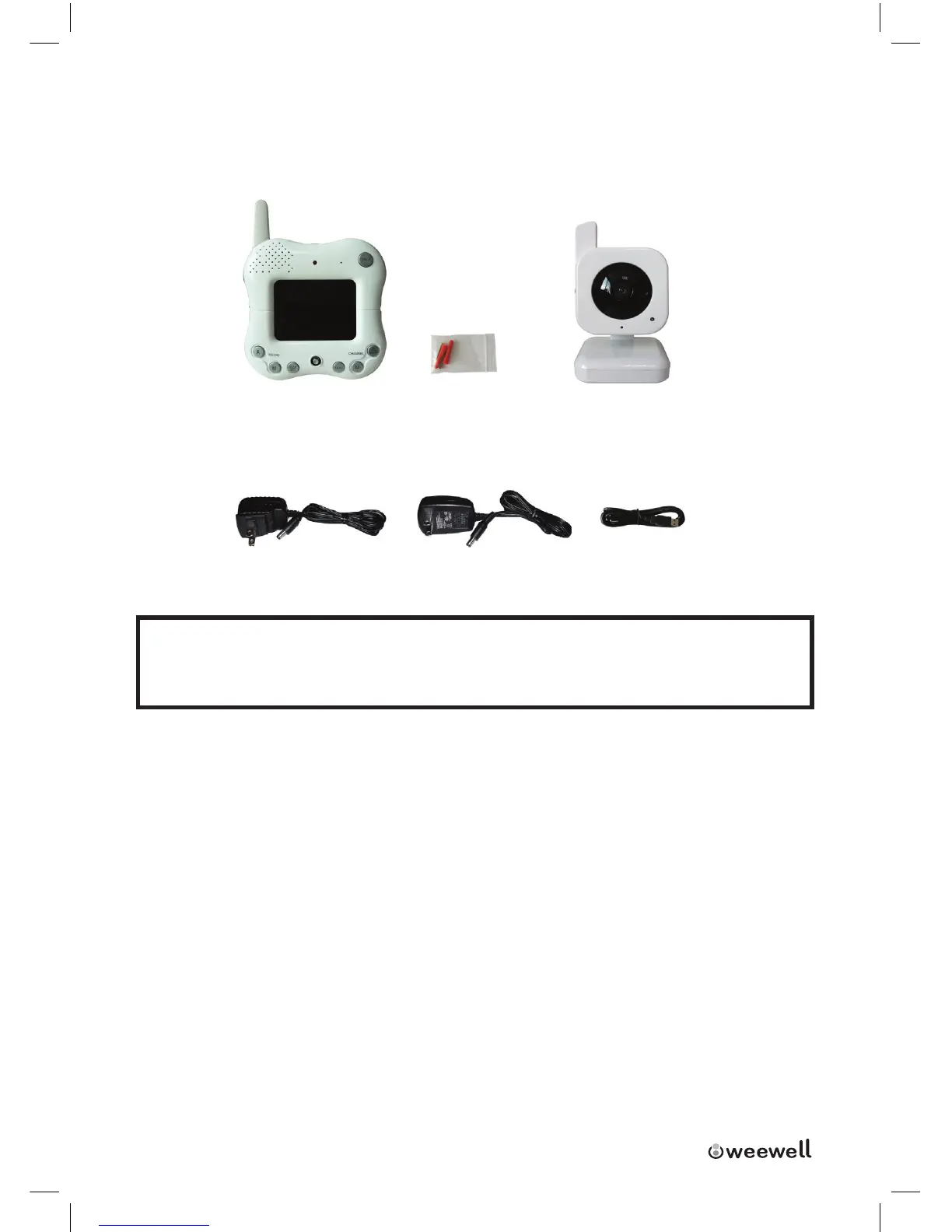
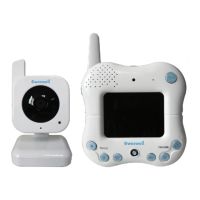
The System comes with the following components:
1X Wireless Receiver 1X Screw 1X Wireless Camera(s)
1x power Adapter
1x
USB Cable
(For Receiver)
1x power Adapter
(For Camera)
CHECK YOUR PACKAGE TO CONFIRM THAT YOU HAVE RECEIVED THE
COMPLETE SYSTEM, INCLUDING ALL COMPONENTS SHOWN ABOVE.
1 of each of the above is provided with the Camera. Please see your Product
Package for the number of cameras included with your System.
Wireless Receiver
Front Controls
1. Receiver Antenna:Receives&SendssignalstoorfromtheCameras.*
2. Speaker:ProducesthesoundtransmittedfromtheCameras*.
3. Talk Button:Pressdownandholdthebuttontotalkbacktothecameracur-
rentlybeingdisplayedontheLCDscreen.
4. LCD Screen:DisplaysvideofromtheCamera.
5. Play/Pause:Pressthebuttontostartorpausethebuilt-intunes


 To Next Page