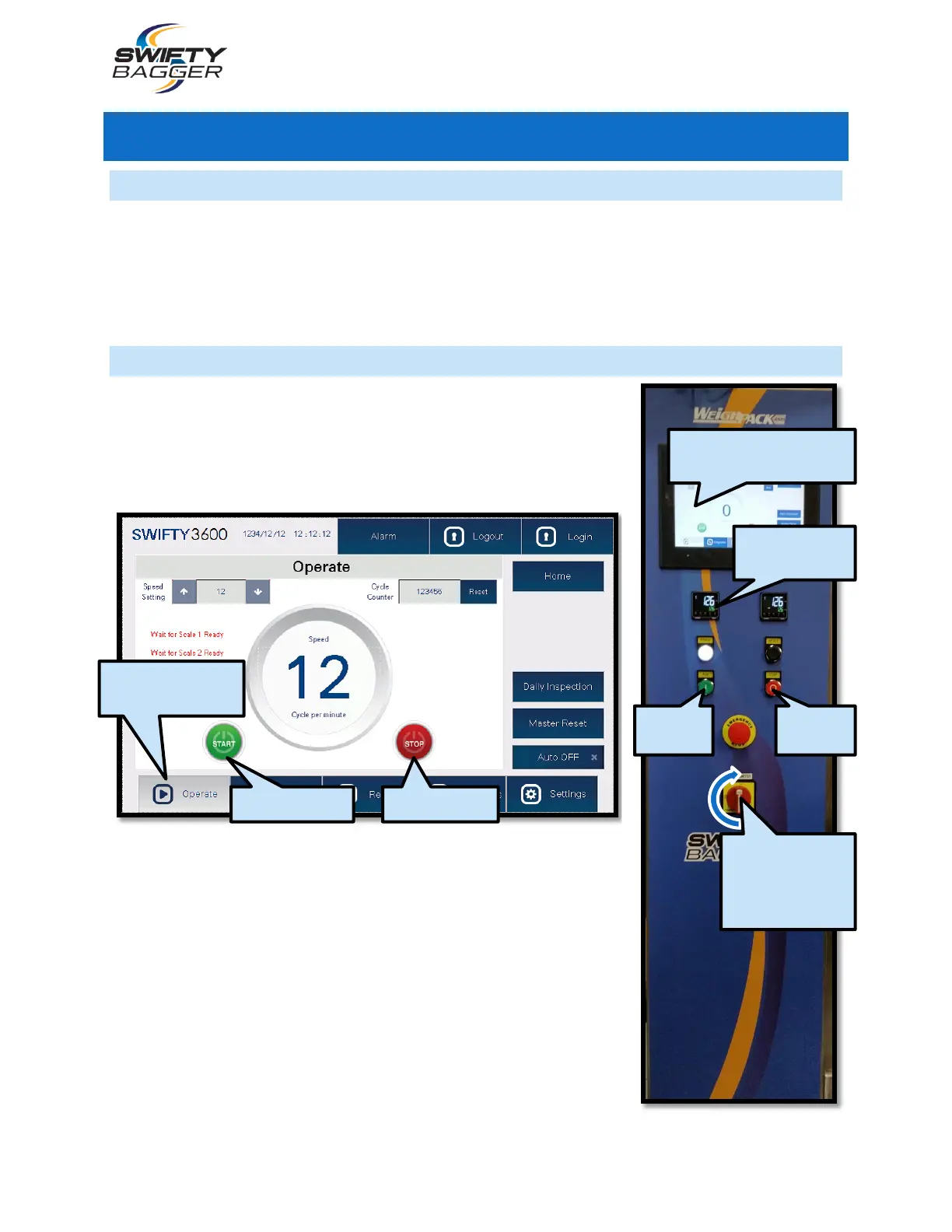
68
June, 2016
SETUP
WE RECOMMEND THAT THE OPERATOR HAVE THE FOLLOWING TOOLS AVAILABLE WHEN MAKING ADJUSTMENTS OR
MAINTAINING THE MACHINE: METRIC ALLEN KEYS, METRIC SOCKET SET, METRIC WRENCHES, VOLT METER, SCREW DRIVERS,
TAPE MEASURE, RULER, CALIPER, ADJUSTABLE WRENCHES AND A GREASE GUN.
The Bag Opening Station and the Walking Beam’s fingers must be adjusted to fit the size of the bag
being used in the machine before the machine may be operated as part of a production run.
START-UP
1. Locate the Power Switch on the Control Box. Turn the Power
Switch to the “ON” position. It will take a few seconds for the
H.M.I. Touch Screen to boot up.
2. Navigate to the H.M.I.’s Operate Screen. Setup the bagger’s
settings, ensuring that the machine is ready to be run.
3. Allow time for the Heating Elements to reach their set points.
Check the Temperatures displayed on the front of the Control
Panel.
4. Press the green “Start” button to begin the bagging process. The
bagging process will repeat until the operator presses the red
“Stop” button.
5. For emergency machine shut off, use the Emergency Stop
button. Pressing the E-stop will cut power to the machine. Air will
be cut off from pneumatics and servos will immediately stop.
NAVIGATE TO THE
OPERATE SCREEN
TURN THE
POWER SWITCH
TO THE “ON”
POSITION
WAIT FOR THE H.M.I.
TOUCH SCREEN TO LOAD



 To Next Page