49
June, 2016
HUMAN-MACHINE INTERFACE (H.M.I.) SOFTWARE
HOME SCREEN
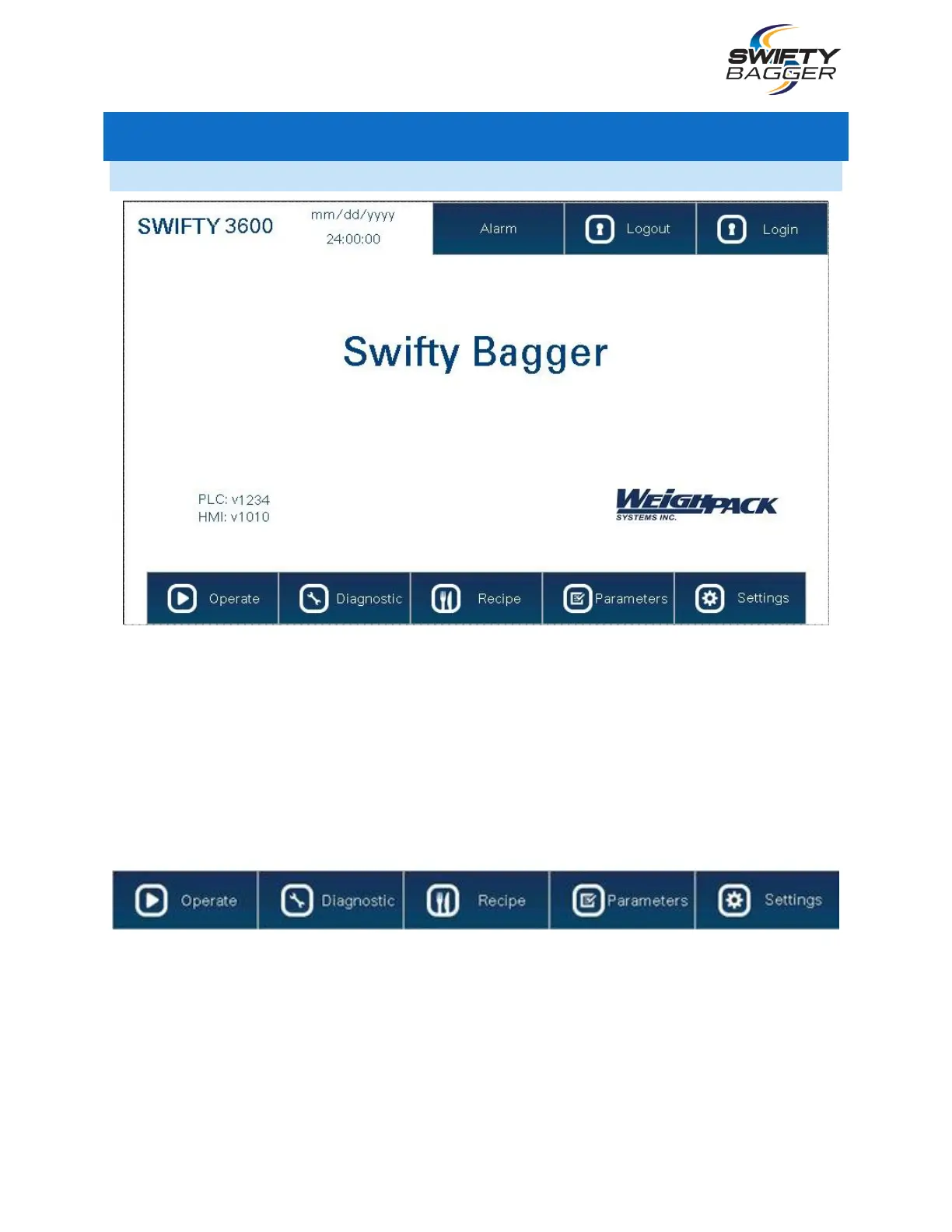
The Home Screen displays the name of the machine, the version of the machine, the time and date, the
software versions of the H.M.I. and P.L.C. software, the Alarm button, Login and Logout buttons as well
as the navigation bar at the bottom of the screen.
Pressing the Login button will bring up an input Screen where the operator can enter their password to
access locked Screens of the H.M.I. Pressing the Logout button will log the operator out.
Pressing the Alarm button will display the Alarm Screen, containing all alarm history for the machine.
The Navigation Bar consists of the same 5 button that are always visible on any screen except when
entering a submenu: Operate, Diagnostic, Recipe, Parameters and Settings.
The Recipe, Parameters and Settings Screens are password protected and require a user to login with
the correct credentials to access them. These Screens should only be accessed by a supervisor or
trained company technician.
The Operator does not need to login in order to access any of the other H.M.I. Screens, the machine can
be operated normally without the need for a password.



 To Next Page