29
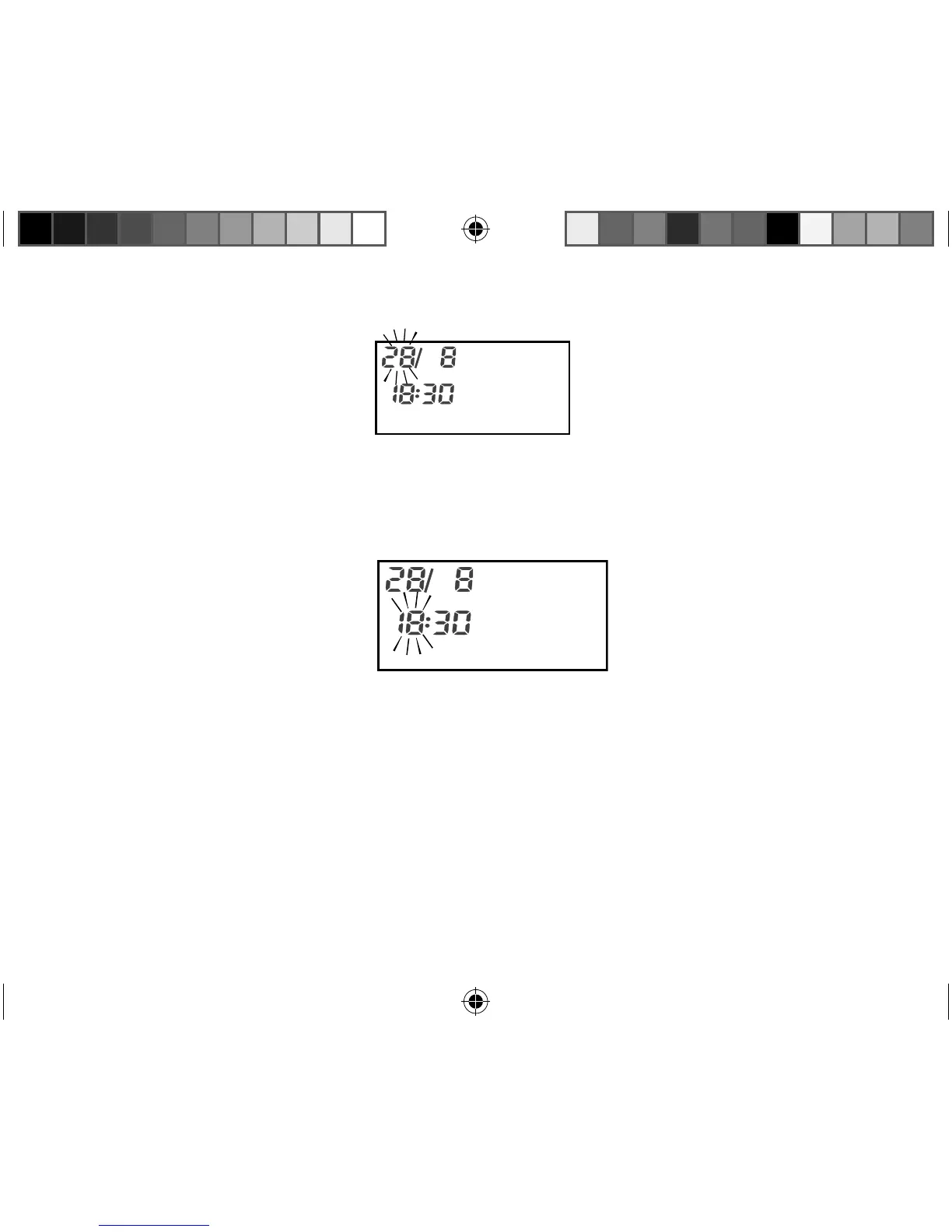
To set the required day, press User 1 button to advance or User 2 button to move
backward.
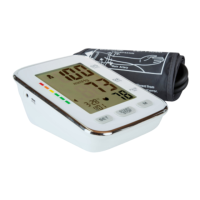
Press the TIME key.
The digits indicating the hours will flash.
To set the required hour, User 1 button to advance or User 2 button to move
backward.
Press the TIME key.
The digits indicating the minutes will flash.
12450 USA final Content REV1.indd 2912450 USA final Content REV1.indd 29 18.10.2012 12:00:1518.10.2012 12:00:15



 To Next Page