31
Switch device on and off
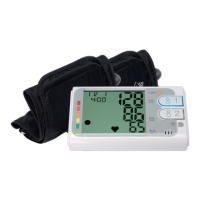
Press either User 1 or User 2 button to switch on the monitor.
The corresponding button will light up.
The measurement starts automatically.
Press User 1 or User 2 button again to switch o the monitor.
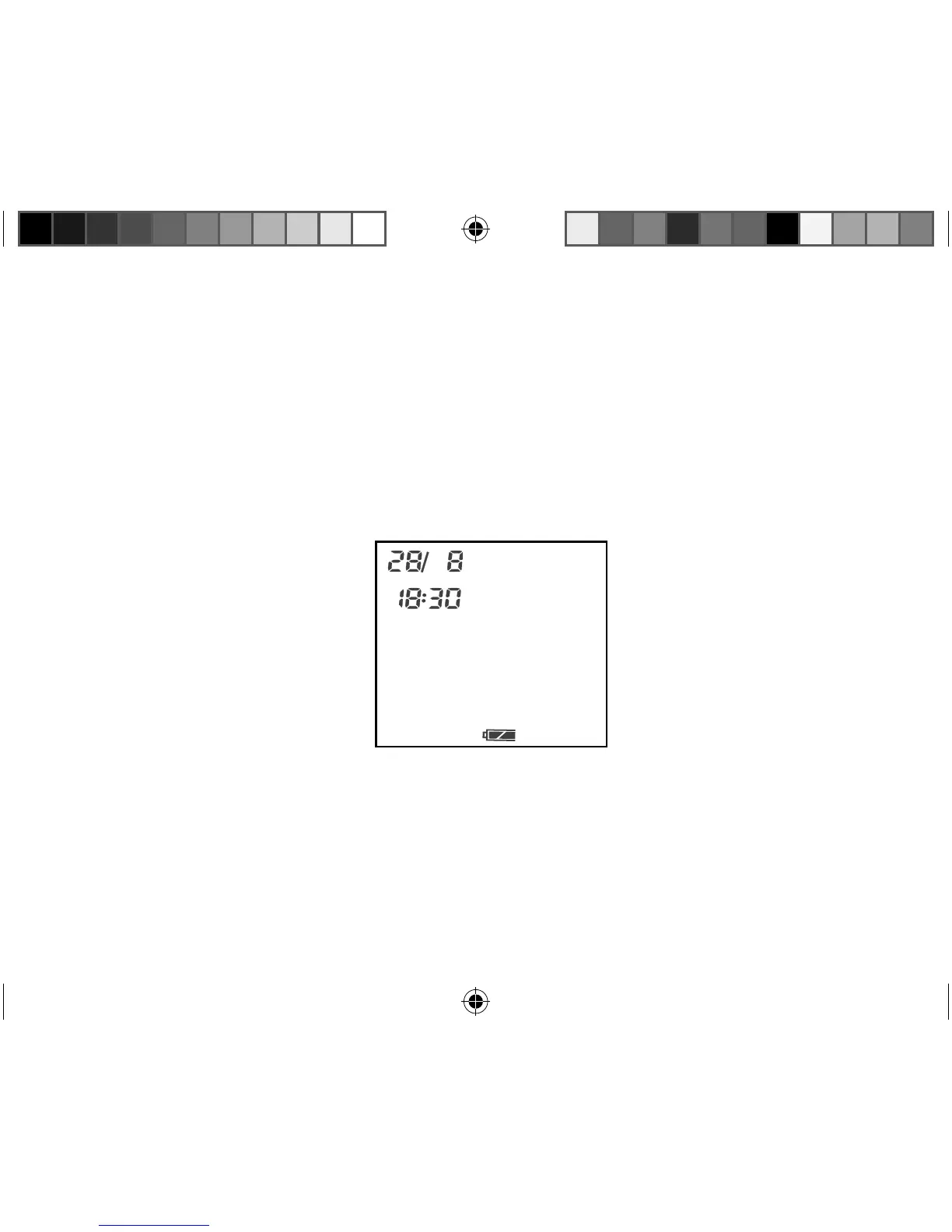
Press the TIME button to switch the monitor into standby mode.
The monitor is in standby mode.
The monitor will switch off if you do not press any buttons for approximately 2 minutes.
12450 USA final Content REV1.indd 3112450 USA final Content REV1.indd 31 18.10.2012 12:00:1618.10.2012 12:00:16


 To Next Page