CP 50 and CP 50 Plus 12-lead resting electrocardiographs — software update 01.30.04 4
Updating your CP 50 software to version 01.30.04 from ATE
mode
Before you begin
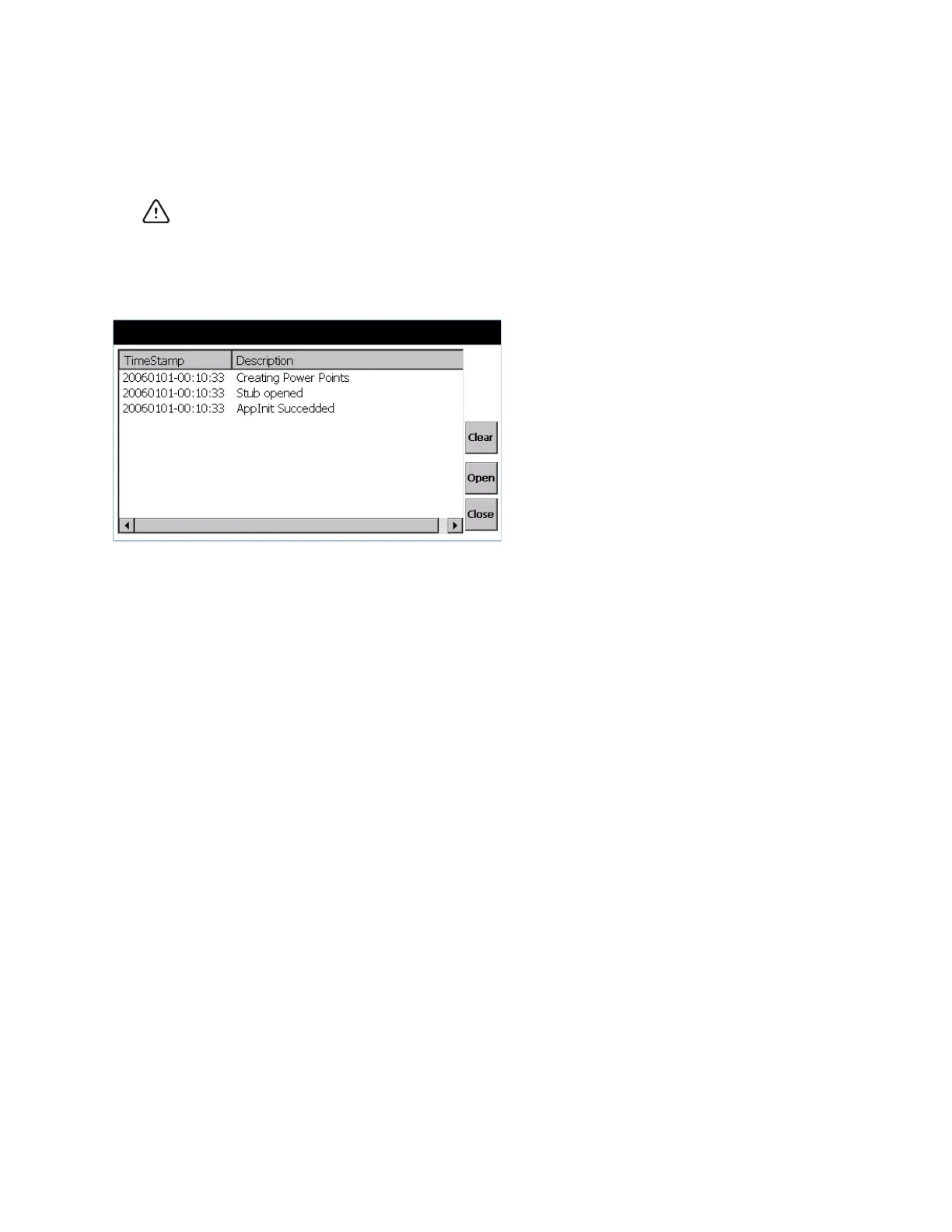
In ATE mode, the following screen is displayed when the device starts up.
To perform the update, you will need the following:
• The USB drive (part number 411053) that contains the update utility.
• The CP 50 you plan to update.
• A cable to connect the CP 50 to AC power.
• An AC power outlet.
Caution Data loss risk. Do not power down or interrupt the update process.



 To Next Page
 Loading...












