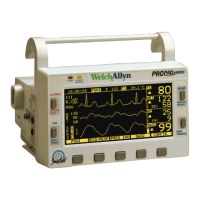
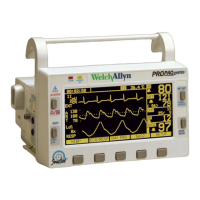
8 English Update: Propaq Encore Monitor Welch Allyn Propaq Encore Monitor
New Location for the ALL ALRM Key
The ALL ALRM key has been relocated to the Settings Menu under the Service Menu.
Respond to Equipment Alerts
SETUP
NIBP ECG/RESP
INV PRS SpO2/CO2
SETUP MENU 1
MORE
ALARMS
TRENDS
WAVE SEL
STATSCALE
MORENIBP TEST
IBP TEST
SpO2 TST
CO2 TEST
MORENEXT CHANGE WAVE SEL PRINTER
SERVICE MENU 1
TEMP TEST
PIXL TST
SERVICE MENU 2
MORESETTINGS KEY TEST SYSTEM
SERVICE MENU 3
NET TEST
NEXT UP DOWN ENTER
TIME/DAY MENU
PREV MENUNEXT CHANGE ALL ALRM
SETTINGS MENU
SETUP MENU 2
MORE
SERVICE
WAVE SEL
ACUITY
To access the ALL ALRM key, press
MAIN MENU, SETUP, MORE, MORE,
SERVICE, YES, MORE, MORE,
SETTINGS, ALL ALRM.
MAIN MENU
Note
If multiple equipment alerts occur simultaneously, the Propaq monitor displays a
MULTIPLE EQUIPMENT ALERT message. In certain situations, such as when a
channel is disabled, the source of the second alert is not displayed in the new
message. Look for blank numeric and waveforms areas on the screen to identify
the source(s) of multiple alerts.


 To Next Page
 Loading...