Page 7
WELDER INFORMATION (cont.)
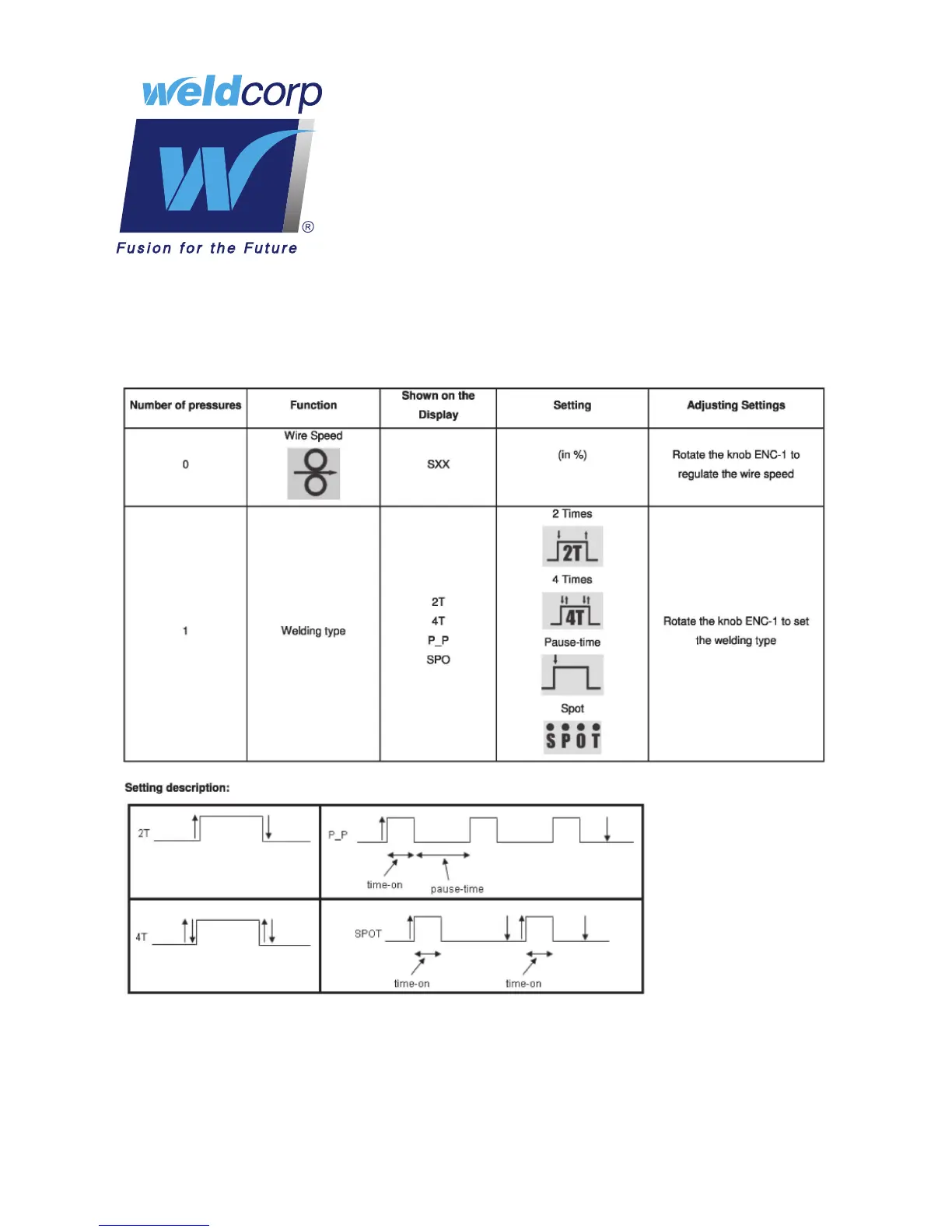
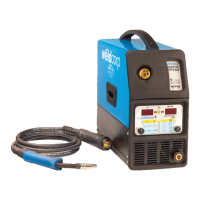
Through the pressure and rotation of ENC-1 it’s possible to set the following settings
shown on DISP-1:
After 3 seconds, if the knobs aren’t pushed, or the machine is in stand by mode, the display
DISP-1 shows the value set for the wire speed, while display DISP-2 shows the value set for
the power.
During the welding, DISP-1 shows the value of the welding voltage, while display DISP-2 (in
Page 8) shows the value set for the power.


 To Next Page