Page 7
WELDER INFORMATION (cont.)
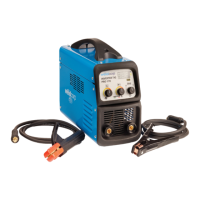
Once you have chosen the “MMA” welding, you
can adjust the welding current by turning the
knob “ENC-2”, the value displayed in DISP-2.
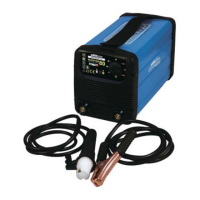
Once you have chosen the “TIG” welding, you can
adjust the welding current by turning the knob
“ENC-2”, the value displayed in DISP-2.
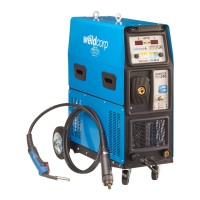
Once you have chosen the “MIG” welding, you
can set the following parameters:
Wire speed: the parameter is displayed on the
“DISP-1” after selecting the “MIG” welding. The
value is expressed as a percentage and can be
changed by rotating “ENC-1”.
Power: automatically appears on the “DISP-2”
when choosing “MIG” welding. You can change
the value turning “ENC-2”. The power value is
expressed as a percentage.
During MIG welding, “DISP-1” displays the voltage
and “DISP-2” shows the set welding current.
MMA WELDING
TIG WELDING
MIG WELDING


 To Next Page