WDRV-5063M/7063M
Operation
12. Operation
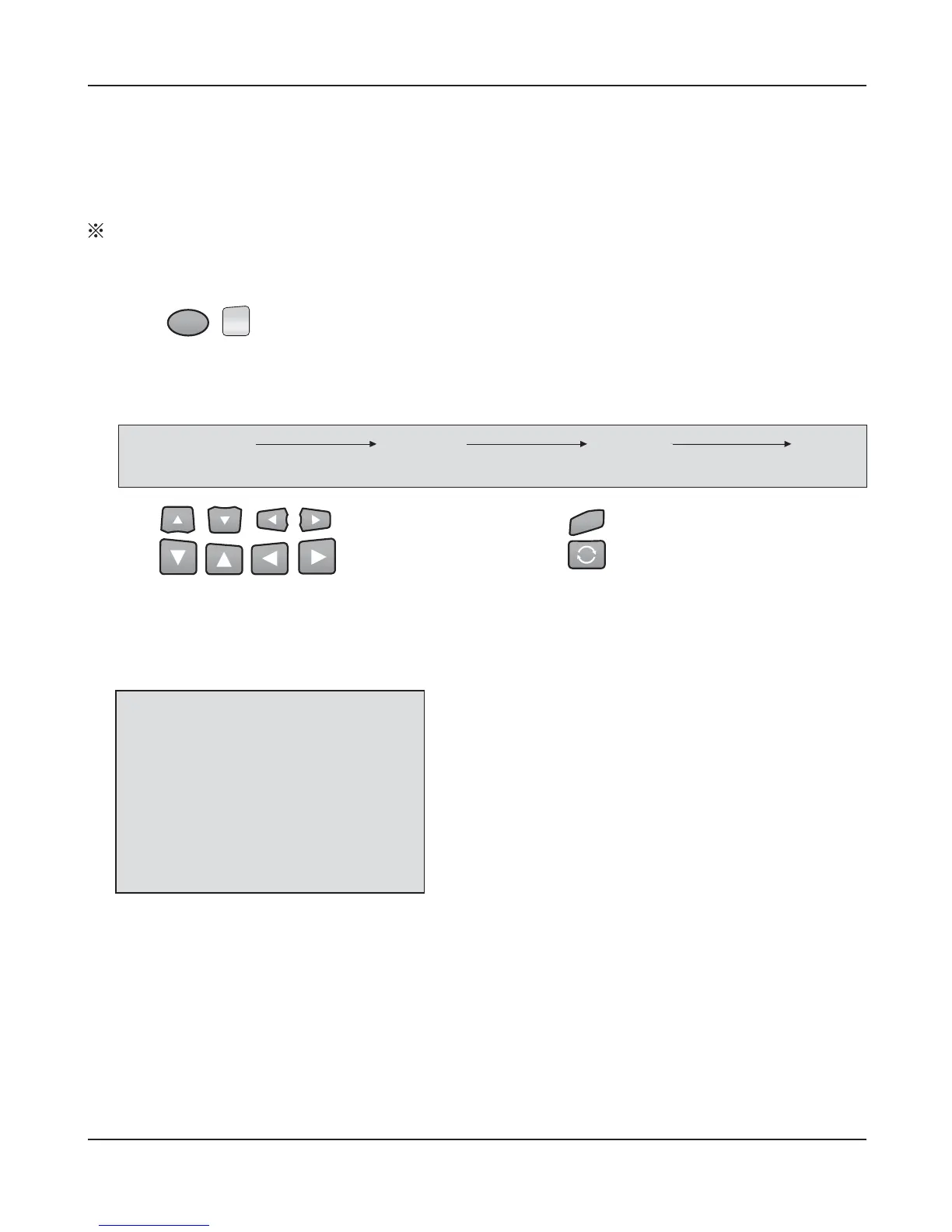
A. Press 'MENU' button on the remote controller.
The following will appear on the screen.
●
MENU
- Press to enter setup menu
- Selectable OSD menu disappears within 5 seconds if there is no command given.
- Menu Toggle
- Use buttons to navigate menu, adjust menu settings.
●
AUTO SCAN : Automatic scan when connected to video cable
●
OSD :
[
ON
]
- OSD remains on when camera is toggled
[
OFF
]
- OSD appears up to 5 sec when camera is toggled
●
INPUT :
[
Auto
]
- Rear & Side view cameras automatically selected
(
input on mode
)
[
Manual
]
- Rear & Side view cameras manually selected
(
input on mode
)
●
TRIGGER :
Set the priority video source when more than two trigger signals enter at the same time.
●
ASPECT : Picture ratio control.
(
Wide - 16:9 / Normal - 4:3
)
7 inch only.
Page1
(Function Settings)
Page2
(Camera Settings)
Page3
(Monitor Settings)
EXIT
MENU
AUTO SCAN
OSD
INPUT
TRIGGER TIME
TRIGGER PRID
ASPECT
[
OFF
]
[
OFF
]
[
AUTO
]
[
800ms
]
[
REAR
]
[
WIDE
]
SELECT
MENU
M
1
)
Three view system: You can hear sound all the time.
2
)
On view or security camera system: Audio available only when vehicle is in reverse.


 To Next Page