EasyManua.ls Logo

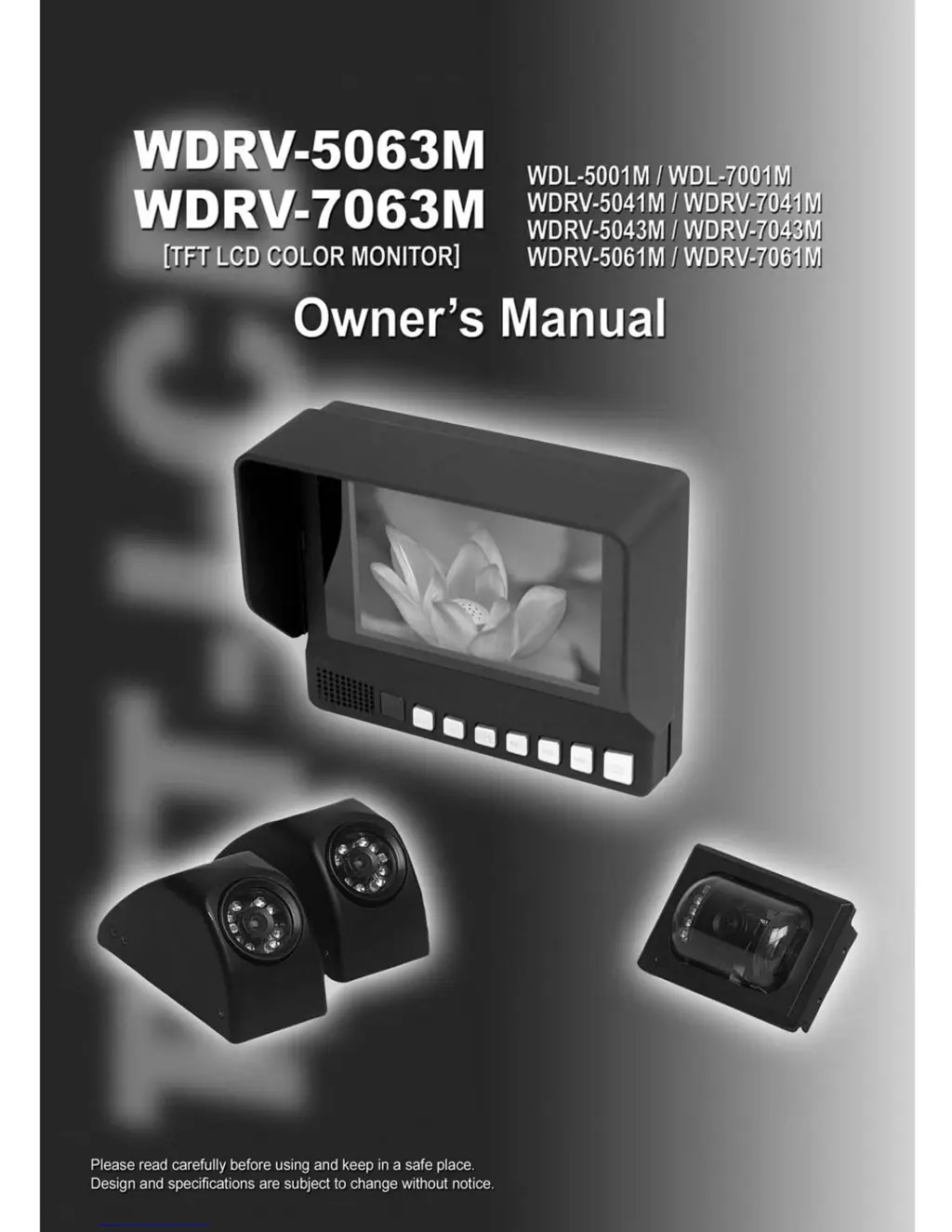
Weldex WDRV-5063M - User Manual

Weldex WDRV-5063M
16 pages
Print Icon
To Next Page IconTo Next Page
Loading...

Questions and Answers

  • J
    Jonathan TylerJul 29, 2025
    How to fix Weldex Monitor if power does not turn on?
    • R
      rwoodJul 29, 2025
      If the Weldex Monitor doesn't power on, make sure the power input is within DC12-32V. Ensure the red wire is connected to +Power and the black wire to GND. To enable automatic power-on, set Auto-On in the menu mode.
  • R
    Ricky SimsAug 3, 2025
    Why sound cannot be heard in Weldex WDRV-5063M audio?
    • K
      Kenneth FowlerAug 3, 2025
      If you can't hear any sound from the Weldex Monitor's audio, first check if the mute setting is enabled. Also, audio is only available when the vehicle is in reverse.
  • B
    Brett BellAug 7, 2025
    What to do if sync signal distracts and the Weldex Monitor screen is black and white?
    • M
      Margaret MurrayAug 7, 2025
      If the sync signal is distracting and the Weldex Monitor screen is black and white, try changing the SYSTEM setting in the menu.
  • M
    Maria NguyenAug 11, 2025
    How to adjust brightness on Weldex WDRV-5063M Monitor?
    • T
      tduranAug 11, 2025
      If the Weldex Monitor screen is too bright, adjust the BRIGHTNESS or CONTRAST settings. Pressing the RESET button will restore the default settings.
  • M
    melissasnyderAug 15, 2025
    Why is the Weldex Monitor screen color red or close to green?
    • T
      Tyler CollinsAug 16, 2025
      If the Weldex Monitor screen color appears red or close to green, adjust the TINT in the menu mode. Press the preset button to revert to the default settings.
  • A
    April HicksAug 20, 2025
    Why is the Weldex Monitor screen not clear?
    • M
      Michael BruceAug 20, 2025
      If the Weldex Monitor screen is not clear, it might be because the extension cable is too long, which can diminish the video quality. The resolution might decrease due to the protection of the LCD window.
  • M
    Mrs. Katherine TaylorAug 25, 2025
    How to turn on scale on Weldex WDRV-5063M in trigger mode?
    • A
      Ashley CookAug 25, 2025
      To display the scale in trigger mode on the Weldex Monitor, set the SCALE to [ON] in the menu mode.

Summary

Owners Record and Warnings

Owners Record

Record model and serial numbers for dealer reference.

Warnings

Safety warnings, including electric shock and handling precautions.

Features and Precautions

Precautions - Handling and Usage

Precautions - Operation and Maintenance

System Wiring

System Wiring Details

Operation - Menu Navigation

Operation - Menu Settings

Troubleshooting - Common Issues

Common Issues

Solutions for screen, video, audio, power, and trigger problems.

Troubleshooting - Operation Errors

Operation Errors

Troubleshooting specific operational errors like scan modes and OSD display.

Weldex WDRV-5063M Specifications

General IconGeneral
BrandWeldex
ModelWDRV-5063M
CategoryMonitor
LanguageEnglish