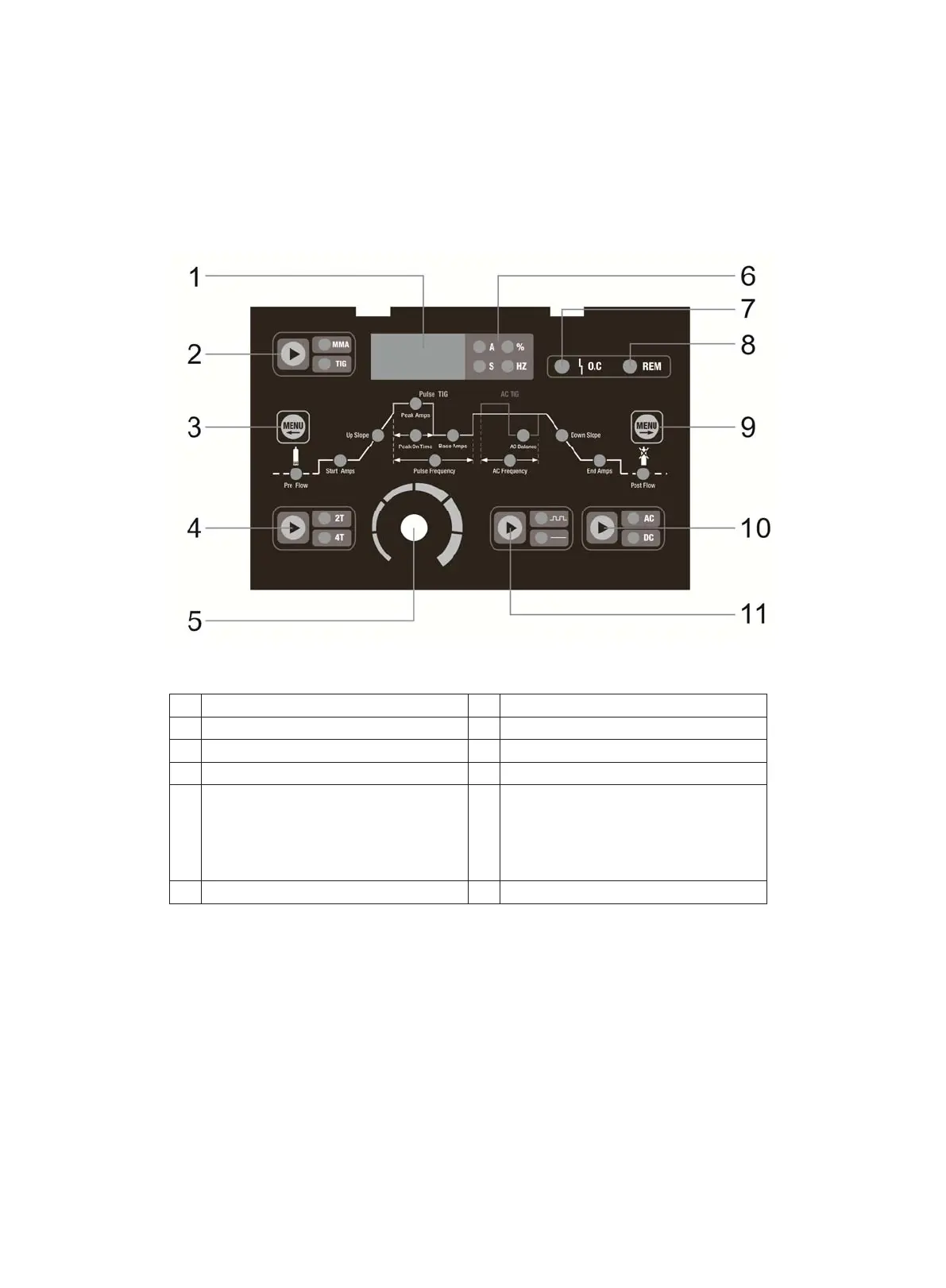
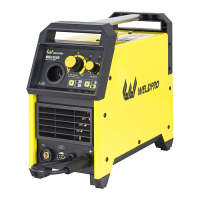
Below is an illustrated explanation of the functions
1 Panel Layout
1
2
3
4
5
6
7
8
9
10
11
12
Digital Display Meter
Abnormal Indicator Light
STICK/TIG Selector Button
Move Left Selector Menu Button
2T/4T Selector Button
Parameter Adjustment Knob (Pressed
in the knob tuning parameters is for
coarse adjustment, not pressed in is
for fine tuning.)
Unit of parameter Indicator Light
Remote Control Indicator Light
Move Right Selector Menu Button
AC/DC Selector Button
Pulse /No pulse Button
The panel picture above is for reference only. If any difference with the real machine, please follow with the real machine.
16


 To Next Page