13 of 20 Wellness Supply Group V002
chosen function shall flash. Please note that not all the functions can be selected in every
program according to the types of each program.
D. START/STOP: Starts or stops the program chosen. And, keep pressing for 2 seconds to
resets the monitor.
E. PULSE RECOVERY: Starts the function of PULSE RECOVERY.
F. MODE: Changes the display of the values between CALORIES or WATT. The values of
RPM and WATT show at the same time.
B. Display
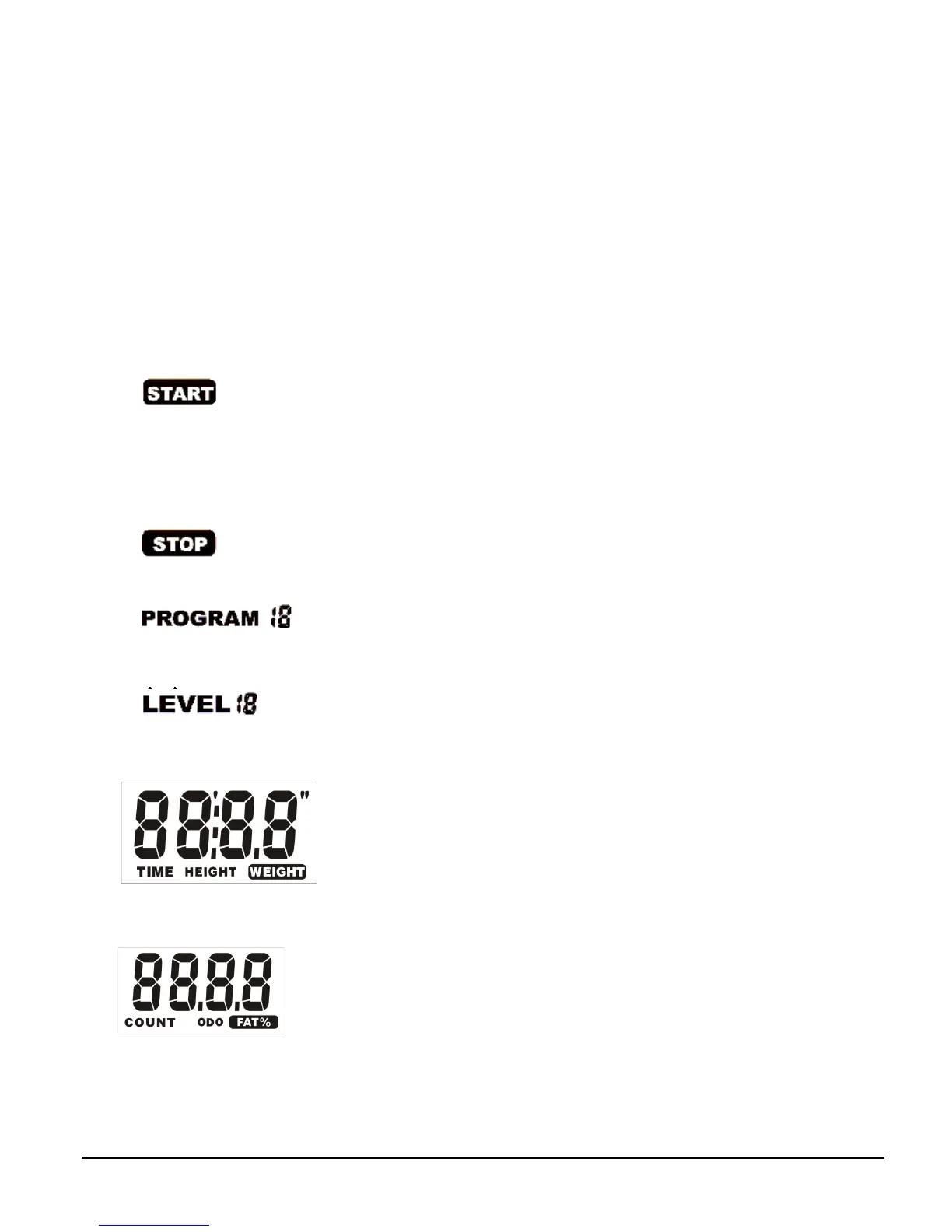
A. START: Indicates the program selected has started.
B. STOP: Indicates the program selected has stopped. And, users are free to change the
programs and the value of functions applied.
C. PROGRAM: Indicates the programs selected from PROGRAM 1 to PROGRAM 17.
D. LEVEL: Indicates the level of loading selected from LEVEL 1 to LEVEL 16.
E. GENDER: Indicates the gender (Male or Female) selected.
F. TIME/HEIGHT/WEIGHT Display: Indicates only 1 value of TIME, HEIGHT, or WEIGHT
displayed depending on the programs.
G. COUNT/FAT%: Indicates only one value of COUNT or FAT% displayed depending on the
programs.



 To Next Page