W9 Manual Page 32 - Revision: 10-06-2023
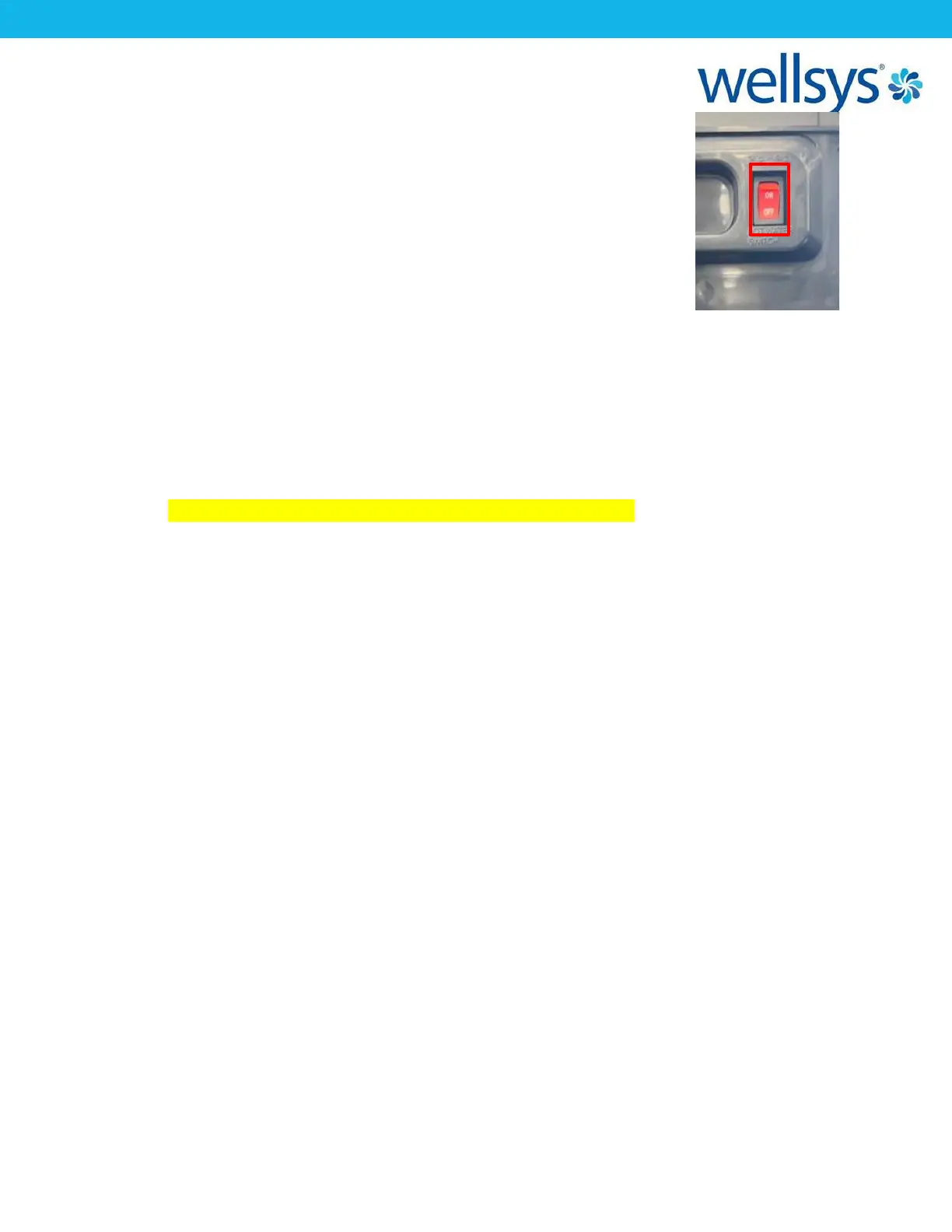
9. Once flow from both tanks is verified, turn ON the switch on the
back of the unit labeled “Hot Switch”. This will enable the hot tank
functionality and begin heating the water in the hot tank.
10. Return any panels still off the unit to their original positions and
reinstall the screws used to hold them in place. The unit is now
ready for use. The hot water will need about 15-20 minutes to
reach desired temperature, and the cold tank will need about 30-
40 minutes to reach desired temperature. Move unit into final
position, with at least 3” of clearance from walls on any side facing a wall.
11. Finally, perform a taste test of the water from the cold side. The water should be
flavorless with no aftertaste. If any taste is detected, the unit may require more flushing
of the tanks.
12. Take a TDS reading of the product water as well. TDS should fall around a 95% rejection
rate of the incoming water supply for RO.
((TDS Supply – TDS Product)/TDS Supply x 100 = % Reduction)
There is no significant drop in TDS for standard carbon filtration or UF Filtration. If,
reduction is significantly less than 95%, the RO filtration system should be inspected for
proper function.


 To Next Page