3
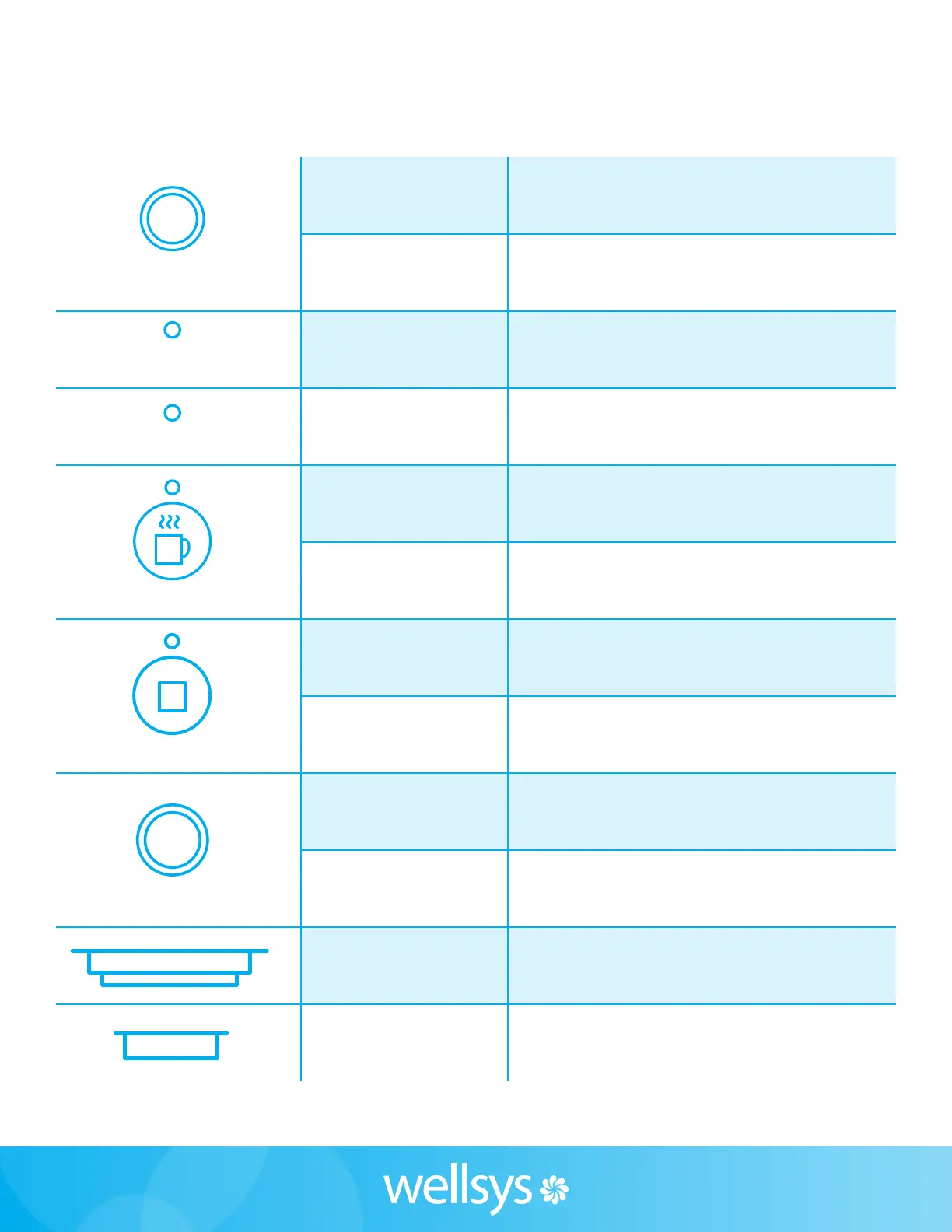
ICE LED
ICE LED will be on when the ice is ready
to be served, and blink while dispensing.
ICE DISPENSE BUTTON Push the button to dispense ice.
LED UV LED
LED UV LED will be on when the product
is in operation (Yellow).
FILTERED LED
FILTERED LED will be on when the product
is in operation (White).
HOT WATER LED
HOT WATER LED will be on when the product
is in operation (Red).
HOT WATER SELECT
BUTTON
Push the button to select hot water.
AMBIENT WATER LED
AMBIENT WATER LED is on when the ambient water
is selected (White).
AMBIENT WATER
SELECT BUTTON
Push the button to select ambient water.
WATER LED WATER LED will be on when the product.
WATER DISPENSE BUTTON Push the button to dispense ambient/hot water.
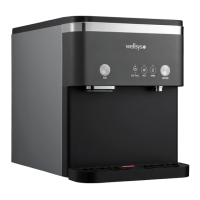
ICE DISPENSE SPOUT Ice is dispensed from ICE DISPENSE SPOUT.
WATER DISPENSE SPOUT Water is dispensed from WATER DISPENSE SPOUT.
DISPENSE BUTTONS
LED UV
WATER
FILTERED
AMBIENT
HOT
ICE


 To Next Page