Evolution MAX
11
Installing and removing the battery
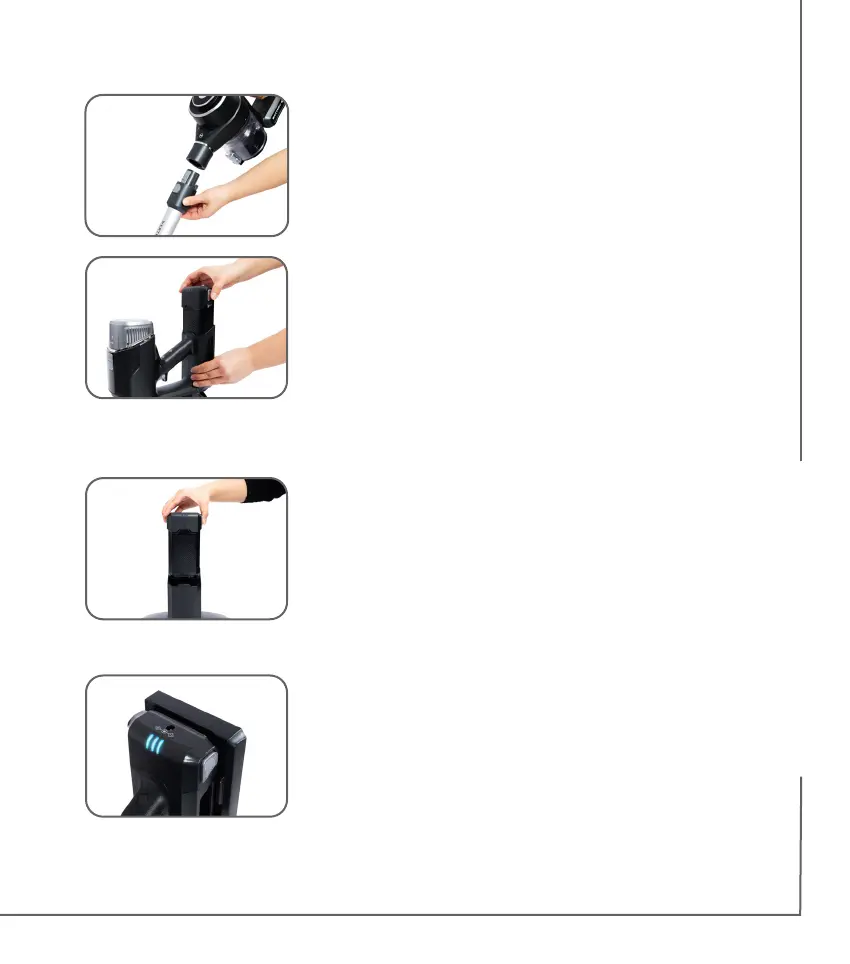
1. Insert the battery into the cleaner until it clicks
into place.
2. To remove the battery, press both battery
release buttons and gently remove.
Important! Always remove the battery from
the vacuum cleaner before tting or removing
accessories.
Store battery on charger base
1. The second battery can be stored and
charged simultaneously in the dock on
the charger base. If both the cleaner and
the second battery are connected to the
charging stand, the battery in the cleaner
will be charged rst, followed by the second
batter y.
Battery indicator light:
1. When all three lights on the battery are off, the
battery requires charging.
2. When all three lights are on, the battery is fully
charged.
3. When the lights are ashing, the battery
is charging. The number of ashing lights
corresponds to the amount of charge in the
battery.
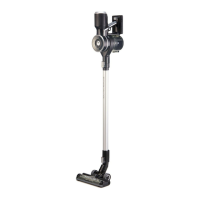
4. Insert the rod into the air inlet of the cleaner.
You will hear an audible “click” sound when it is
securely in place.


 To Next Page