EasyManua.ls Logo

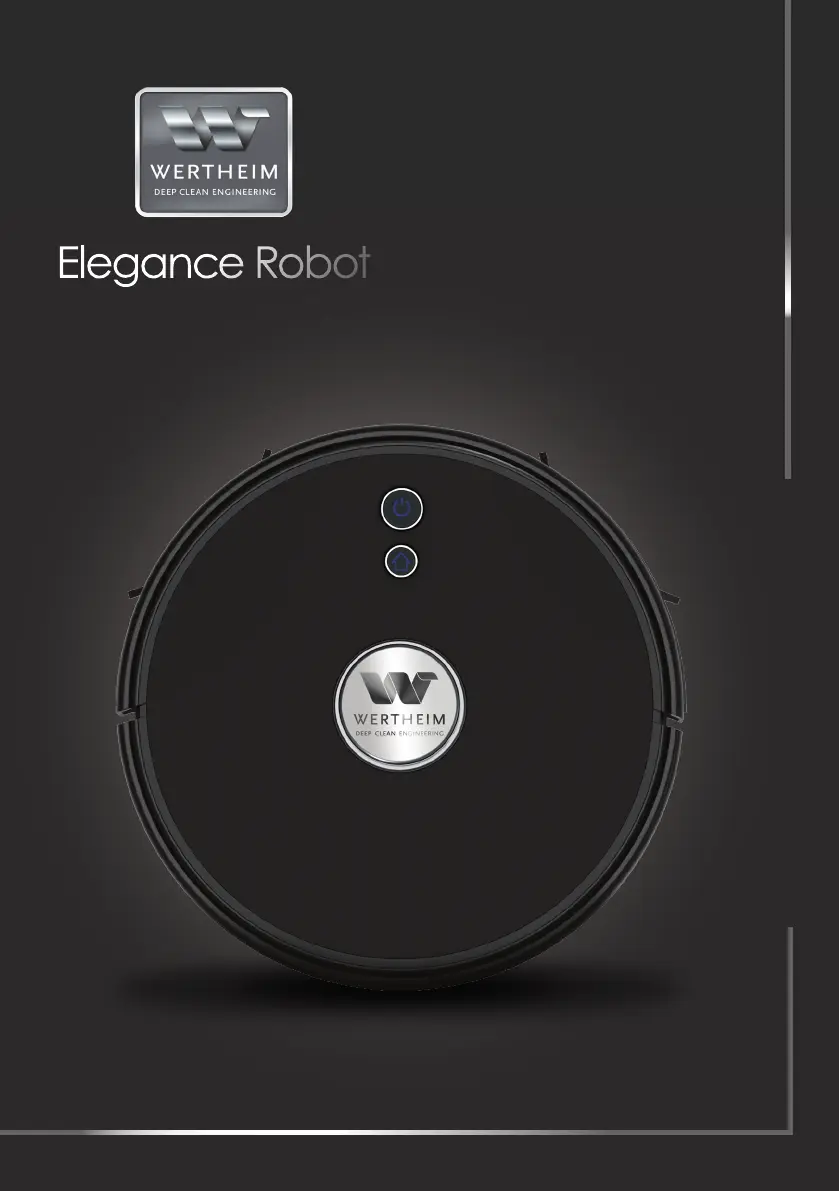
WERTHEIM Elegance Robot - User Manual

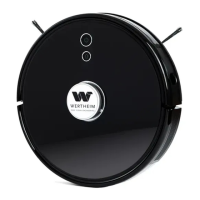
WERTHEIM Elegance Robot
20 pages
Print Icon
To Next Page IconTo Next Page
Loading...
Elegance Robot
Elegance Robot

Questions and Answers

  • C
    Cheryl SimonAug 4, 2025
    What to do if my WERTHEIM Vacuum Cleaner is not connecting to WiFi?
    • S
      Scott HawkinsAug 5, 2025
      If your WERTHEIM Vacuum Cleaner is failing to connect to WiFi, double-check your home WiFi password during the 'Add Device' process. Also, ensure you are selecting a 2.4GHz WiFi router, as this device may not be compatible with 5GHz routers.
  • M
    michael50Aug 13, 2025
    Why is my WERTHEIM Vacuum Cleaner losing cleaning ability and dropping dust?
    • E
      Elizabeth Roberson DVMAug 14, 2025
      If your WERTHEIM Vacuum Cleaner's cleaning performance is declining or you notice dust falling out, it could be due to a few reasons: The dust bin might be full, the filters could be blocked, or the main brush may be tangled with debris. To resolve this, try the following: - Empty the dust bin. - Clean or replace the filters. - Clean the main brush to remove any tangled debris.
  • C
    cole57Aug 25, 2025
    How to fix abnormal noise during WERTHEIM Elegance Robot use?
    • Z
      zkirkAug 25, 2025
      If you notice an unusual noise while using your WERTHEIM Vacuum Cleaner, it's likely that the main brush, side brushes, or wheels have become tangled with debris. To fix this, turn off the robot and carefully remove any obstructions from these components.

Summary

Product Features and Accessories

Key Product Features

Details the main functionalities and characteristics of the Elegance Robot.

Included Accessories List

Lists and illustrates all the accessories supplied with the robot cleaner.

Introduction and Specifications

Product Introduction

Welcomes the user and advises reading the manual for optimal use.

Technical Specifications

Provides detailed technical data including power, battery, charging, and dimensions.

Before You Begin

Initial Usage Guidelines and Warnings

Essential pre-operation instructions and critical safety warnings for safe use.

Safety Instructions

General Safety Precautions

Comprehensive safety rules for operating the robot vacuum cleaner and its accessories.

Battery Use and Care

Battery Handling and Maintenance

Instructions on proper battery charging, use, and care to prevent damage or hazards.

Risk Management and Sensors

Risk of Damage and Fire Hazards

Details risks of damage from objects and fire hazards from heat and flammables.

Laser Navigation Sensor Safety

Explains safe handling and usage around the laser navigation sensor.

Assembly and Charging Base Setup

Charging Base Installation

Guides on connecting the charger and positioning the charging base for optimal performance.

Robot Initial Setup

Installing Side Brushes

Instructions on correctly attaching the left and right side brushes to the robot.

Powering On and Wi-Fi Connection

Details on turning on the robot and connecting it to the mobile application via Wi-Fi.

Installing the Water Tank

2-in-1 Water Tank and Dust Bin Installation

Step-by-step guide for attaching and filling the 2-in-1 water tank and dust bin.

Operating the Robot

On;Off Button Functions

Explains how to use the On/Off button for starting, pausing, and shutting down the robot.

Recharge and Area Cleaning Commands

Describes how to command the robot to return to the charging base or pause operations.

Indicator Light Status Meanings

Interprets the status indicated by the robot's LED light colors.

Remote Control Guide

Remote Control Functions Explained

Details the purpose and operation of each button on the remote control.

Wertheim Elegance Robot App Usage

App Setup and Basic Operations

Guides on connecting the robot to Wi-Fi and performing basic cleaning tasks via the app.

Virtual Map and Cleaning Mode Selection

Explains virtual map use, battery indicator, and power setting selection.

Advanced App Functionality

Map Zoning and Robot Control

Describes features like map zoning, double cleaning, and prohibiting areas.

Maintenance Monitoring and Fault Detection

Explains filter life check, fault detection, and manual robot control.

Routine Maintenance

Emptying the Dry Dust Bin

Instructions for removing and emptying the dry dust bin from the robot.

Cleaning and Replacing Filters

Guides on cleaning or replacing the dust bin filters for optimal performance.

Component Care and Replacement

Roller Brush Maintenance

Steps for removing, cleaning, and replacing the main roller brush.

Side Brush Cleaning and Replacement

Instructions for cleaning and replacing the side brushes.

Troubleshooting Common Issues

Problem Resolution Guide

Lists common issues, their causes, and recommended solutions for the robot cleaner.

Spare Parts Identification

Available Spare Parts and Numbers

Lists replacement parts with their corresponding part numbers for ordering.

Warranty Information and Claims

Warranty Terms and Conditions

Details the one-year warranty, terms of coverage, exclusions, and claim procedures.

WERTHEIM Elegance Robot Specifications

General IconGeneral
BrandWERTHEIM
ModelElegance Robot
CategoryVacuum Cleaner
LanguageEnglish

Related product manuals