Method and Procedure
Field Operations Support MP-2009-12-004/ Issue 11/Date: 2/9/2011
Process Owner: Centralized Operations - Field Operations Support
Information contained in this document is proprietary
Unauthorized disclosure outside CenturyLink Corporation is prohibited
7
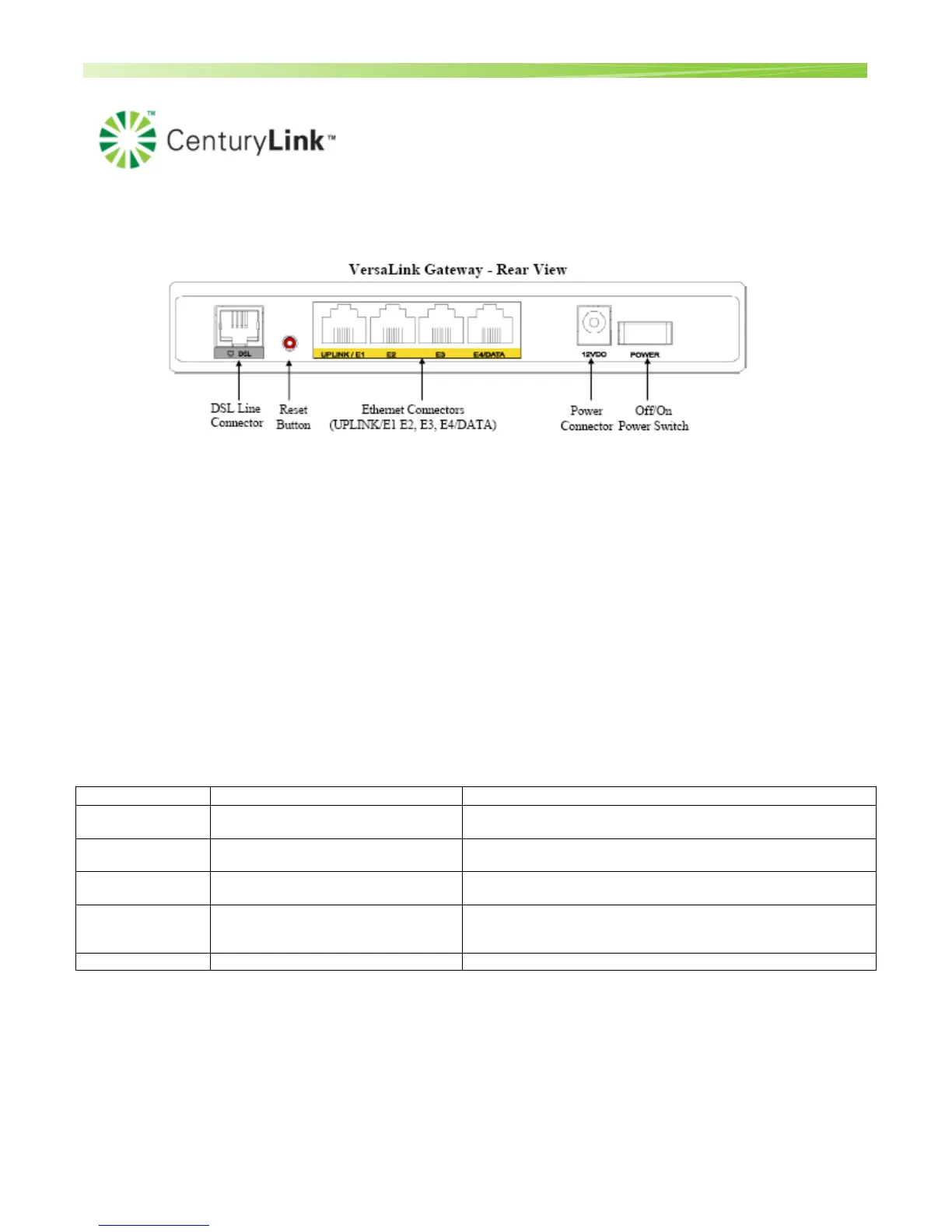
Rear Panel
DSL Line Connector (RJ-11)
Reset push button
Four Ethernet (RJ-45) connectors with optional UPLINK/E1 port and optional E4/DATA port.
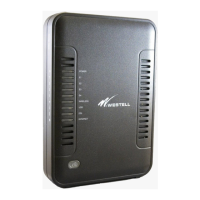
There is no USB port on the 7500. However, customers can use a Wireless USB adapter. It plugs into
the PC and then the customer can connect wirelessly to the 7500.
NOTE:
When using the optional UPLINK/E1 jack (when VersaLink is configured for WAN Uplink mode), Ethernet LAN
connections are limited to ports E2, E3, and E4. The Uplink feature is optional. If Uplink is not enabled via the
Web pages, VersaLink will use DSL as the WAN interface.
Power connector (12 VDC) barrel
Off/On power switch
Connector Descriptions – The following chart explains the device’s rear panel connector types.
Name Type Function
DSL LINE Modular 6-pin (RJ-11) DSL jack
Connects the Router to a telephone jack that has active ADSL
service or to the DSL port of a POTS splitter.
UPLINK/E1 Modular 8-pin (RJ-45) Ethernet jack
Connects the Router to a PC or Hub via 10/100 BaseT
Ethernet.
E2 – E3 Modular 8-pin (RJ-45) Ethernet jack
Connects the Router to a PC or Hub via 10/100 BaseT
Ethernet.
E4/DATA Modular 8-pin (RJ-45)Ethernet jack
When the Ethernet connector is plugged in to the Router’s
DATA port, the USB cable can then be plugged in to the USB
port on a PC or Hub.
POWER Barrel Connector Connects the 12VDC power connector to an AC wall jack.


 To Next Page