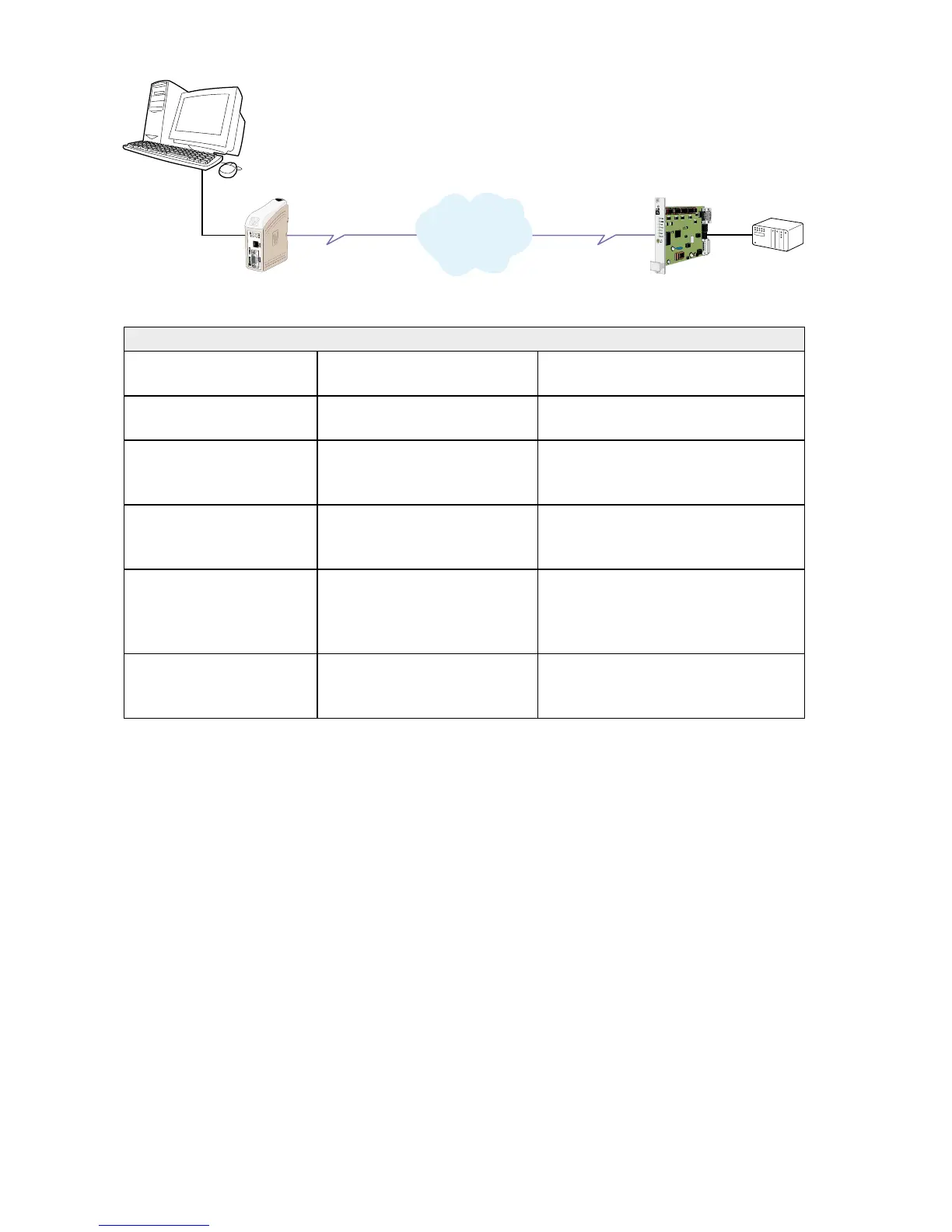
Set up the connection
The dialling modem
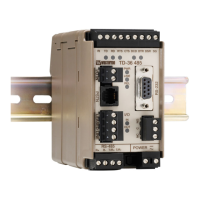
TDW-33
The answering modem
TR-36
Comment
ATD0705123456 TR-36 answers the call and
requests to TDW-33
Dial the number to TR-36
CONNECT 9600
Password: n3Y9kA6otYZu8
TR-36 verifies the password
to the passwords stored and
if true compare dissconnects.
Operator/system at TDW-33 enters
Password n3Y9kA6otYZu8
NO CARRIER Wait 10 s The connection is broken and TR-
36 waits the programmed 10 s for
TDW-33 to disconnect
TR-36 dials +4670428000 The number programmed corre-
sponding to the password is dialled,
preferable it’s the number to the
TDW-33
CONNECT 9600 CONNECT 9600 Connection is established between
the PC at TDW-33 and the PLC at
TR-36
PSTN
Network



 To Next Page