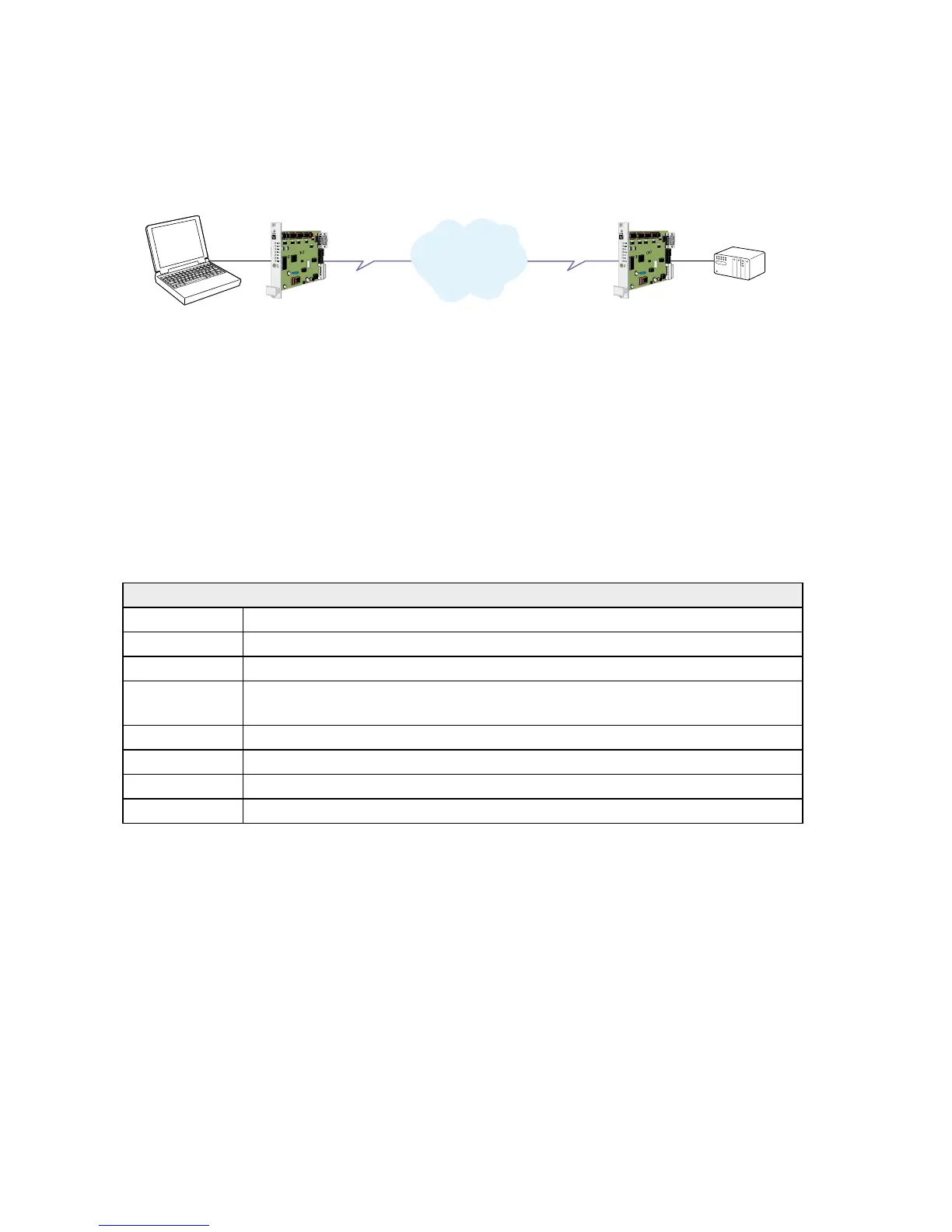
Most PLC-systems and other industrial applications where modems are used require the
same changes to the standard settings.
The most commonly encountered problems concern speed, parity and control signals
from the connected equipment.
Speed and parity are changed with the switches under the cover in block S1. If this action
does not solve the problem the modem’s answering codes and possible echoing of com-
mands might be the source of the difficulty.
Below follows a list of commands that might resolve the problems. The commands may
of course be placed on one single command line if desired.
Configure the TR-36 connected to the PLC
AT&F Set the unit to factory default
ATV0 Gives the answering codes in short format. (digits)
ATQ1 No result codes are sent on the RS-232/V.24 connection.
ATE0 Commands that are sent from the terminal/computer etc. are not echoed back
to the RS-232/V.24 connection.
AT&C1 DCD will follow the carrier on the line.
AT&K0 No handshaking.
AT&A1 Character abort option on.
AT&W Save settings
Note: S3:5 may be used for this purpose.
… Frequently used settings for PLC-systems



 To Next Page