PERFORMING ADVANCED TASKS
68
MY NET ROUTERS
USER MANUAL
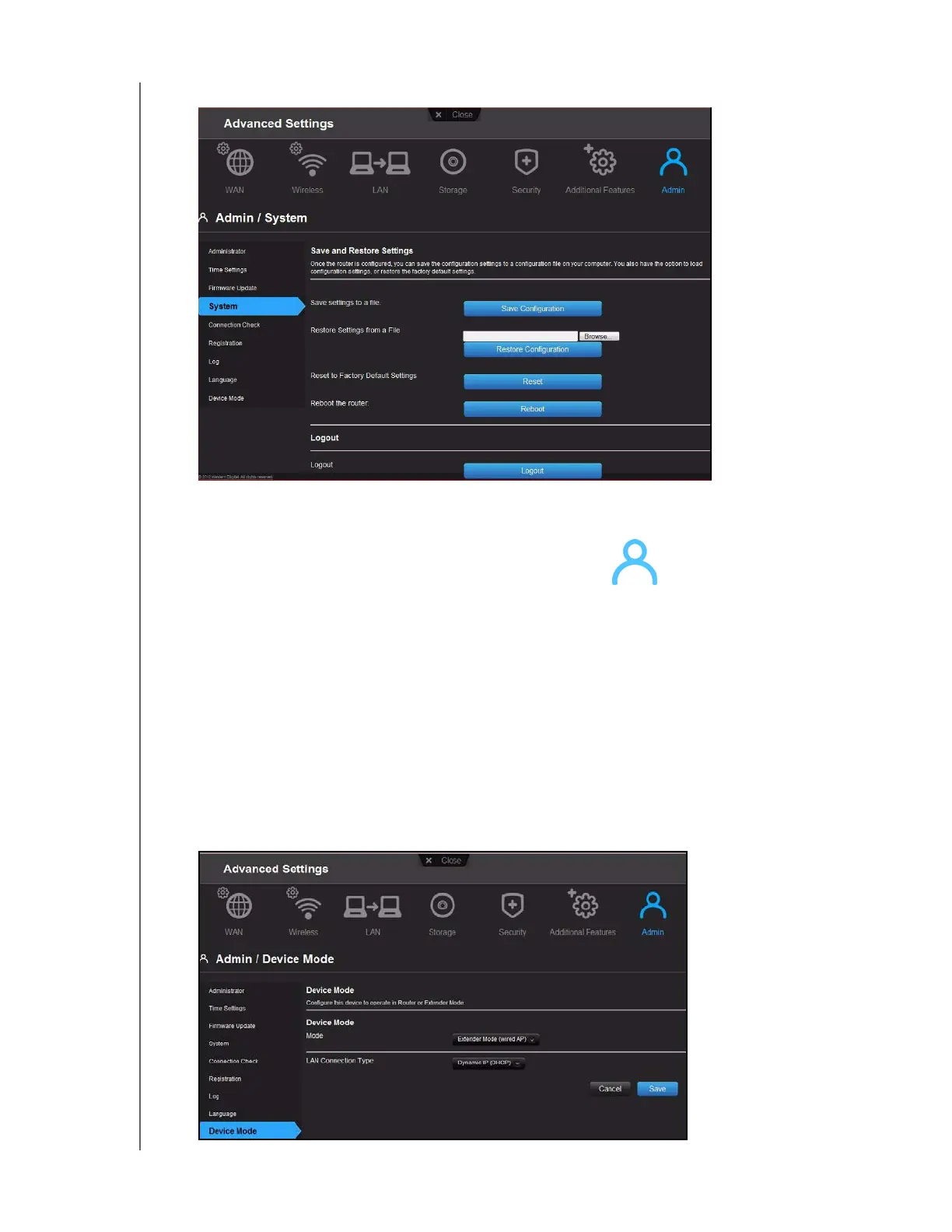
3. Scroll to the bottom of the screen and click Reboot.
Using the Router as an Access Point
You can use your My Net router as an extender or access point (AP). Extender mode can:
Add wireless coverage to a home network without wireless coverage.
Expand a home network’s wireless coverage.
Note: To use the router in extender mode, the router must be connected by wire
to your computer.
To convert the router to extender mode:
1. Click the Advanced Settings ic
on and then the Admin icon.
2. Click the Device Mode tab.
The LAN Connection Type displays.
3. From the Device
Mode drop-down list, select ExtenderMode (wired AP). The LAN
Connection Type displays.


 To Next Page